If you are running multiple accounts on e‑commerce, social media, or advertising platforms, you have probably heard that you should use an anti fingerprint browser. Learning how to use anti fingerprint browser tools correctly is crucial, because a poor setup can be as risky as not using one at all.
This guide walks you through the key concepts and then gives you a practical, step‑by‑step workflow, using a professional‑grade solution like MostLogin as a concrete example.
What Is an Anti Fingerprint Browser?
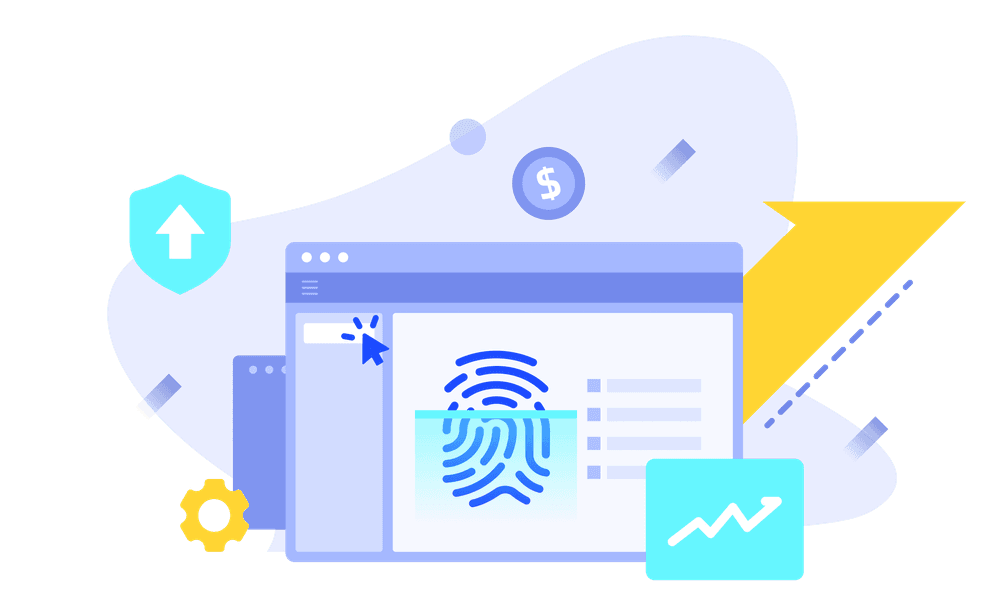
An anti fingerprint browser is a specialized browser that lets you create many isolated profiles, each with its own “device identity” and network characteristics. Platforms use browser fingerprints (Canvas, WebGL, WebRTC, Audio, fonts, User‑Agent, and more) plus IP and behavior data to decide whether multiple accounts belong to the same operator.
A good anti fingerprint browser allows you to:
- Control browser fingerprint parameters instead of exposing the raw fingerprint of your real machine.
- Separate cookies, cache, and storage per profile so accounts never leak data to each other.
- Assign different proxies or IPs to each profile to avoid IP‑based clustering.
MostLogin implements this using a custom Chromium/Firefox core and deep hooks into Canvas, WebGL, WebRTC, Audio, and other APIs, combined with strong profile isolation.
You can explore the core concepts and features here: https://www.mostlogin.com
When Should You Use an Anti Fingerprint Browser?
Before learning how to use one, you should verify you actually need it.
Typical valid use cases include:
- E‑commerce sellers managing multiple stores on Amazon, Shopee, Lazada, or eBay with separate brands.
- Agencies and MCNs operating many TikTok, Facebook, Instagram, or YouTube accounts for different clients.
- Performance marketers or affiliates testing many funnels and creatives in parallel.
- SEO and SERP research teams that simulate traffic from different regions and devices in a compliant way.
If you only run one or two accounts for a single brand, a standard browser plus basic hygiene may be enough and simpler to maintain.
Core Components You Must Understand
To correctly use an anti fingerprint browser, you need a clear picture of three pillars: profiles, fingerprints, and proxies.
Profile
A profile is a self‑contained browser environment with its own cookies, localStorage, cache, and fingerprint. In tools like MostLogin, each profile is stored in the cloud and can be synchronized across devices or teammates if needed.
Fingerprint
The fingerprint is the combination of technical signals your browser exposes:
- Canvas and WebGL fingerprints
- WebRTC and AudioContext behavior
- User‑Agent string, language, time zone
- Fonts, screen resolution, GPU and OS details
3. MostLogin can tune more than 100 such parameters to generate realistic, coherent fingerprints for each profile.
4. Proxy / IP
The proxy defines the IP location and network identity of the profile. To maintain true separation, each important account or store should have its own reliable residential or mobile proxy that matches its business region.
Understanding these three elements will make the step‑by‑step process much more intuitive.
Step 1 – Choose and Install an Anti Fingerprint Browser
The first step in learning how to use anti fingerprint browser software is selecting a professional tool instead of improvised solutions.
MostLogin, for example:
- Uses modified Chromium and Firefox cores with C++‑level hooks for precise fingerprint control.
- Provides desktop apps for Windows and macOS, plus a cloud‑phone solution for Android environments.
- Offers REST API and Local API endpoints for automation, compatible with Selenium, Puppeteer, and Chrome DevTools Protocol.
You typically download the installer from the official website and log in with your account.
Official site: https://www.mostlogin.com
Make sure you avoid unofficial builds or cracked versions, as they can introduce security risks and unstable behavior.
Step 2 – Plan Your Profile Structure Before Creating Anything
One of the biggest mistakes beginners make is creating profiles randomly. Instead, before you touch any UI, outline a simple structure:
- Decide how many “entities” you will manage: stores, brands, clients, or campaigns.
- For each entity, specify: platform (Shopee, TikTok, Facebook, etc.), target country, language, and proxy type.
- Define naming conventions, for example:
SHOPEE_ID_mainstore_01TIKTOK_TH_brandA_01
MostLogin allows you to organize profiles with names, tags, and groups, which pays off when you reach hundreds of profiles.
Step 3 – Create Your First Anti Fingerprint Profile
Now you can start learning how to use anti fingerprint browser profiles in practice.
In a tool like MostLogin, the general flow is:
- Click “Create Profile” or similar button in the dashboard.
- Enter a meaningful name (e.g.,
AMAZON_US_storeA_01). - Choose a base browser core (Chromium or Firefox) depending on your target platform’s compatibility.
- Select or generate a fingerprint template:
- Choose OS type (Windows/macOS), screen resolution range, and hardware profile.
- Let the tool auto‑generate coherent Canvas/WebGL/Audio/WebRTC values for you.
MostLogin’s engine is designed to create realistic, non‑random fingerprints that resemble actual user devices rather than extreme or impossible combinations.
Once saved, your profile becomes an isolated environment you can open like a separate browser.
Step 4 – Connect a Suitable Proxy to the Profile
Using the profile without a proper proxy defeats much of the purpose. To ensure each account appears as a unique user from a believable location, you should:
- Choose proxy type:
- Residential or mobile proxies for e‑commerce and social media.
- Datacenter proxies only for low‑risk environments or internal testing.
- Match proxy location to your business region (for example a US IP if your store is registered for the US market).
- Assign one proxy per important account or store to avoid correlation.
MostLogin lets you save and reuse proxy configurations and bind them to profiles during creation or later edits.
After linking the proxy, open the profile and visit an IP‑check site to confirm the IP and location match your expectations.
Step 5 – Log In and Warm Up the Profile
With the profile and proxy ready, you can log in to your target platform.
Recommended habits:
- Start with light, human‑like activity instead of instantly performing aggressive actions.
- Complete basic account details, add a profile picture, and browse around the site for a while.
- Avoid logging into the same account from another environment in parallel (for example your normal browser).
MostLogin keeps cookies and local storage inside the profile, so the account will “remember” this device on subsequent logins.
Step 6 – Repeat for Each Account with Clear Separation
To scale from one to many accounts, repeat the previous steps, but never short‑cut separation.
- Create a dedicated profile for each important account or store.
- Use a unique proxy / IP per profile when correlation risk is high.
- Keep naming and tagging consistent so you do not confuse identities.
In MostLogin, profiles are stored in the cloud and can be shared across team members with role‑based permissions, so different operators can handle different accounts without leaking fingerprints or cookies.
Step 7 – Use Automation (Carefully) via API
For advanced users, learning how to use anti fingerprint browser APIs can greatly increase efficiency.
MostLogin provides:
- Local API: Interact with profiles running on your machine, open/close sessions, and inject automation.
- REST API: Manage profiles and cloud resources programmatically from your own backend.
- SDKs and compatibility with Selenium, Puppeteer, and Chrome DevTools Protocol.
Typical automation examples include:
- Scheduled login checks and inbox scans.
- Bulk data export (for example orders, messages, or notifications).
- Controlled testing of creatives, messages, or landing pages.
You should always test automation scripts on a small number of non‑critical accounts first and keep behavior conservative to avoid triggering platform defenses.
Official API docs and examples are linked from: https://www.mostlogin.com
Common Mistakes When Using an Anti Fingerprint Browser
Even with a good tool, poor operational practices can ruin your account health.
Frequent mistakes include:
- Reusing the same proxy across many unrelated profiles.
- Constantly changing fingerprints for the same account, making the device look unstable.
- Mixing business and personal usage in the same profile.
- Logging in from the anti fingerprint browser and from a normal browser on the same day with conflicting IPs.
Professional tools like MostLogin make it easier to maintain discipline thanks to clear profile lists, tags, and logs, but you still need internal rules for your team.
Best Practices to Keep Your Setup Healthy
To get long‑term value from an anti fingerprint browser, follow these best practices:
- Treat each profile as a “real person”: consistent device, IP region, language, and usage schedule.
- Document internally which operator handles which profiles to reduce accidental cross‑usage.
- Use high‑quality proxies and rotate only when necessary (for example when an IP is clearly burned).
- Update the anti fingerprint browser client regularly to benefit from fingerprint engine improvements.
MostLogin’s roadmap focuses on improving fingerprint realism, adding more control over WebRTC and media devices, and deepening integration with automation frameworks, which helps keep profiles looking natural as platforms evolve.