Quick answer: MostLogin is the strongest all-round option in this comparison for affiliate teams that want isolated browser profiles, centralized profile management, proxy configuration, automation support, cloud-phone workflows, and role-based collaboration in one operating system. Multilogin is better suited to established teams that prefer a long-standing platform, AdsPower offers a practical low-commitment starting point, GoLogin focuses on simpler profile management, and Dolphin Anty may appeal to campaign-centered media-buying teams.
The right choice still depends on your number of authorized workspaces, team seats, integration needs, mobile requirements, and the rules of each affiliate network or advertising platform.
Affiliate marketing teams rarely work inside a single dashboard. A normal operation may span several affiliate networks, advertiser portals, campaign trackers, landing-page tools, analytics platforms, work inboxes, and approved advertising accounts. As the number of clients, regions, traffic sources, and team members grows, browser-session management becomes a genuine operational problem.
An anti detect browser for affiliate marketing creates separate browser environments for distinct, authorized workflows. When every account or campaign workspace has its own internally consistent profile, teams can reduce preventable mistakes such as opening the wrong saved session, mixing cookies between clients, or applying settings that do not match the documented operating context.
Important: profile isolation is a workflow and risk-management tool—not a way to bypass platform rules. No browser can guarantee that an account will avoid review, restriction, or enforcement. Identity, payment methods, traffic quality, disclosures, consent, campaign behavior, and applicable law still matter.
Anti Detect Browsers for Affiliate Marketing at a Glance
| Tool | Best for | Core workflow strength | Before choosing |
|---|---|---|---|
| MostLogin | Affiliate teams reducing operational account risk | Profiles, fingerprint settings, proxy management, API, cloud phones, and team controls | Define ownership, approved regions, permissions, and profile purpose first |
| Multilogin | Established multi-profile teams | Mature profile management and automation-oriented workflows | Check profile limits, seats, proxy allowances, API, and mobile needs |
| AdsPower | Individuals and smaller teams testing profile-based operations | Free entry option plus scalable collaboration features | Free tiers may not include enough profiles or team controls |
| GoLogin | Smaller teams seeking simpler profile management | Separate profiles, session persistence, proxy assignment, and syncing | Review team-seat, engine, API, and plan restrictions |
| Dolphin Anty | Campaign-centered affiliate and media-buying workflows | Profile grouping and campaign-oriented organization | Verify access control, data handling, and automation support |
MostLogin: Best for Reducing Avoidable Operational Account Risk
Best overall for organized affiliate teams
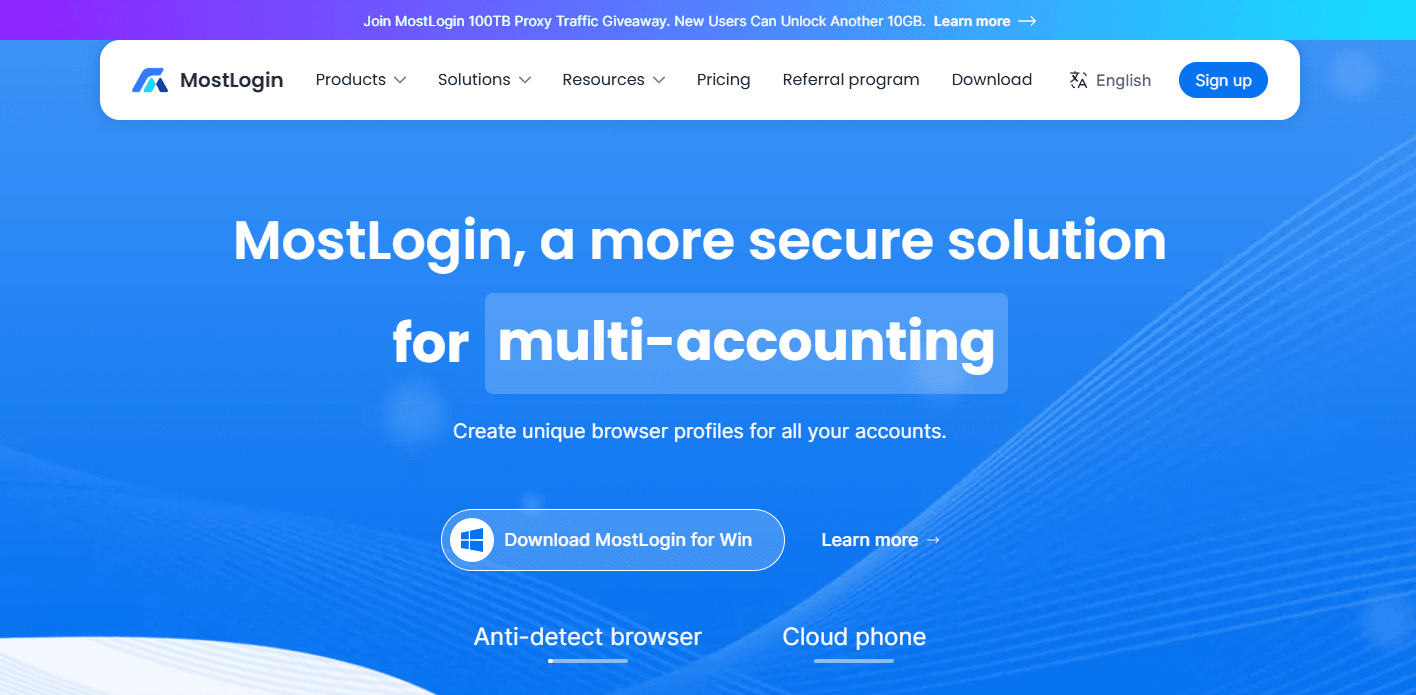
MostLogin is designed for multi-account operations that require separate browser profiles, centralized management, and scalable workflows. For authorized affiliate work, its main value is environmental consistency: browser data, profile settings, connection configuration, and ownership context stay inside a dedicated workspace instead of being mixed in a standard browser.
This separation helps prevent avoidable errors that may increase account-review risk, including opening the wrong session, carrying cookies or local storage into an unrelated client workspace, or using connection and browser settings that conflict with the profile’s documented purpose.
Key capabilities
- Independent browser profiles with separate cookies, cache, local storage, and session data
- Fingerprint configuration for user agent, WebRTC, Canvas, WebGL, audio, and related browser attributes
- Proxy assignment and batch proxy updates for documented connection settings
- Bulk profile creation and profile-management workflows
- API access for approved integrations and repetitive internal tasks
- Cloud-phone options for workflows that genuinely require Android environments
- Profile sharing, role-based permissions, and operation logs for authorized teams
MostLogin supports a repeatable operating model: one authorized business environment, one profile, one defined configuration, and one documented purpose. Its pricing page lists profile-management and team-collaboration options across available plans.
Best use case
MostLogin is a strong fit for affiliate teams and agencies that manage multiple authorized environments while keeping browser data, fingerprint-related settings, proxy configuration, access permissions, and operating context separate.
Practical naming example: Acme / Partner Network / US / SaaS Search / Mia. The name identifies the client, affiliate network, approved GEO, campaign type, and responsible operator before the profile is opened.
Considerations
MostLogin reduces preventable operational risk; it does not make non-compliant activity acceptable or override enforcement. Before scaling, document account ownership, authorized users, operating regions, proxy requirements, payment responsibility, and handover procedures.
Multilogin: Best for Established Multi-Profile Teams
Established platform
Multilogin is one of the longer-established names in the anti-detect browser category. It provides browser-profile management for teams that need to separate online workspaces and coordinate multiple authorized environments.
Key capabilities
- Separate browser environments for account-based workflows
- Team-oriented profile management and persistent sessions
- Proxy-related functionality and automation-friendly API options
- Browser and cloud-phone options on selected plans
Best use case
Multilogin may suit an established affiliate operation that wants a recognized platform and expects its profile, collaborator, and automation requirements to grow.
Considerations
Review current profile limits, included seats, proxy allowances, cloud-phone requirements, trial terms, and API limits. A plan that works for a small team may become less economical as client and campaign volume expands.
AdsPower: Best for Teams Starting With Limited Profiles
Low-commitment entry point
AdsPower is a widely used browser-profile management platform with free and paid options. Its limited free tier makes it practical for individuals or small teams that want to test profile-based organization before committing to a larger deployment.
Key capabilities
- Browser-profile separation and a free starting tier
- Team collaboration, member permissions, and profile sharing on supported plans
- API access and scaling options for larger profile volumes
Best use case
AdsPower can work for an individual affiliate marketer, a smaller team, or an agency testing whether a profile-management workflow fits its operation.
Considerations
Confirm which collaboration, permissions, and automation features are included in the exact plan. A free tier is useful for evaluation but may not provide enough profiles or team controls for multi-client production work.
GoLogin: Best for Smaller Teams Seeking Simple Profile Management
Simpler profile workflows
GoLogin is commonly considered by individuals and smaller teams that want separate browser profiles without a highly complex management structure.
Key capabilities
- Separate browser profiles and persistent sessions
- Proxy assignment and cloud-based profile synchronization
- Team and automation options depending on the subscription
Best use case
GoLogin may fit a smaller affiliate operation that needs to organize a limited number of authorized environments with a relatively straightforward profile workflow.
Considerations
Check current profile limits, seat rules, proxy support, browser-engine options, synchronization behavior, and API availability. These details have a direct impact on agency cost and usability.
Dolphin Anty: Best for Campaign-Centered Affiliate Workflows
Campaign-oriented organization
Dolphin Anty is often evaluated by affiliate marketers and media-buying teams that organize work around campaigns, traffic sources, advertising activity, and profile ownership.
Key capabilities
- Browser-profile organization and proxy configuration
- Team access, profile grouping, and campaign-workflow features
- Automation compatibility depending on plan and implementation
Best use case
Dolphin Anty may be relevant for performance-marketing teams that prefer to group profiles around campaign ownership, traffic sources, or approved regional operations.
Considerations
Verify plan-specific access controls, data handling, automation capabilities, and compatibility with the rules of the affiliate networks and advertising platforms you use.
How to Choose an Anti Detect Browser for Affiliate Marketing
The best anti detect browser is not automatically the one advertising the largest number of profiles. It is the one that lets your team maintain a consistent, separate, auditable, and authorized environment for each account or campaign workflow.
Profile isolation
Each profile should preserve its own cookies, cache, local storage, extensions, saved sessions, and browser settings. This prevents accidental crossover between unrelated clients, networks, campaigns, or regional workspaces.
Fingerprint and environment consistency
Evaluate whether the platform can preserve relevant settings such as user agent, language, time zone, WebRTC, Canvas, and WebGL in a documented configuration. Avoid frequent, unexplained changes. Consistency supports operational discipline but never overrides platform policy.
Proxy management
Treat connection settings as part of the profile record. When a campaign has a legitimate regional requirement, document the approved location, time zone, language, and connection owner. Unnecessary, undocumented changes make internal troubleshooting harder and may conflict with account requirements.
Automation support
Automation is most useful for low-risk internal tasks: creating approved profiles, applying standard settings, updating metadata, and connecting internal systems. Retain human review for sensitive actions, and check every workflow against network, advertiser, and platform rules.
Team permissions and auditability
For agencies, profile sharing alone is not enough. Look for role-based access, clear ownership, activity records, and a clean offboarding process. These controls reduce password sharing and make handovers easier to audit.
Scalability and total cost
Compare the real number of active profiles, seats, API limits, cloud-phone requirements, proxy costs, and collaboration features—not only the headline monthly price. The cheapest starting plan may not remain economical when client volume grows.
Recommended Affiliate Profile Structure
A sustainable affiliate operation defines exactly what one profile represents. A profile might map to:
- One client relationship
- One authorized affiliate-network account
- One approved regional campaign operation
- One approved traffic-source workspace
- One internal testing environment
- One dedicated mobile workflow
This structure makes profiles easier to find, review, transfer, and retire as campaign volume grows. Add an owner, approved region, purpose, connection record, and last-review date to each profile’s documentation.
Best Practices for Responsible Use
Operating principle: one authorized business environment, one documented profile, one accountable owner, and one legitimate purpose.
- Create a separate profile for each authorized business environment
- Keep browser and connection settings consistent with the approved operating context
- Separate live campaigns from testing environments
- Document ownership, region, purpose, permissions, connection configuration, and review date
- Use role-based access instead of sharing passwords
- Remove access promptly when staff responsibilities change
- Review active profiles regularly for ownership, session accuracy, and configuration consistency
- Follow affiliate-network terms, advertiser conditions, privacy requirements, disclosure laws, and platform rules
Build a cleaner affiliate operating system with MostLogin
Separate authorized campaign environments, standardize profile ownership, and give team members only the access they need.
Final Verdict
For affiliate teams that prioritize reducing preventable operational account risk, MostLogin is the strongest option to evaluate first. Its isolated profiles, fingerprint configuration, independent session data, proxy-management workflows, automation support, cloud-phone options, and team controls can help create more consistent and accountable environments for authorized operations.
Multilogin may suit established teams that prefer a long-standing multi-profile platform. AdsPower offers a practical entry point for smaller teams that want to test a limited profile workflow. GoLogin may appeal to teams seeking simpler management, while Dolphin Anty can fit campaign-centered affiliate operations.
The final decision should not be based on profile count alone. Choose the platform that best supports compliant, documented, authorized, and reviewable affiliate work—and verify current plan details before committing.