As the anti-detection browser market matures, more and more tools are striving for comprehensive functionality. MoreLogin, an early entrant in this market, has continued to update its features in recent years. But in the 2026 usage environment, can it still meet the needs of multi-account management, team collaboration and other scenarios? Today we will conduct an in-depth review!
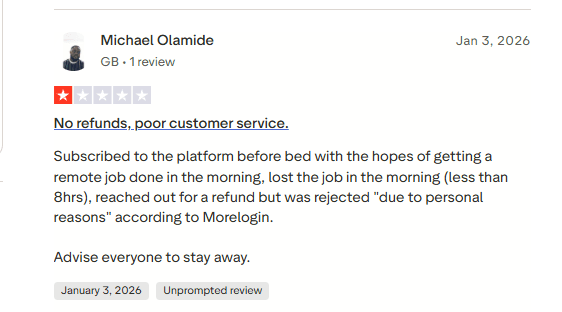
According to reviews on Trustpilot, most of the negative feedback about MoreLogin currently revolves around software functionality issues. Today we will test and experience its latest version to provide you with a useful reference!
What is MoreLogin?
MoreLogin is an anti-detection browser tool focused on multi-account management and browser fingerprint isolation. It is mainly used to create multiple isolated browser environments on a single device, reducing the risk of account association and security control restrictions.
It can assign independent fingerprint parameters (such as User Agent, Canvas, WebGL, language, time zone, etc.) to each browser profile. When used with proxies, it can make multiple accounts appear to originate from different devices and network environments.
2026 MoreLogin In-Depth Review
Tech-Oriented Interface
The overall operation process is quite complex, and the translation of some English content is not fully refined. New users face a learning curve when first using this product. Some setting options are collapsed by default and require manual expansion and adjustment.
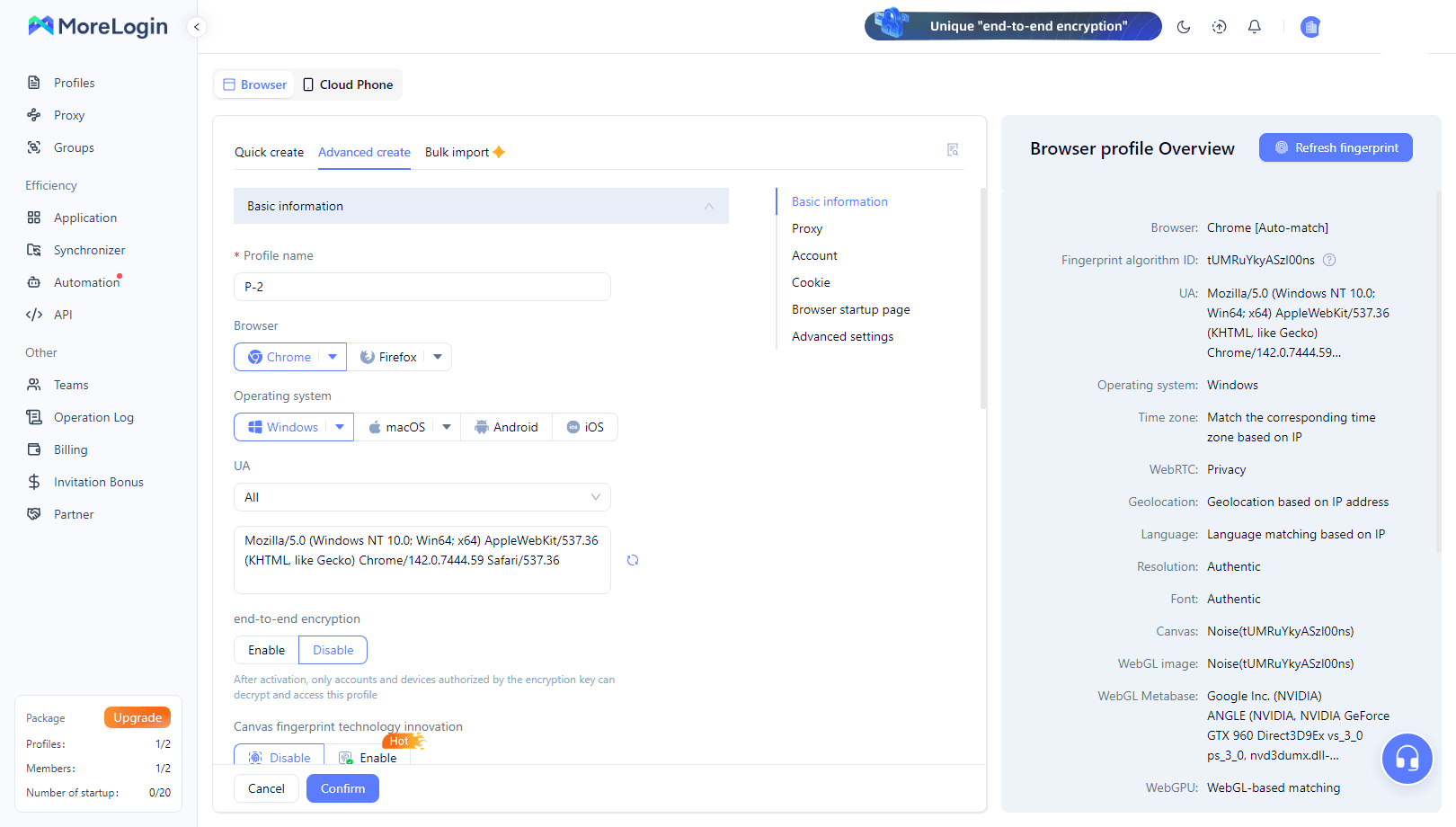
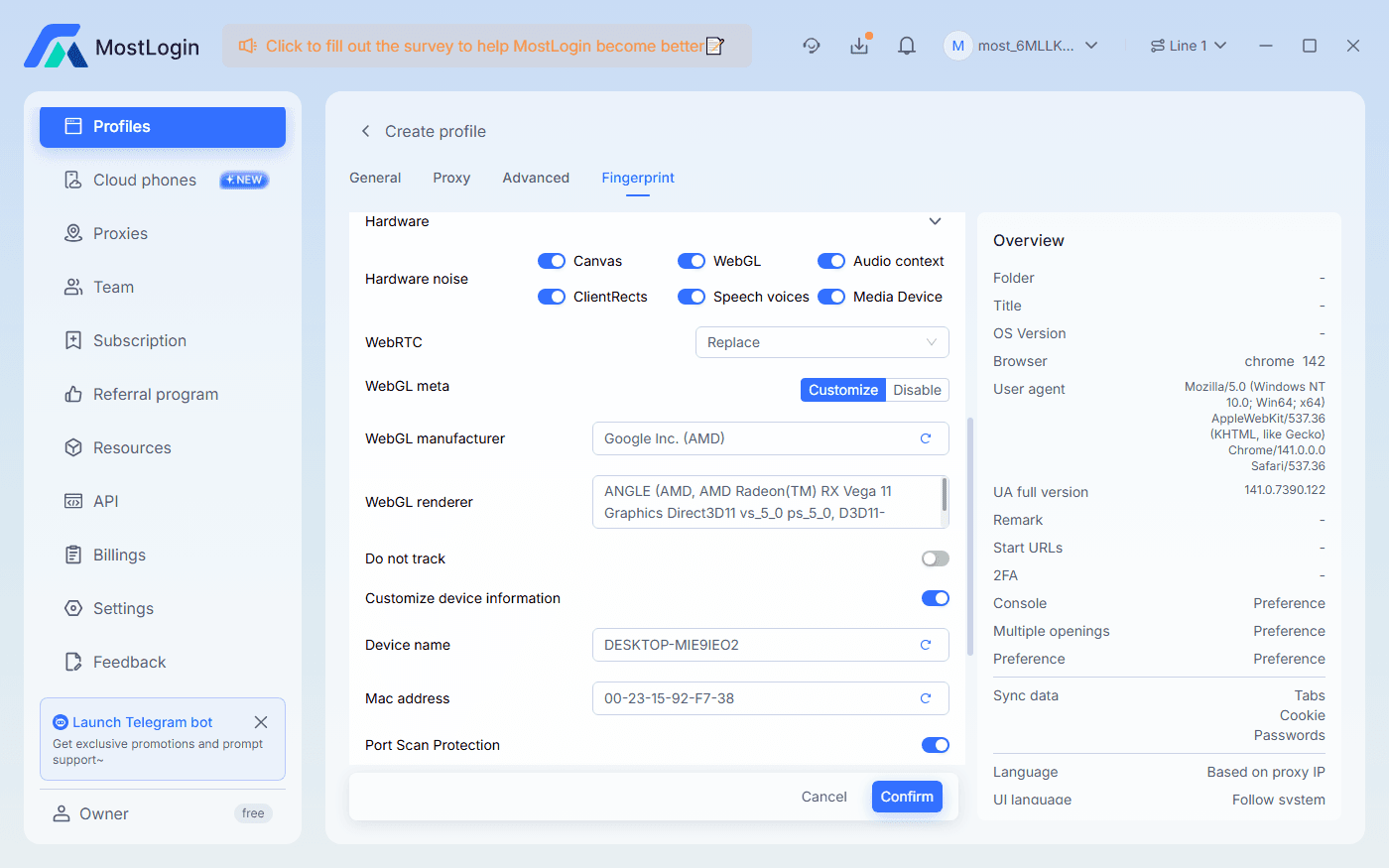
MostLogin Anti-Detection Browser is extremely easy to operate overall, with most adjustable features clearly visible. It is very user-friendly for beginners.
Low Efficiency in Profile Creation
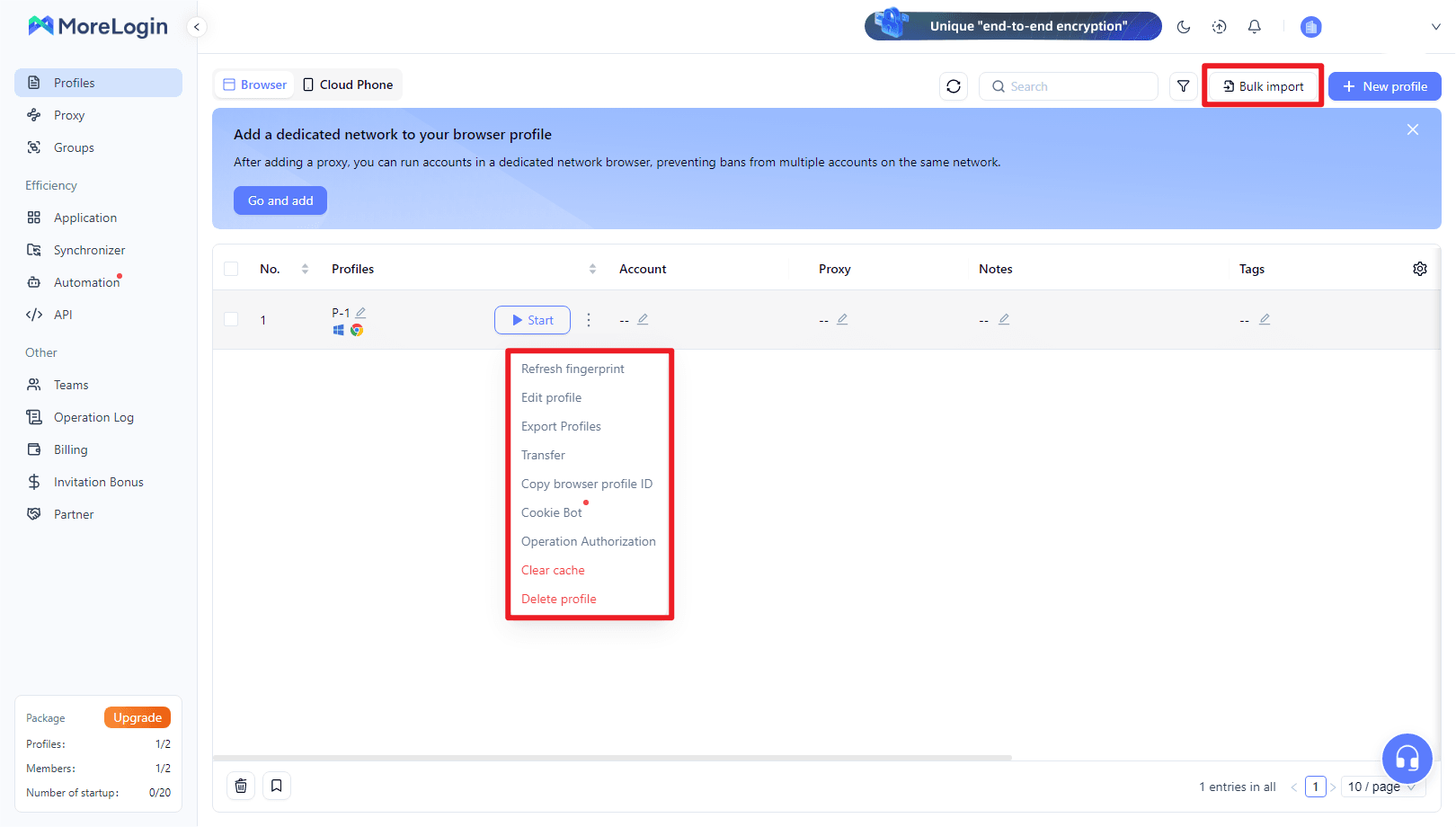
It does not support direct batch creation of browser windows or quick duplication of browsers. Users can only export browser configurations or generate them in batches via files. There are a lot of manual operations overall, which is very cumbersome when you need to quickly create multiple browser profiles.
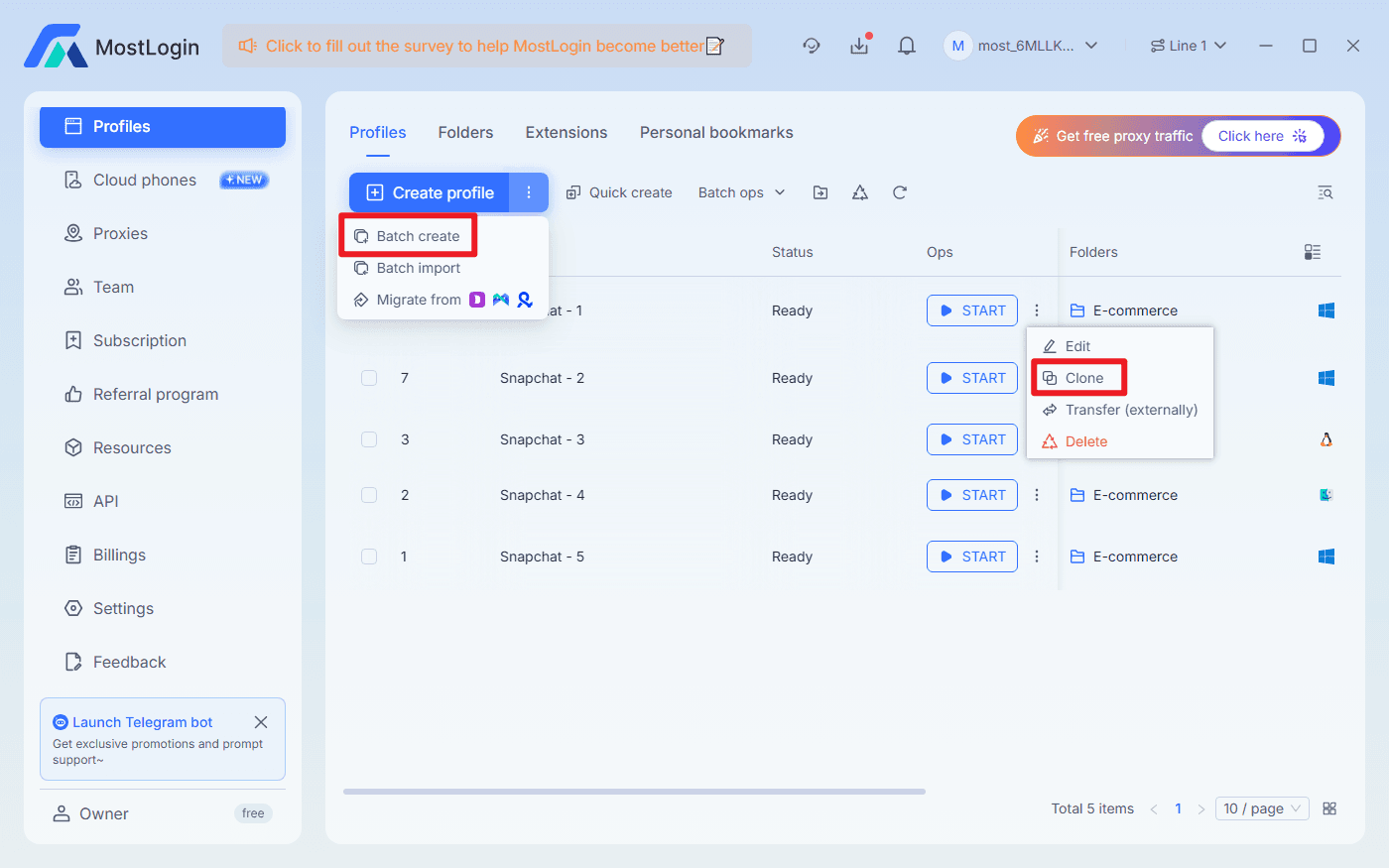
MostLogin Anti-Detection Browser supports batch creation of browser windows and browser duplication, making it more advantageous for users who need rapid deployment and usage.
Limited Automation Features
It does not have built-in visual or no-code automation tools. Automation operations mainly rely on API-related content, which requires a certain level of programming knowledge overall.
Team Sharing Functionality
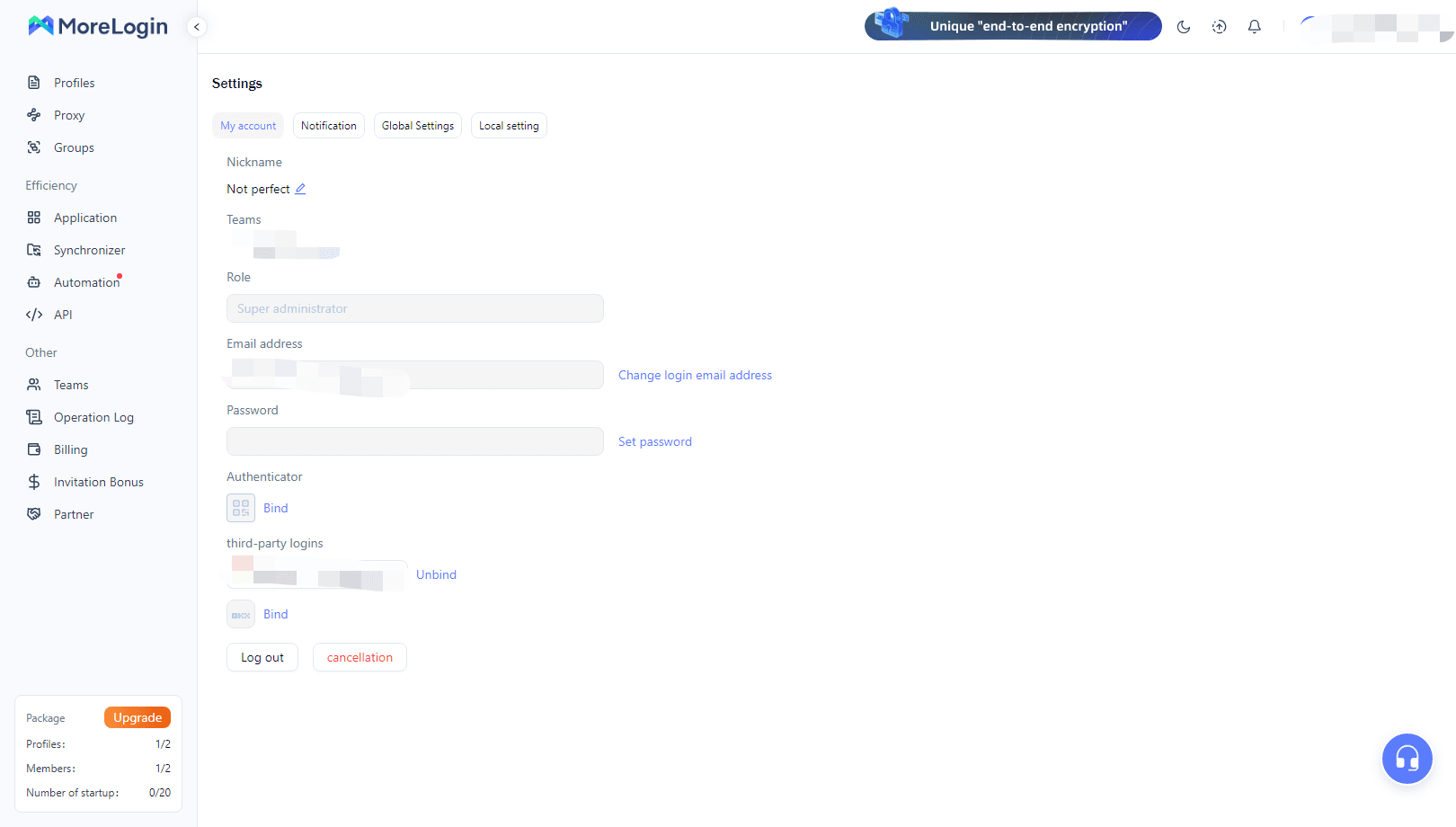
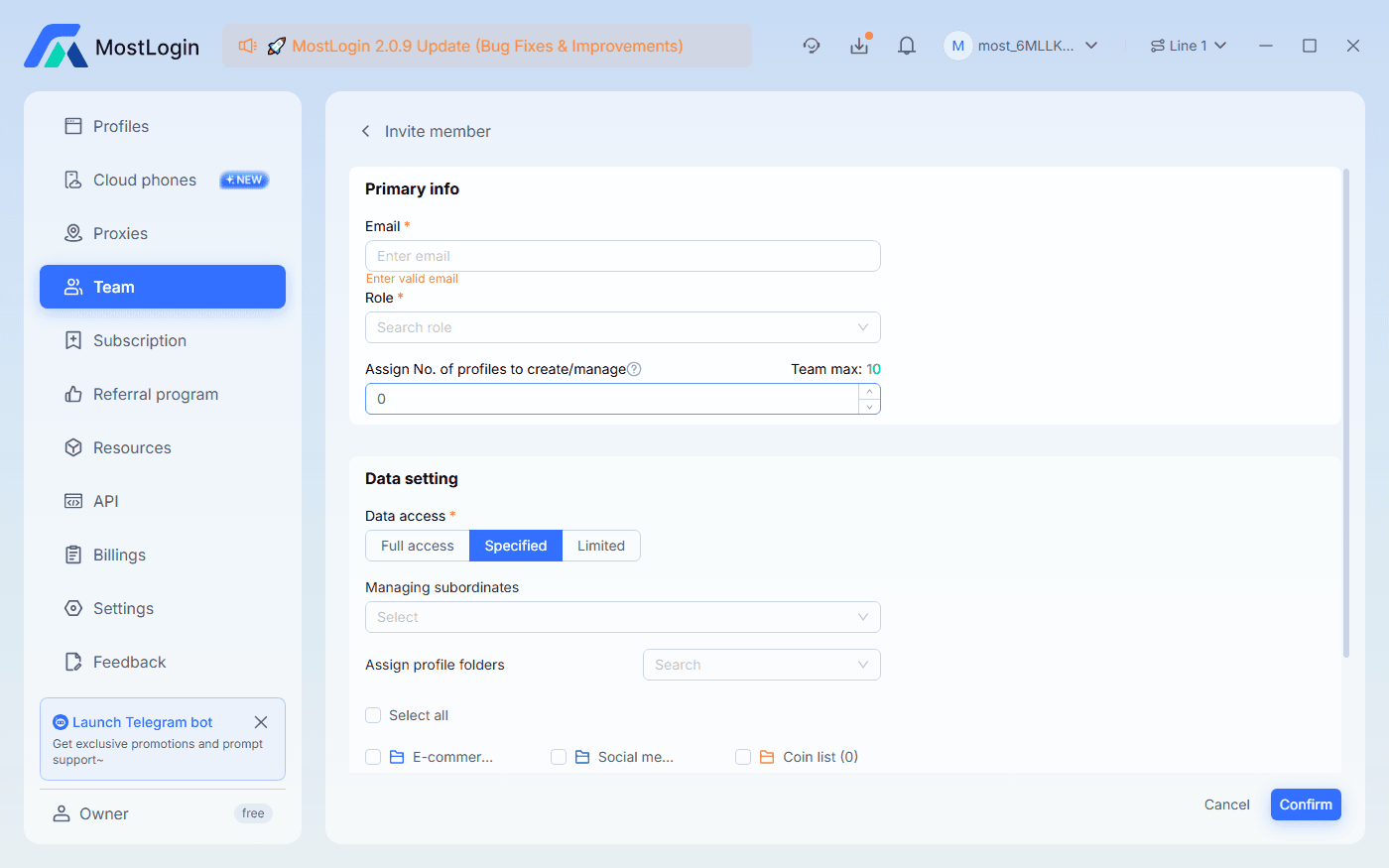
MoreLogin supports basic team profile sharing, but its permission classification is relatively rudimentary. It lacks features such as operation auditing and granular role control, making it more suitable for small teams or fixed collaboration members.
The MostLogin Pioneer Plan package includes team seats according to the current plan, facilitating seamless multi-user collaboration. It also provides access to control logs, making it highly convenient for inter-team and inter-departmental cooperation.
What Are the Limitations of MoreLogin?
Compared with other anti-detection browsers available in 2026, MoreLogin has the following main limitations:
High Learning Curve: The interface tends to stack features without a clear onboarding process for new users.
Insufficient Advanced Fingerprint Control: There is room for improvement in terms of font, system-level fingerprinting, and environment consistency.
Weak Proxy Management Capability: Not suitable for users with a large number of proxies or complex proxy strategies.
Limited Automation and API Support: It leans more towards manual operations, making it less ideal for highly automated teams.
Significant Limitations in Free Version: Restrictions on features and the number of profiles result in limited trial value.
Best Use Cases for MoreLogin
Individual users or small-scale teams
Businesses with low automation requirements that primarily rely on manual operations
Relatively fixed usage scenarios that do not require extremely high advanced fingerprint consistency
Users looking for an anti-detection browser with relatively controllable costs
If you are looking for simple multi-account management and basic anti-association capabilities, MoreLogin can meet your needs. However, if your needs involve high-frequency operations, automation or team expansion, it is recommended to use MostLogin instead.
MoreLogin VS MostLogin Feature Comparison
| Comparison Dimension | MostLogin | MoreLogin |
|---|---|---|
| Interface & Ease of Use | Clear interface, beginner-friendly | Complex interface, slow onboarding |
| Fingerprint Customization Depth | Advanced fingerprinting with strong environment consistency | Basic fingerprint configuration |
| Proxy Management | Centralized management with quick selection | Basic proxy setup and selection |
| Automation Capability | Supports multiple automation frameworks | Limited automation support |
| Team Collaboration | Multi-role permissions with audit logs | Basic sharing only |
| Free Version Usability | Long-term usability with full features | Highly restricted, trial-oriented |
| Target User Group | Beginners, teams, and automation users | Individuals and small-scale users |
Conclusion
In 2026, MoreLogin can still serve as an entry to mid-level anti-detection browser, capable of meeting basic multi-account isolation needs. However, in terms of automation capabilities, proxy management and team scalability, there is still a noticeable gap between MoreLogin and MostLogin.
FAQ
Is MoreLogin Suitable for Beginners?
Not really. The configuration logic and interface are not very user-friendly for beginners.
Can MoreLogin Be Used for Large-Scale Account Operations?
Yes, but there are some issues regarding efficiency and security, so it is not fully recommended.
What Is the Core Difference Between MoreLogin and MostLogin?
The former is more of a basic tool, while the latter is a comprehensive solution.
MostLogin Anti-Detection Browser helps users solve high-frequency problems such as multi-account operation, environment isolation, and account risk control.
For operation questions, please refer to the Official Help Documentation