Managing several store, advertising, social media, or client accounts in a standard browser can create unnecessary account-linking signals. Shared cookies, cached data, browser parameters, and login sessions may cause platforms to view otherwise separate accounts as connected, potentially increasing verification requests, restrictions, or account-review risk.
An antidetect browser provides relatively isolated and stable browser environments for different accounts operating under the same IP. Each Profile can retain its own cookies, local storage, browser fingerprint, User Agent, language, time zone, and proxy configuration, making the environment resemble a device used consistently over time.
How to Compare Top 10 Antidetect Browser Tools
Before choosing from the top 10 antidetect browser tools, it helps to understand the main product categories in the market. Many products overlap across categories, but their core focus often determines which workflows they support most effectively.
- Profile-focused browsers: These emphasize separate browser Profiles, cookies, local storage, and fingerprint settings. They are relevant to operators transitioning from switching multiple accounts within one Chrome profile.
- Team-oriented browsers: These focus on workspaces, role permissions, Profile sharing, activity visibility, and account handovers. They are commonly evaluated by agencies, e-commerce operators, and marketing teams managing multiple client projects.
- Automation-oriented browsers: These provide Local API, REST API, RPA, or compatibility with Selenium, Puppeteer, and Playwright. They are generally assessed by technical teams that need repeatable browser workflows.
- AI-integrated browsers: This newer category connects browser tools with AI Agents through protocols such as MCP. Users can describe supported tasks in natural language while the team retains control over permissions and approvals.
1. MostLogin
Official website: MostLogin
Main Features
MostLogin supports independent browser Profiles, fingerprint configuration, proxy settings, cookie isolation, and team collaboration for multi-account workflows. It can be used by cross-border e-commerce teams, affiliate marketers, social media operators, SEO teams, and digital agencies managing multiple client environments.
A notable feature is its combination of Local API, REST API, and MCP-based AI Agent integration. Its API options can work with Selenium, Puppeteer, and Playwright for code-based Profile creation, browser launching, proxy configuration, cookie management, and approved internal testing workflows.
MostLogin MCP Server can connect local browser tools with MCP-compatible AI agents, including Claude, Cursor, Codex, and OpenCode. In an authorized environment, AI Agents can support profile creation and launch, fingerprint updates, proxy configuration, account farming workflow, and session or cookie management through supported browser tools.
Use Cases
MostLogin can be considered by teams that need to manage multiple browser environments while retaining both technical automation options and AI-assisted workflow support. It may be particularly relevant where teams want traditional script-based automation for fixed tasks, alongside natural-language assistance for supported browser-management tasks.
Notes
MCP access should be limited to managed devices and trusted networks. Keep authorization tokens confidential, restrict the Profiles available to AI tools, and maintain human review for sensitive actions involving credentials, payments, publishing, advertising settings, or account interactions.
2. Multilogin
Official website: Multilogin
Main Features
Multilogin is an established antidetect browser often associated with Mimic and Stealthfox browser engines, fingerprint environment controls, proxy configuration, collaboration features, and API access.
Use Cases
It can be evaluated by organizations that maintain many Profiles over long periods, assign browser environments across teams, or operate multiple client projects.
Notes
During a trial, review permission granularity, Profile transfer procedures, proxy and cookie tracking, and whether browser updates affect existing environments. Smaller teams should also compare its plan structure with their actual operational requirements.
3. BitBrowser
Official website: BitBrowser
Main Features
BitBrowser supports multiple isolated browser environments with Profile-level proxy and environment settings. It is generally evaluated for batch Profile creation, proxy assignment, cookie persistence, and structured environment management.
Use Cases
It can be considered by teams that organize accounts by client, project, target market, or operational role and need to create or manage Profiles in batches.
Notes
For script-based workflows, test API documentation, concurrent browser launching, error handling, retry behavior, and compatibility with existing automation frameworks before wider deployment.
4. GoLogin
Official website: GoLogin
Main Features
GoLogin is commonly associated with the Orbita browser, browser fingerprint management, proxy configuration, Profile isolation, and remote-access workflows.
Use Cases
It can be evaluated by remote or geographically distributed teams that need to access and share browser Profiles across locations.
Notes
Check browser launch speed, proxy connectivity, session persistence, access handovers, and member permissions during testing. Credentials and two-factor authentication should remain in controlled password-management systems.
5. Dolphin Anty
Official website: Dolphin Anty
Main Features
Dolphin Anty is frequently discussed in affiliate marketing and digital advertising contexts. It generally offers browser environment management, Profile grouping, proxy settings, and team-oriented functions.
Use Cases
It can be tested by teams that divide browser environments by traffic source, advertising channel, campaign entity, or target market.
Notes
Browser isolation does not replace advertising-account verification, creative-policy checks, payment governance, or compliance with platform rules. It can reduce internal environment overlap but does not remove policy-related account risk.
6. MoreLogin
Official website: MoreLogin
Main Features
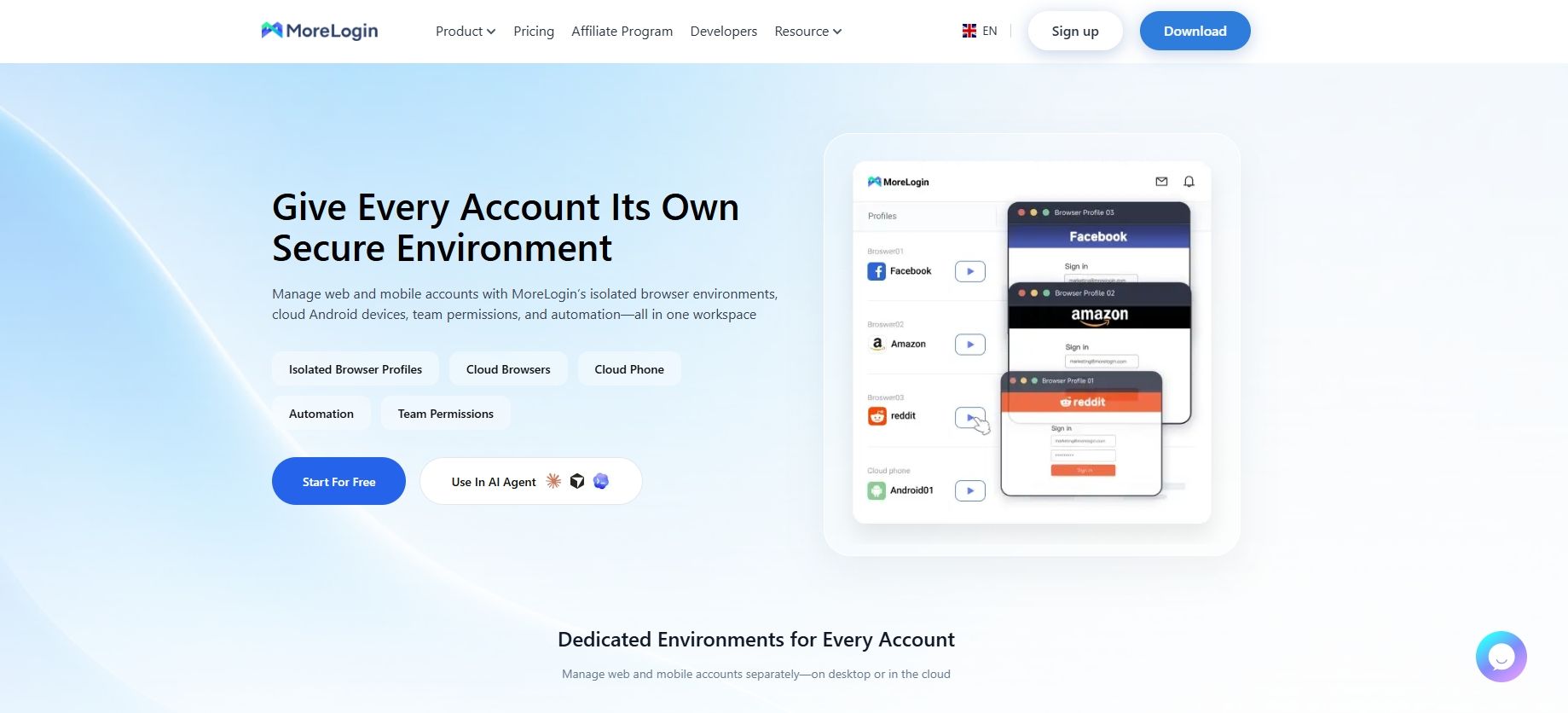
MoreLogin provides isolated browser Profiles that can retain fingerprint settings, cookies, sessions, proxy configurations, groups, and tags. It also supports Local API and Open API access, with options for CLI, RPA, Selenium, and Playwright-based browser automation.
Use Cases
It can be assessed by teams that want flexibility across manual operations, visual RPA workflows, and code-based automation.
Notes
Check whether automation capabilities fit real operational tasks, whether workflows can be maintained over time, and whether failures can be diagnosed efficiently. Teams without basic approval and incident-response processes should establish those first.
7. Octo Browser
Official website: Octo Browser
Main Features
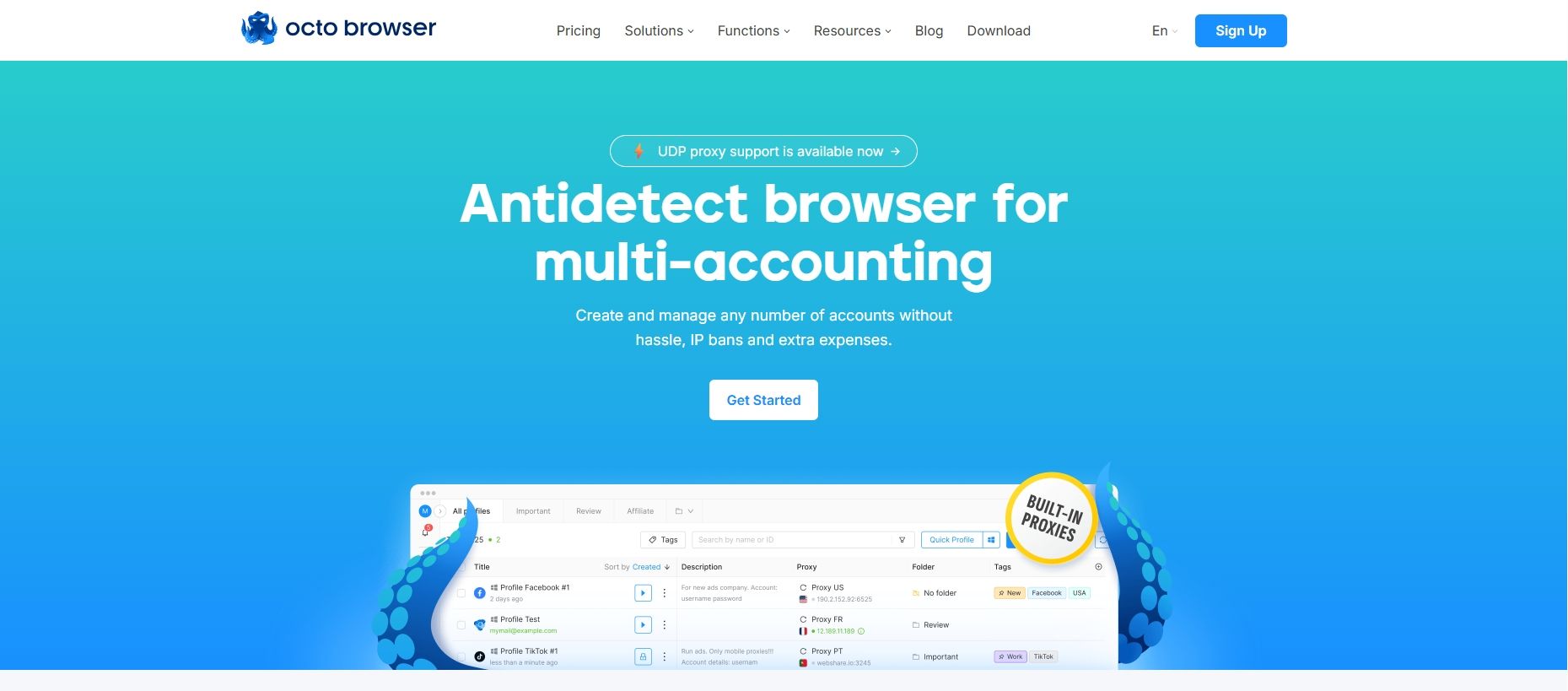
Octo Browser is often included in comparisons focused on API access, browser-environment control, and automation connectivity. It is commonly associated with Profile management and support for Selenium, Puppeteer, and Playwright-based workflows.
Use Cases
It can be assessed by engineering, QA, and technical operations teams that need to launch fixed environments in batches, conduct browser testing, or connect browser controls to internal systems.
Notes
Start with non-critical environments. Review API reliability, proxy-error recovery, browser-update effects on sessions, and whether logs are sufficient for troubleshooting and internal audits.
8. Kameleo
Official website: Kameleo
Main Features
Kameleo is often considered for workflows involving multiple operating systems, desktop browser environments, mobile-web scenarios, and automation interfaces.
Use Cases
It can be included in evaluations where teams need to check webpage behavior across browser configurations, screen resolutions, languages, or operating systems.
Notes
Mobile web emulation is not equivalent to a real mobile device or native app. Workflows involving sensors, push notifications, SMS verification, or mobile payment should use separate, appropriate testing processes.
9. Incogniton
Official website: Incogniton
Main Features
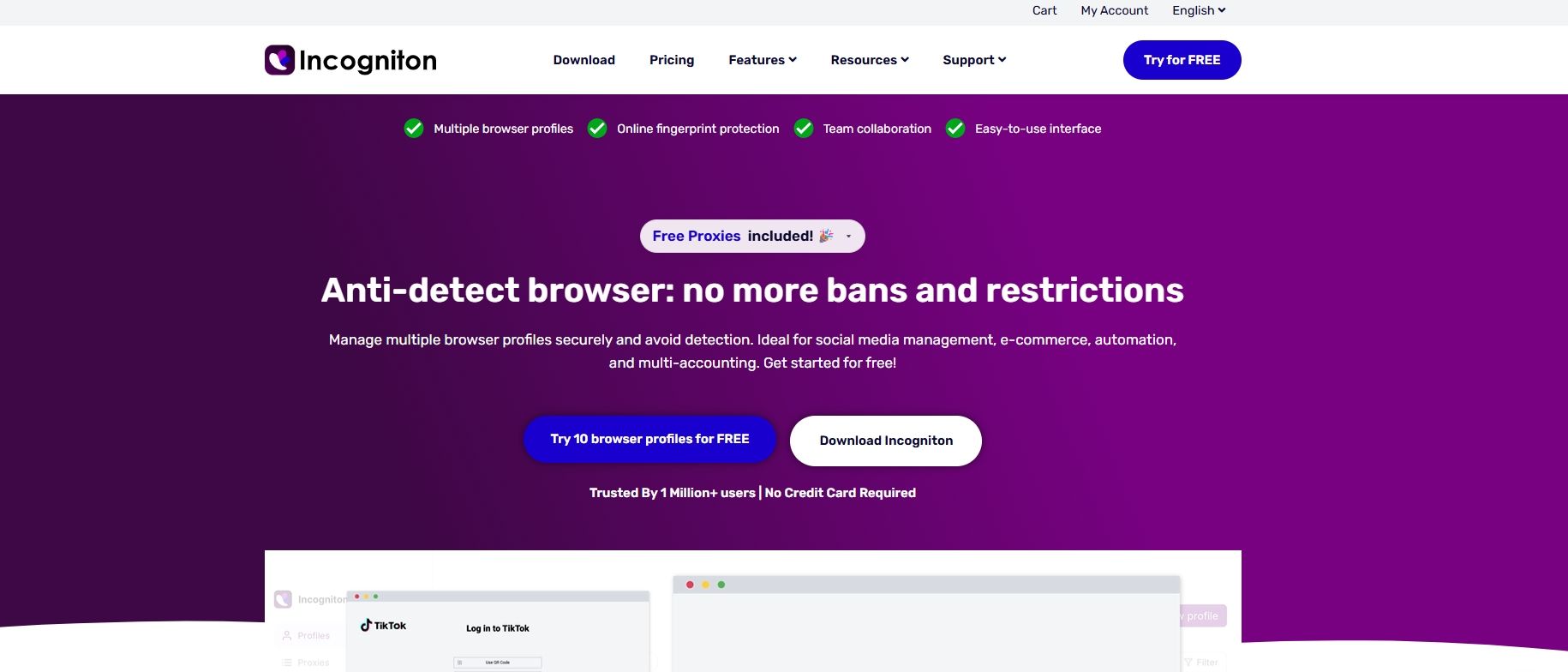
Incogniton is commonly considered by small teams and individual operators. Public descriptions associate it with independent Profiles, proxy management, collaboration options, REST API access, and integrations with Selenium or Puppeteer.
Use Cases
It may suit teams building basic account-environment management practices, including Profile naming, cookie persistence, proxy assignment, access restrictions, and handover procedures.
Notes
More Profiles do not improve operational security if account ownership, staff responsibility, and proxy records remain unclear. Establishing management rules before scaling is generally more sustainable.
10. Hidemyacc
Official website: Hidemyacc
Main Features
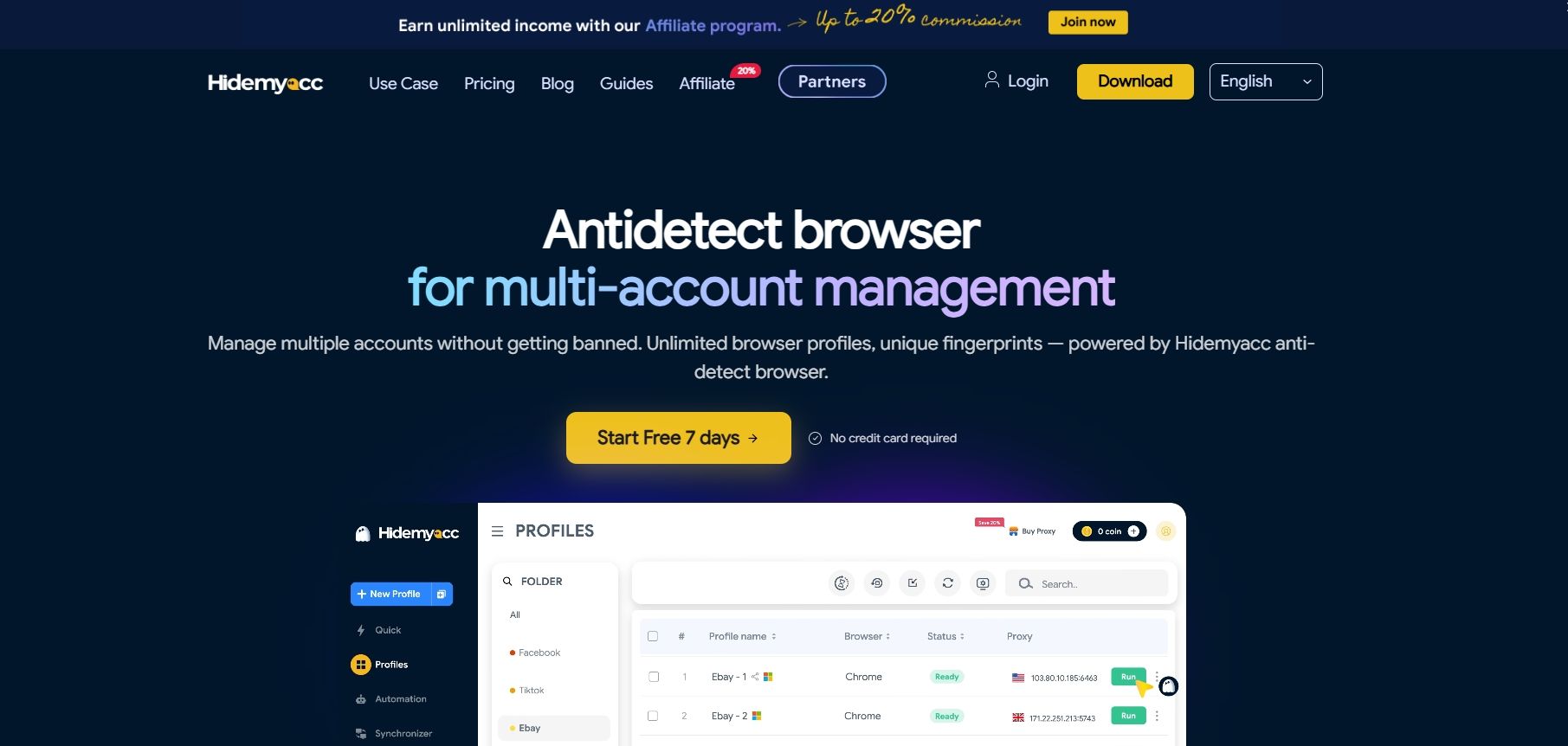
Hidemyacc can be considered by multi-client teams that need structured browser Profile organization. Assessment areas generally include Profile isolation, proxy configuration, account grouping, sharing options, and role-based access.
Use Cases
It can be evaluated by cross-border e-commerce and digital marketing agencies that manage separate client accounts and need a consistent Profile organization process.
Notes
A format such as “Client–Market–Platform–Account Role” can help teams organize browser environments. Account ownership, proxy information, operational status, and recent maintenance details should be recorded consistently.
Frequently Asked Questions
What should buyers compare in a top 10 antidetect browser list?
Compare fingerprint consistency, Profile isolation, proxy assignment, team permissions, automation interfaces, activity logs, support quality, and total cost. Rankings are useful for building a shortlist, but controlled testing with authorized accounts is more reliable.
Why does proxy compatibility matter when choosing an antidetect browser?
A proxy is part of the account environment. Even when Profiles are isolated, unstable connections, incorrect geolocation, repeated shared use, or poor network quality can result in verification prompts and session problems. Test protocol support, importing methods, assignment controls, connectivity checks, and recovery after proxy changes.
Which teams should prioritize API support?
API support is relevant to teams that need batch Profile creation, proxy assignment, browser testing, session management, or integration with existing systems. It is most useful for repeatable and authorized workflows supported by technical staff.
How does MCP differ from standard browser automation APIs?
Standard browser APIs generally require developers to call endpoints and write scripts, often with Selenium, Puppeteer, or Playwright. MCP allows compatible AI Agents to call supported browser tools, enabling users to describe approved tasks in natural language. MostLogin’s MCP Server supports integrations with Claude, Cursor, Codex, and OpenCode for Profile, proxy, cookie, session, and browser-task management.
Does automation make every team more efficient?
Not necessarily. Automation is most effective when tasks are repetitive, rules are stable, policies allow the workflow, and teams can resolve errors. Without account ownership rules, Profile naming standards, proxy controls, and approval procedures, automation can spread mistakes faster.
When should a team consider a collaborative antidetect browser plan?
Collaboration features become useful when several people require access to different browser environments, client accounts need separation, proxies and cookies are hard to track manually, or account handovers create operational risk. Collaboration complexity matters more than the raw number of accounts.
Should teams use official platform account-management tools first?
Yes. If accounts belong to the same legal entity and a platform offers official business management, role assignment, or multi-account tools, those options should usually be evaluated first. Antidetect browsers are more relevant where independent browser-environment management is genuinely required and operations remain authorized and policy-compliant.
Conclusion
If you are currently selecting an antidetect browser, the ten products discussed above can serve as a practical reference list. Compare them through controlled testing and choose the option that best fits your browser stability, Profile isolation, proxy compatibility, collaboration, and automation requirements.
For teams that want to include a browser with Profile management, Local API, REST API, and MCP-compatible AI Agent integration in their evaluation, MostLogin is one option to consider.