Facebook is one of the most active social media platforms globally, with an endless number of videos shared by users every day. Sometimes we want to download these videos to share on other platforms or save them locally for later viewing, but Facebook does not offer a built-in download option. To download these videos, we have to resort to some special methods.
Today, we bring you the 8 most recommended Facebook video download tools to help you easily solve the problem of downloading Facebook videos! These tools require no installation and can be used on both mobile phones and computers. We hope they can be of help to you!

Top 8 Recommended Facebook Video Download Tools
We have tested all these 8 Facebook video download tools and confirmed that they work properly. We will highlight the advantages and unique features of each tool, along with screenshots of their interfaces. Most of these tools are created by third-party developers. Therefore, if you encounter any paid services or other issues, we recommend trying alternative tools for downloading!
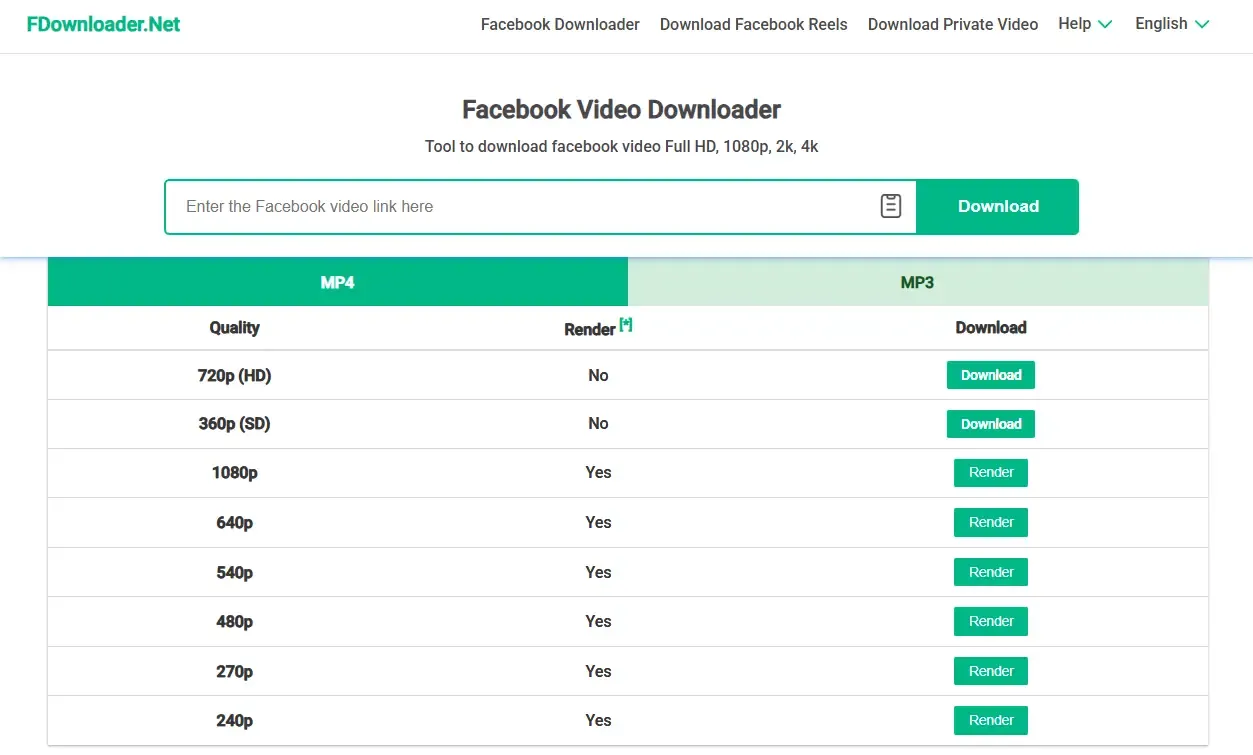
1. FDownloader
Website: https://fdownloader.net/
Pros: Completely free / Supports separate download of video and audio / Multiple quality options available (including HD rendering) / Fast download speed
Suitable for: Users who need multi-quality video downloads or want to download video and audio separately.
2. SnapSave

Website: https://snapsave.app/
Pros: Simple operation
Cons: Only supports a limited number of video qualities / Cannot download video or audio separately / Requires watching ads when clicking the download button
Suitable for: Users who occasionally download short videos and don't mind ads.
3. GetFB
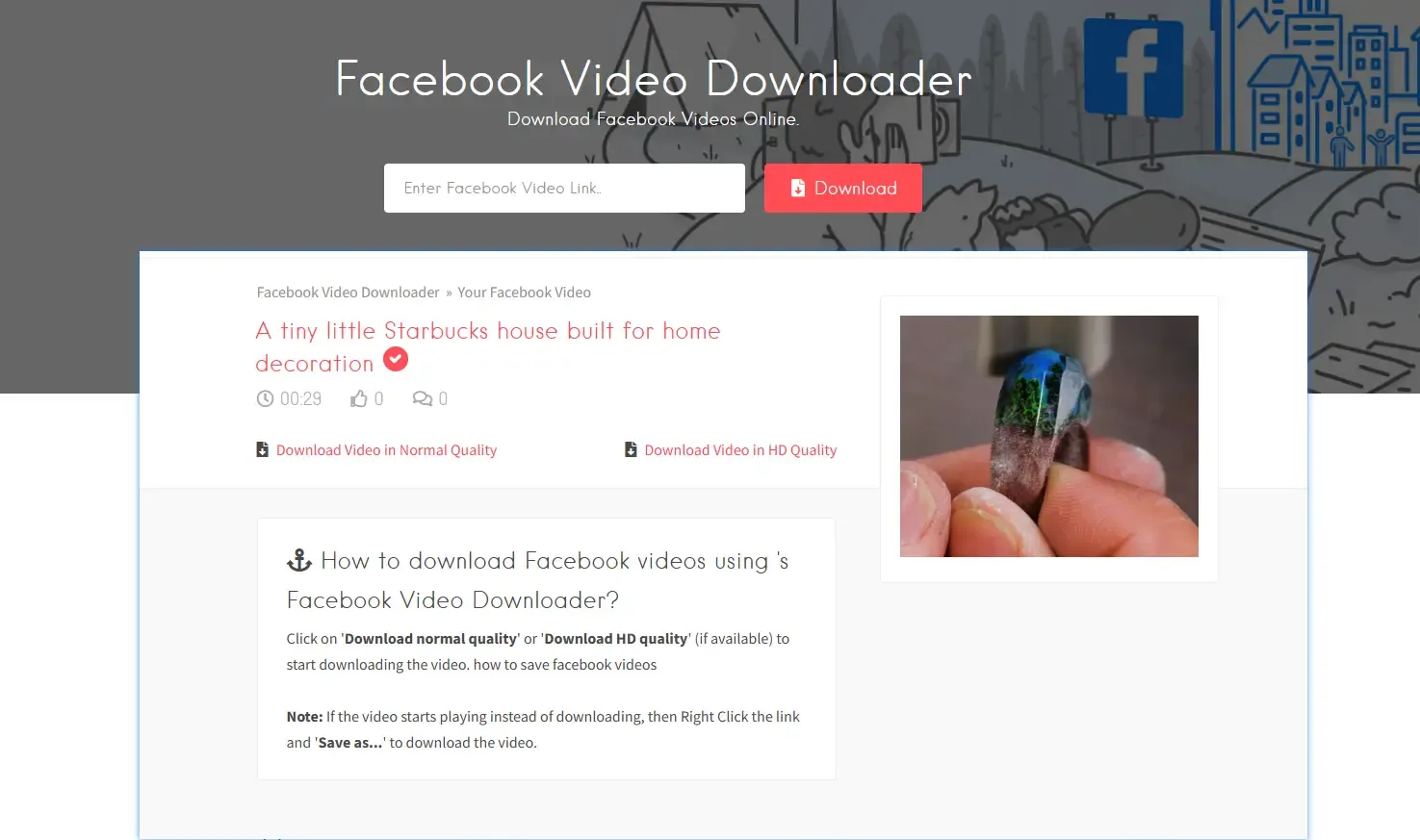
Website: https://www.getfb.net/
Pros: Fast parsing speed / Simple operation process
Cons: Only supports a limited number of video qualities / Cannot download video or audio separately
Suitable for: Users who want to save videos quickly without pursuing multiple quality options.
4. FBDownloader
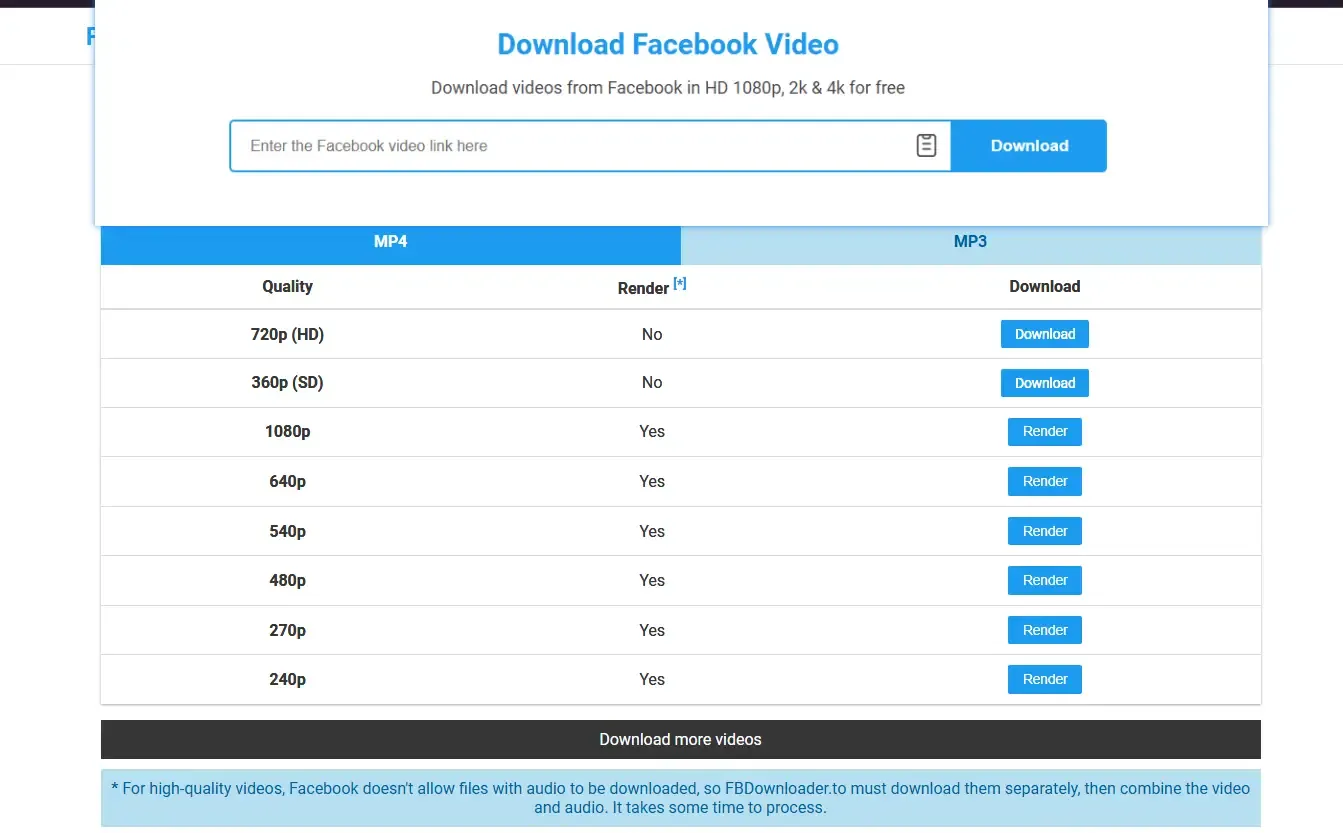
Website: https://fbdownloader.to/en
Pros: Completely free / Supports separate download of video and audio / Multiple quality options available / Renders higher-definition videos / Fast download speed
Suitable for: Users who need multi-quality, high-definition downloads or want to download video and audio separately.
5. FSave
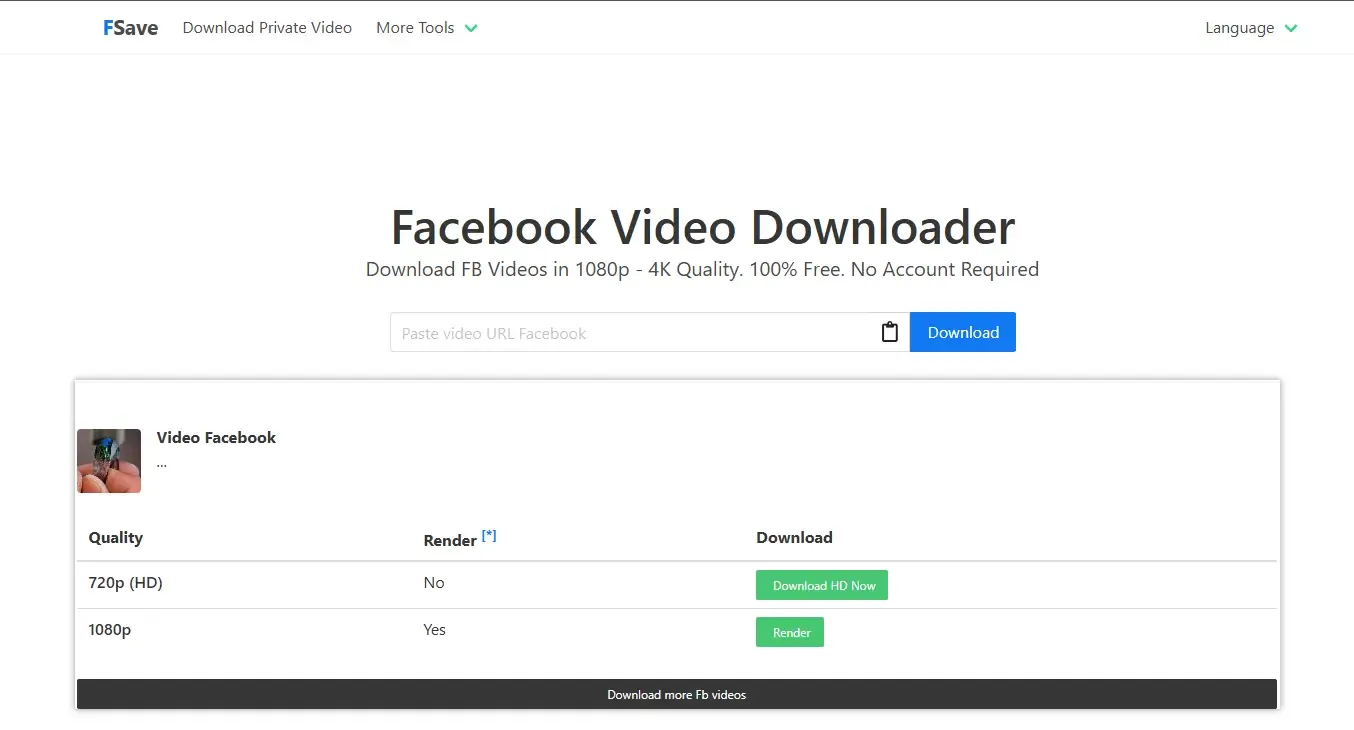
Website: https://fsave.io/
Pros: Simple operation
Cons: Only supports a limited number of video qualities / Cannot download video or audio separately
Suitable for: Users who occasionally download videos and don't need multiple quality options or audio separation.
6. FDown.net
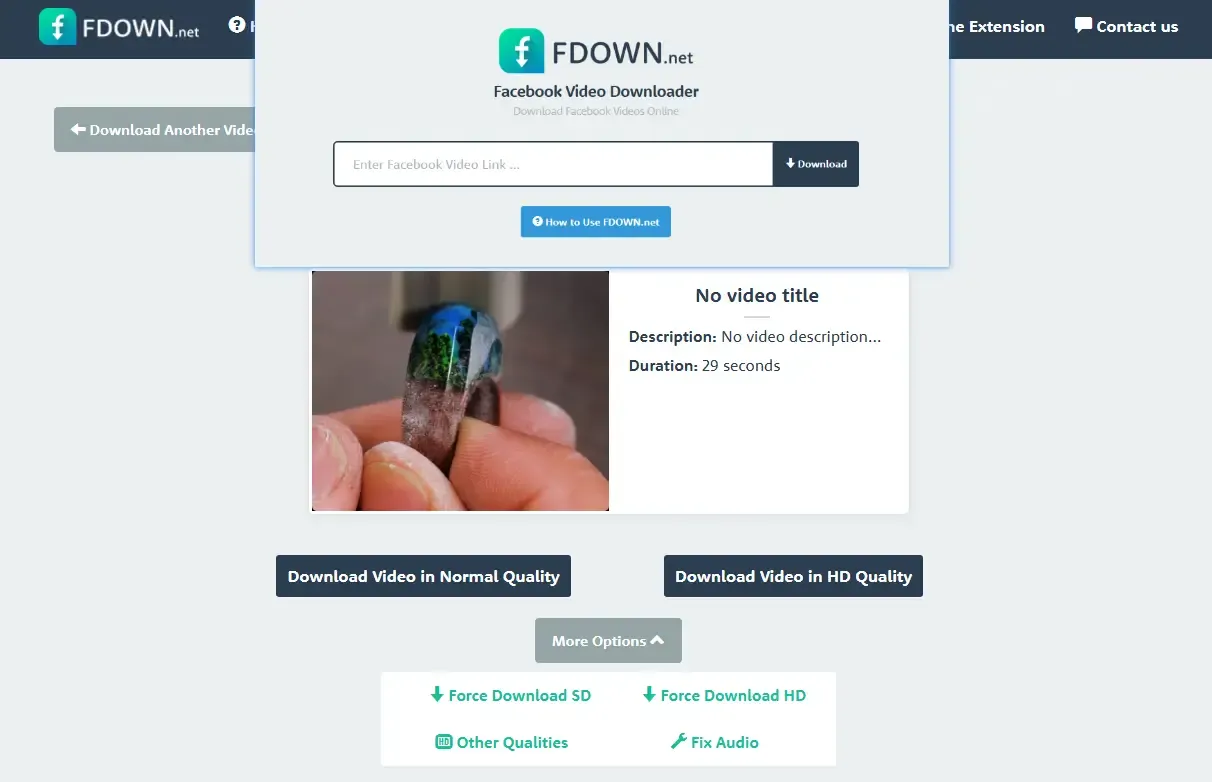
Website: https://fdown.net/
Pros: Fast download speed / Stable page parsing
Cons: Only supports a limited number of video qualities / Cannot download audio separately / The official website states that more quality options are available (currently under maintenance)
Suitable for: Users who need to temporarily download short videos and pursue fast parsing speed.
7. SaveFrom.net

Website: https://savefrom.net/
Pros: Fast parsing speed / User-friendly interface
Cons: Only supports a limited number of video qualities / Cannot download video or audio separately
Suitable for: Users who want to quickly save regular videos.
8. Publer
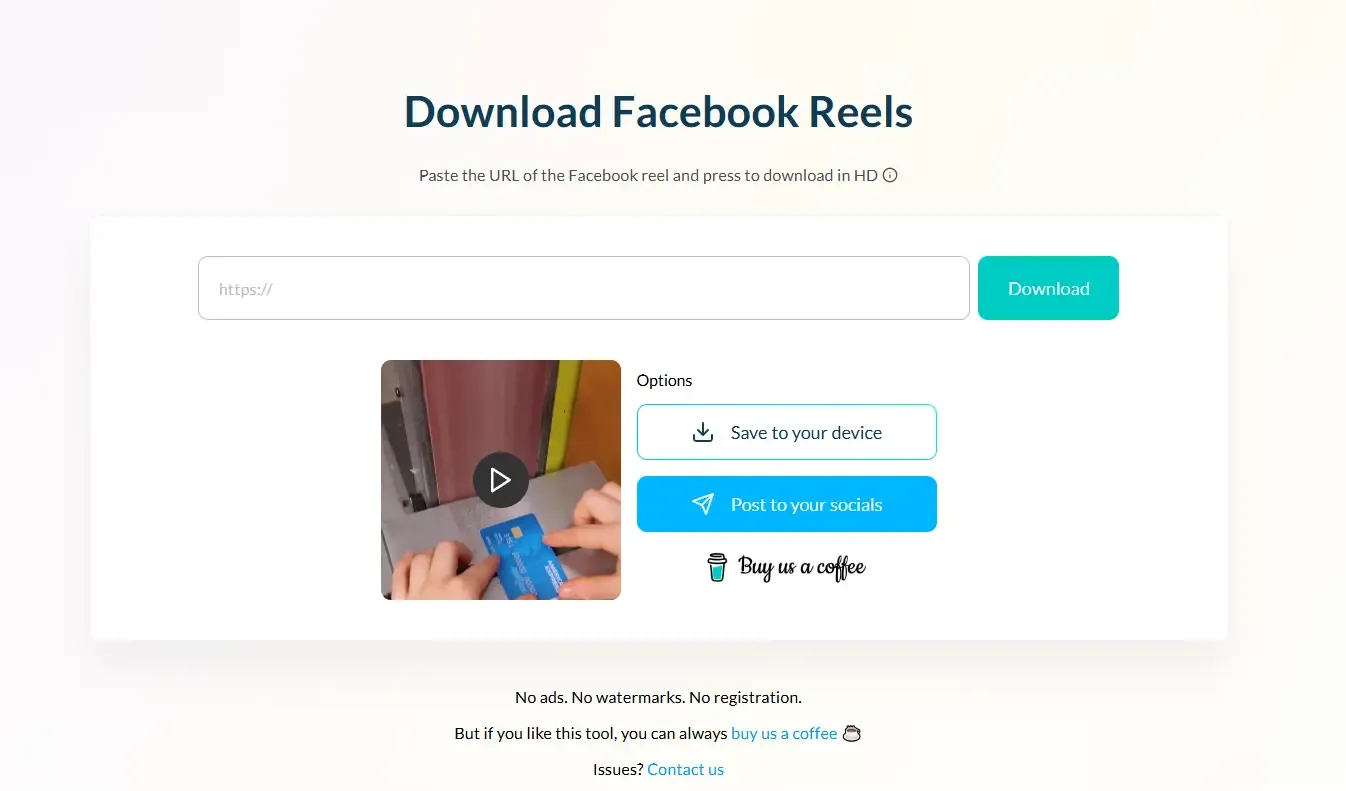
Website: https://publer.com/tools/facebook-reel-downloader
Pros: Clean interface with almost no ads / Fast download speed / Simple operation
Cons: Only offers one video quality option / Cannot download audio separately
Suitable for: Users who prefer a clean interface and fast parsing speed.
How to Download Facebook Videos Safely and Quickly?
For marketers and social media professionals, frequently browsing videos and copying links is a common yet risky practice. Facebook uses this data to determine whether your account is unique. Many people have had their accounts suddenly banned in the past because they downloaded Facebook videos in bulk without taking security precautions.
So what should we do? Our recommendation is to use a reliable cloud phone service, such as the Cloud Phone feature of MostLogin Anti-Detection Browser, which can help us download Facebook videos more safely and quickly!
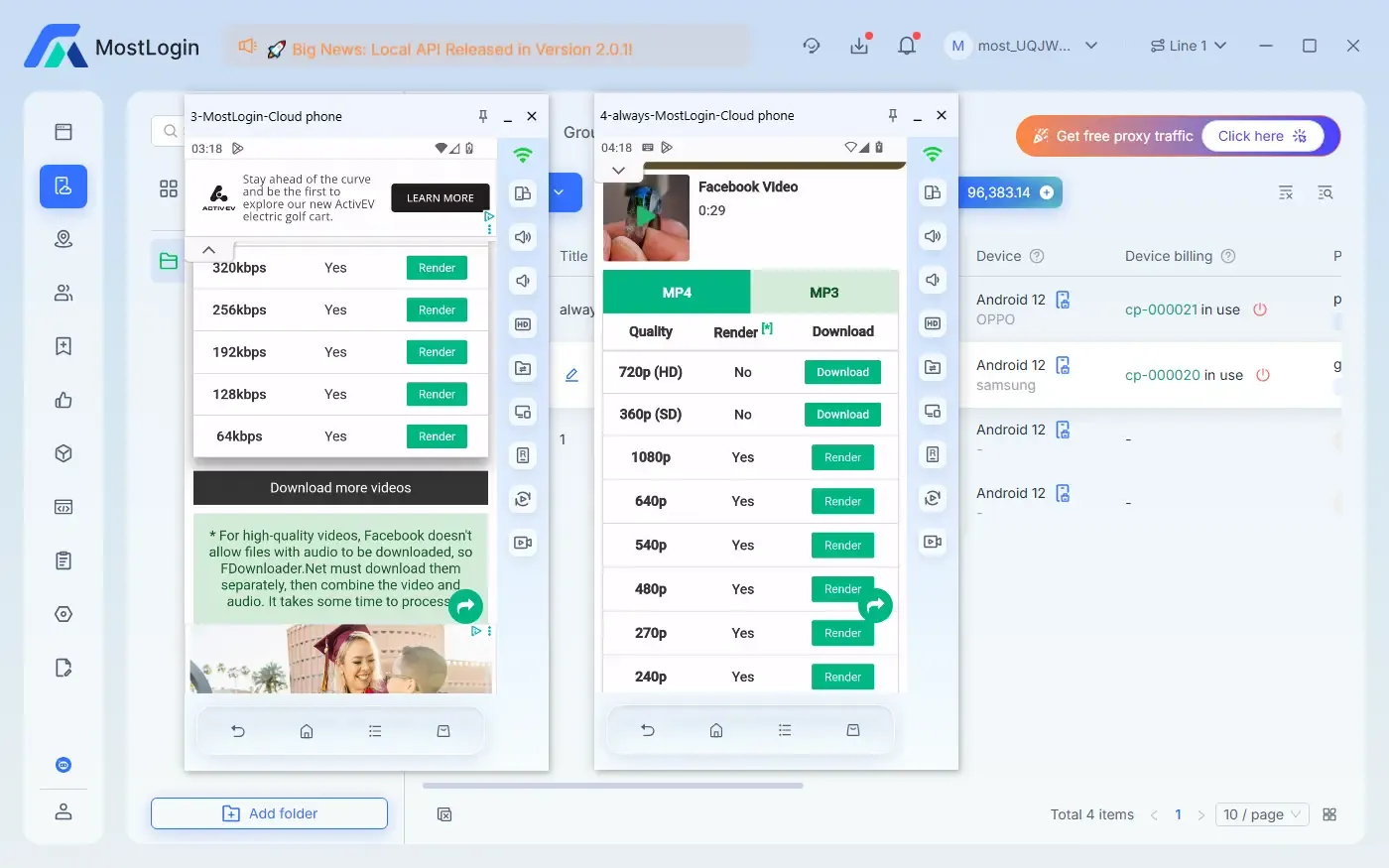
Here, you can manually set the proxy, partial fingerprint information, and system version of the cloud phone. This prevents the system from detecting abnormal account activities during the download process, avoids the risk of account suspension, and improves the overall download success rate and efficiency.
Conclusion
If you need comprehensive features, multi-quality options, and separate video and audio downloads, we recommend using FDownloader and FBDownloader. If you only occasionally download regular videos and prioritize fast parsing speed and simple operation, SaveFrom, GetFB, and FDown.net are sufficient.
Today, we have recommended 8 Facebook video download tools for you. All of them require no installation, are easy to operate, and support both mobile and computer use, making them ideal for saving Facebook video content in daily use. To download Facebook videos safely and quickly, we suggest using the MostLogin Cloud Phone feature. Properly configure relevant settings to improve overall download efficiency and account security.
Frequently Asked Questions
Are these Facebook video download tools safe to use?
These are all personal websites. Most of them are safe, but you still need to exercise your own judgment (try not to log in to your account).
Can these tools be used on mobile phones?
Yes, they are all compatible with Android and iPhone browsers.
Why can't some videos be downloaded?
The videos may be private content or from closed groups. Generally, restricted videos cannot be downloaded.
Can I download only the audio from Facebook videos?
Yes, FDownloader and FBDownloader support separate audio downloads.
Will downloading Facebook videos result in account suspension?
Occasionally downloading public videos is usually fine, but frequent bulk operations such as copying links may lead to account suspension.
Best Anti-Detection Browser - MostLogin
MostLogin Anti-Detection Browser helps users solve common problems such as multi-account management, environment isolation, and account risk control.
For operational questions, please refer to the Official Help Documentation