Instagram is one of the world's most popular photo-sharing social platforms, where countless photos, life moments, and brand content are constantly created every day. However, Instagram has never provided a built-in button to save images, and screenshots are often blurry. In fact, there are now extremely simple ways to save photos and Reels covers from any public account. This article summarizes several download methods—whether you're using a mobile phone, computer, or browser, you can save high-definition Instagram images in just a few seconds.
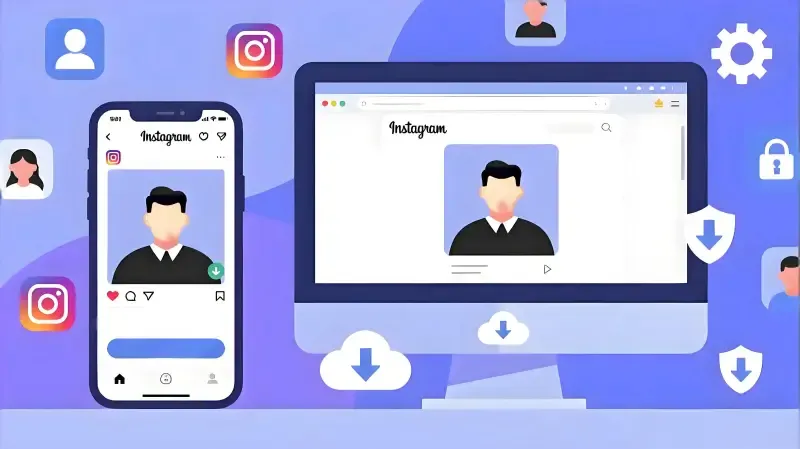
Fastest Instagram Image Download Methods
Online Parser Tools
Their biggest advantages are: no need to install apps, so they won't take up extra space on your phone or computer; support cross-device use on mobile and desktop, allowing downloads anytime, anywhere; and can save high-definition large images, giving you clearer quality than screenshots.
Here are two online download websites
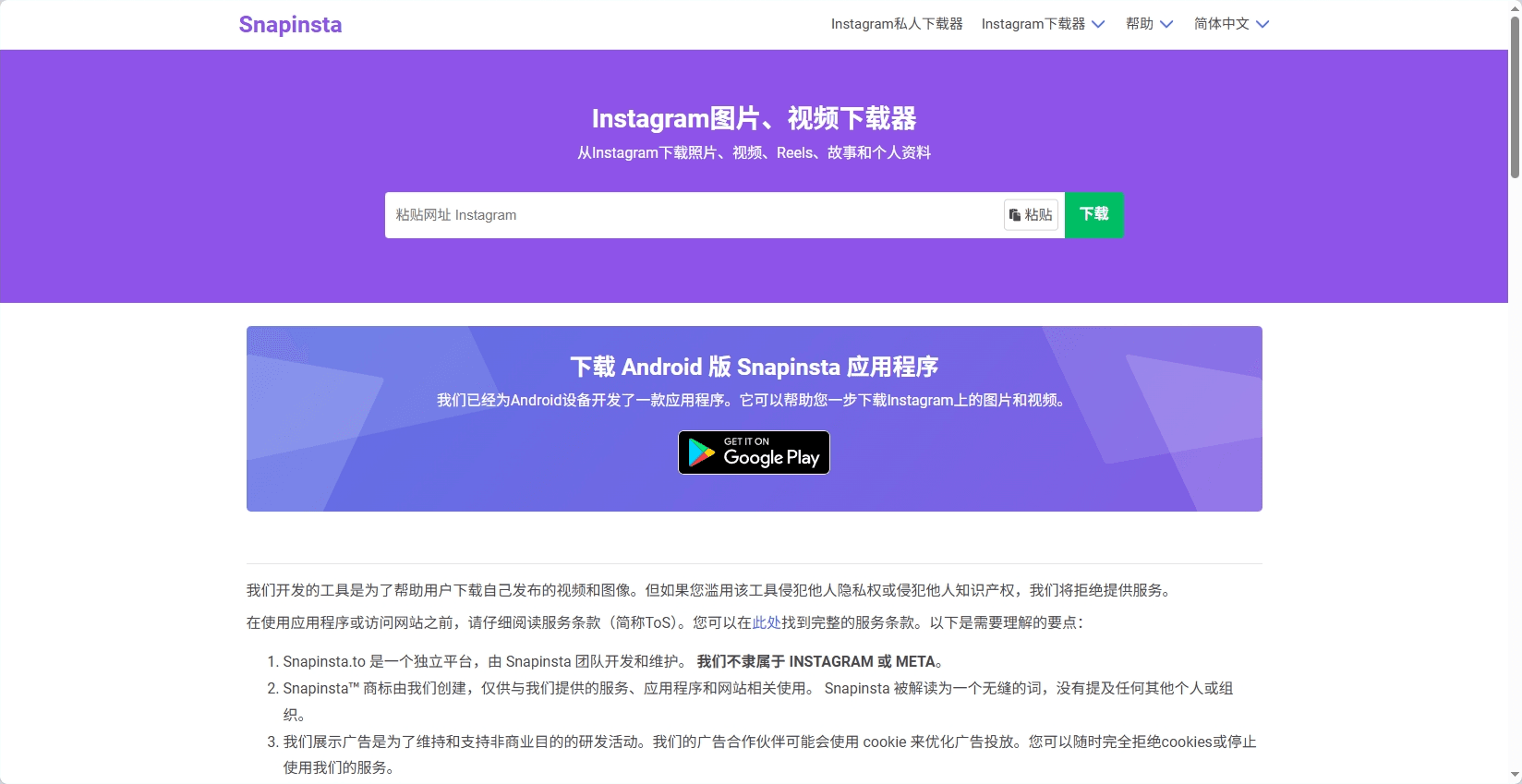
1. SnapInsta
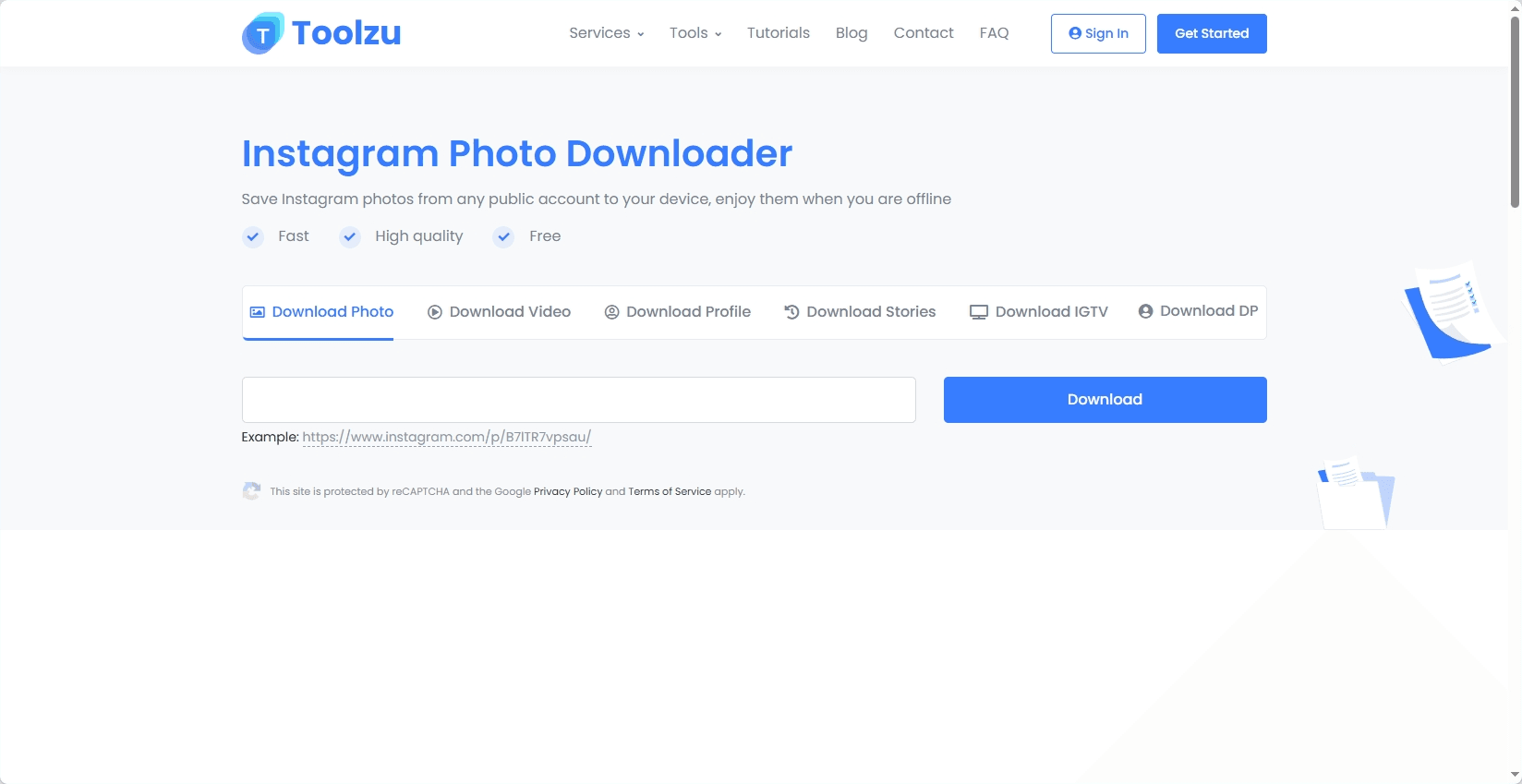
2. Toolzu
Instagram Image Download Steps for Mobile Devices
Open Instagram → Copy the post link
Open a browser → Search for any download website
Paste the link and click download to save to your album
Instagram Image Download Steps for Desktop
Method 1: Online Websites
Compatible with Windows / Mac / Linux.
Same steps as mobile: Copy the link → Open the download website → Download.
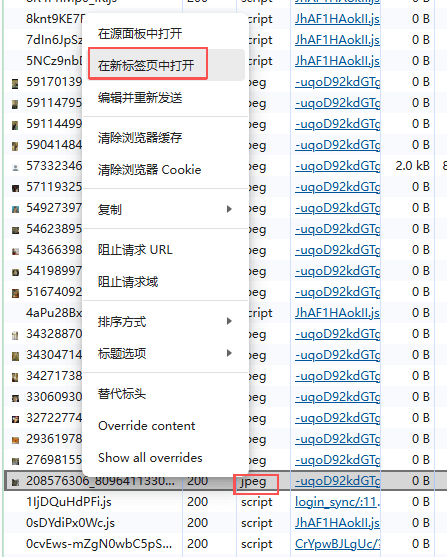
Method 2: Download via Browser Developer Tools
Steps as follows:
Open the Instagram image URL in a desktop browser
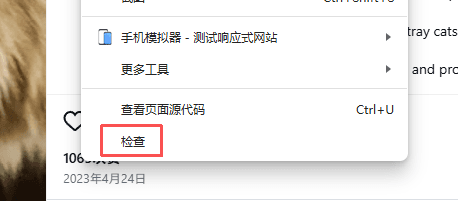
Right-click and select Inspect
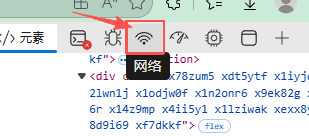
Select Network
Refresh the page
Search for .jpg or .webp
Right-click → Open in new tab → Save image
Instagram Usage Tips
1. Use the Story feature to maintain account activity
Stories don't require high-quality content—they're more suitable for daily updates, behind-the-scenes clips, and real interactions. They can continuously boost account engagement and strengthen connections with followers.
2. Use Reels (short videos) to gain more organic traffic
Currently, Reels have much higher priority than photo posts. For new accounts looking to grow quickly, aim to post at least 2-3 Reels per week.
3. Manage Multiple Accounts More Easily
Instagram allows adding multiple accounts in one app and switching between them without re-entering passwords. However, it's important to note that on the same device or network, these accounts share a lot of information—such as device fingerprints, cookies, storage parameters, and system environments. If the similarity of this data is too high, the platform may flag the accounts as linked, leading to frequent verifications, shadowbanning, restricted actions, or even account suspension for suspicious activity.
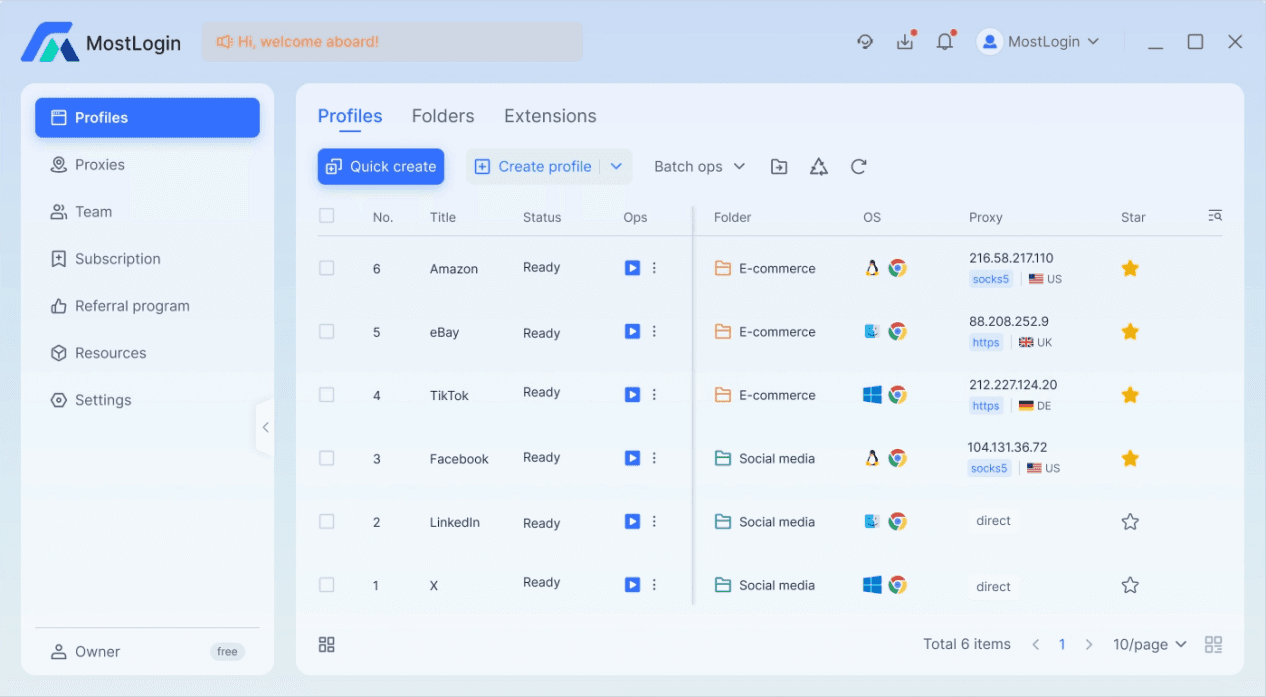
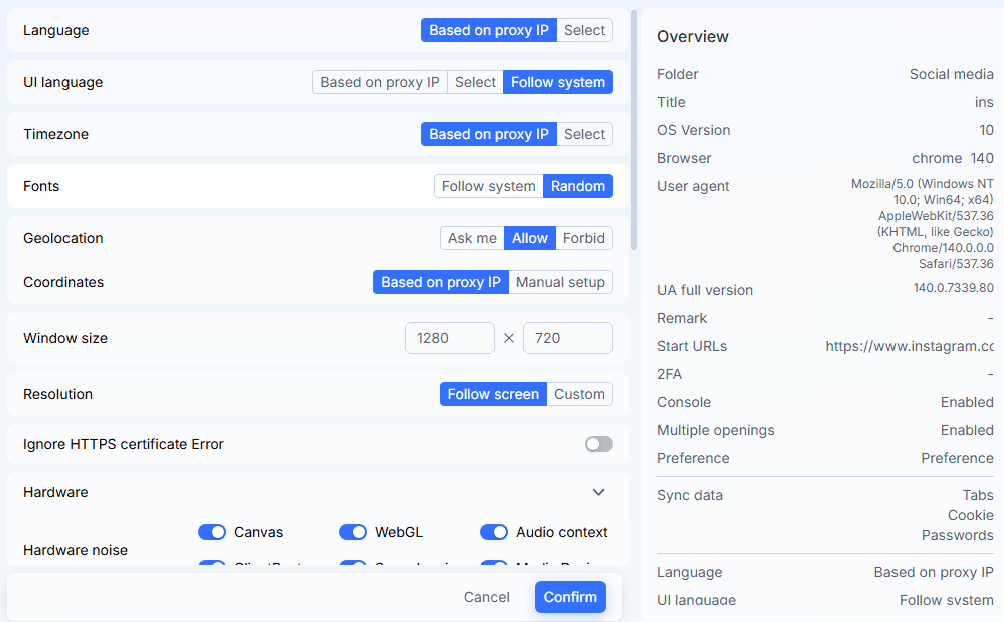
If you need to manage multiple IG projects simultaneously (e-commerce, social media management, overseas business), you can use an isolated environment tool (like MostLogin anti-detect browser) to create multiple browser environments for logging into Instagram. MostLogin supports configuring unique IP addresses, time zones, languages, resolutions, UAs, Canvas fingerprints, and other key parameters for each environment—making each account's browser characteristics appear as if they come from real users in different regions, using different devices and browsing habits.
Summary
Whether you want to save favorite photos, collect materials, or store content for account management, using the tools and methods mentioned in this article allows you to easily get high-definition images on mobile and desktop—no more relying on blurry screenshots. We hope this tutorial helps you use Instagram more smoothly and enhances your content creation and browsing experience.
Frequently Asked Questions
Is it legal to download Instagram images?
Saving Instagram images for personal use is generally permitted, but you must adhere to certain basic principles: Do not use them for commercial purposes without the creator's prior authorization; do not distribute or repost paid content from the original author; avoid violating privacy (e.g., sharing images containing personal information without permission); if citing them in articles or non-commercial content, it's best to credit the source. As long as you use the images within reasonable limits and respect the creators' rights, there should be no issues.
Best Anti-Detect Browser - MostLogin
MostLogin anti-detect browser helps users solve high-frequency issues such as multiple account management, environment isolation, and account risk control.
For operational questions, please refer to the Official Help Center