As visual content gains popularity worldwide, Pinterest has evolved from being just an inspiration-seeking platform to a vital resource for designers, e-commerce sellers, and content creators to source materials. However, many users encounter the same issue during actual use: Pinterest content is visible but not easy to download.
Today, we will address several questions related to Pinterest content downloading and introduce the 6 most recommended Pinterest content download tools (including web-based and mobile apps) for 2026, helping you solve relevant problems!

I. What Types of Content Can Be Downloaded from Pinterest?
Pinterest offers a richer variety of content formats than many people think. The common downloadable content mainly includes the following types:
Images (Pins): Including photography works, poster designs, UI interfaces, illustrations, product images, etc. These are the most basic and abundant content format on Pinterest.
Video Pins: Mostly short video content, often used for tutorials, product displays, creative demonstrations, etc. However, the official platform does not provide a direct download entry.
Idea Pins: Similar to short video compilations, usually consisting of multi-page videos or images. This is a key content format promoted by Pinterest in recent years.
GIFs: Suitable for tutorial demonstrations and dynamic inspiration displays, and are also very popular on Pinterest.
Cover Images and Collection Content: Including Board covers and individual materials in series content.
Theoretically, all these types of content can be saved, but not all of them are downloadable for users.
II. Why Is Pinterest Content Difficult to Download?
The difficulty in downloading Pinterest content is mainly not a technical issue, but rather due to the relevant restrictions set by the platform:
1. No Official Download Interface Available
Especially for videos and Idea Pins, Pinterest does not provide a public download channel for the original files.
2. Dispersed Content Resources and Dynamic Loading
Most media content is loaded through dynamic requests, unlike traditional images that can be directly saved by right-clicking.
3. Strict Anti-Crawling and Risk Control System
High-frequency access, abnormal IP addresses, and repetitive behaviors will all be identified as non-normal user activities, thus directly blocking crawler scraping.
4. Copyright and Creator Protection Mechanisms
Pinterest prefers to guide users to save content within the platform rather than downloading it to local devices.
Therefore, the official platform does not want ordinary users to frequently download content other than images to local devices. Moreover, excessive frequency may easily trigger the platform's risk control mechanism.
III. The 6 Most Recommended Pinterest Content Download Tools for 2026
These are the 6 Pinterest download tools with excellent user reputation and practicality in 2026, suitable for different usage scenarios:
1. savepin.app
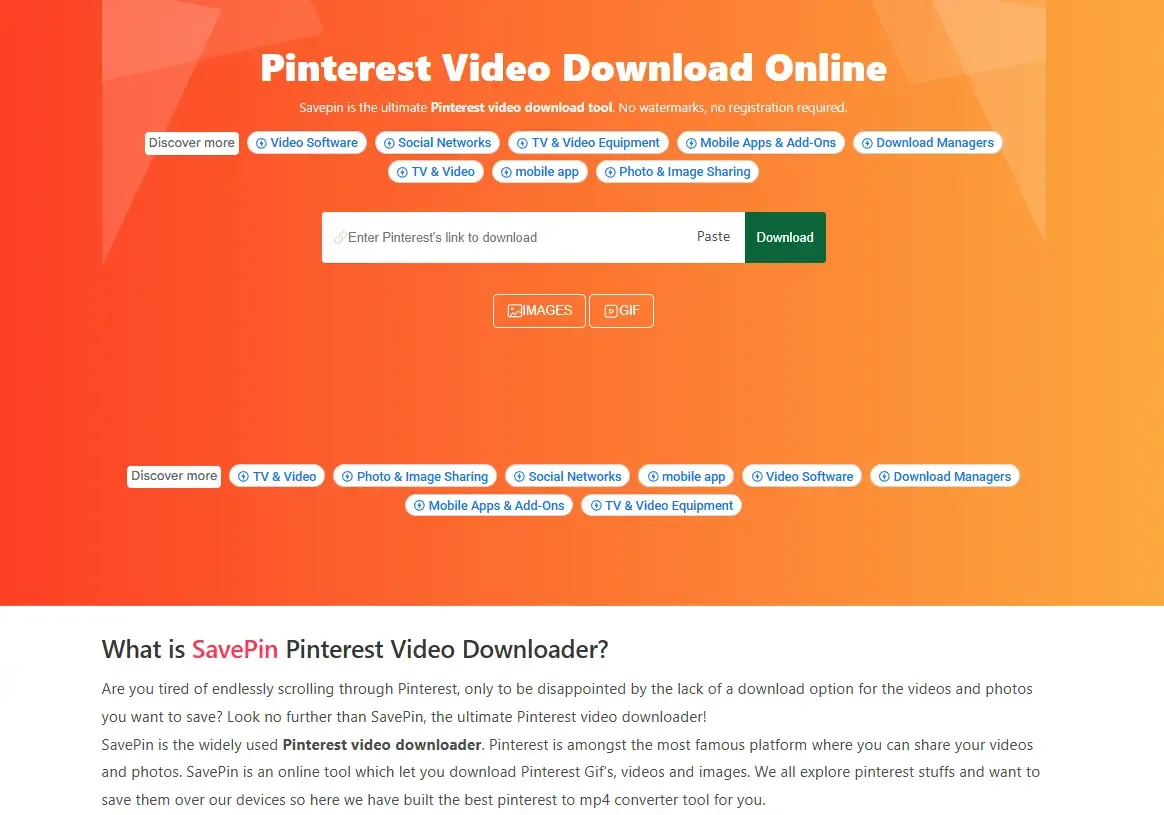
Tool Positioning: All-in-one Pinterest Video/Image/GIF Download Tool (Web + Android).
Supported Content: Pinterest videos (up to 4K resolution), images/GIFs, and partial support for Board and batch downloading.
Summary of Core Features: Watermark-free, no registration required, ready to use online, multiple resolution options (480p/720p/1080p/4K), fast download speed with global CDN, compatible with Windows/macOS/Android/iOS/Web.
Suitable for: Ordinary users + light content collectors + multi-device users.
2. klickpin
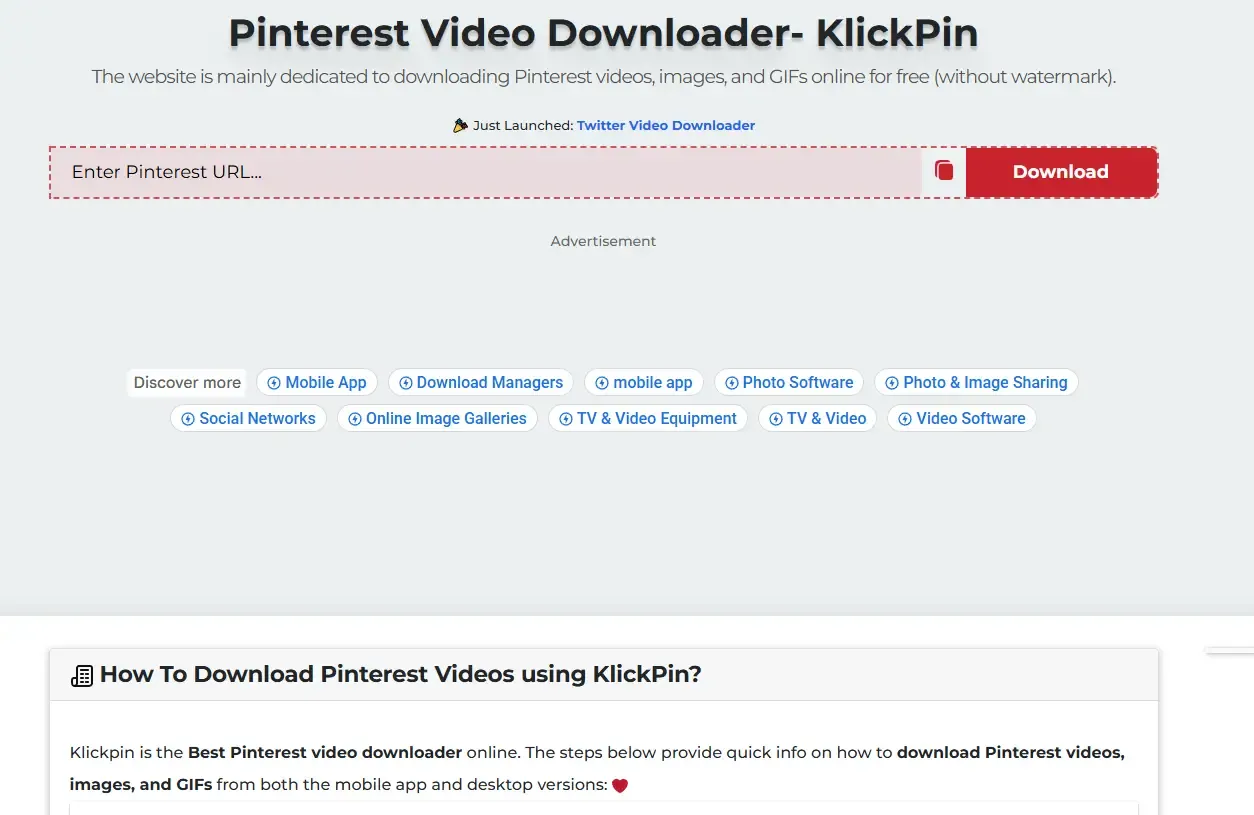
Tool Positioning: Stable Pinterest Video/Image/GIF Downloader (Web + APK).
Supported Content: Videos/GIFs/Images/Idea Pins, with support for MP4 and MP3 conversion.
Summary of Core Features: Supports 720p/1080p/2K/4K resolution, can extract audio only (MP3 format), no Pinterest login required, compatible with iOS, Android and desktop browsers, with complete security certifications (such as Google Safe Browsing).
Suitable for: Users who value stability + those who occasionally need audio extraction.
3. toolsmart
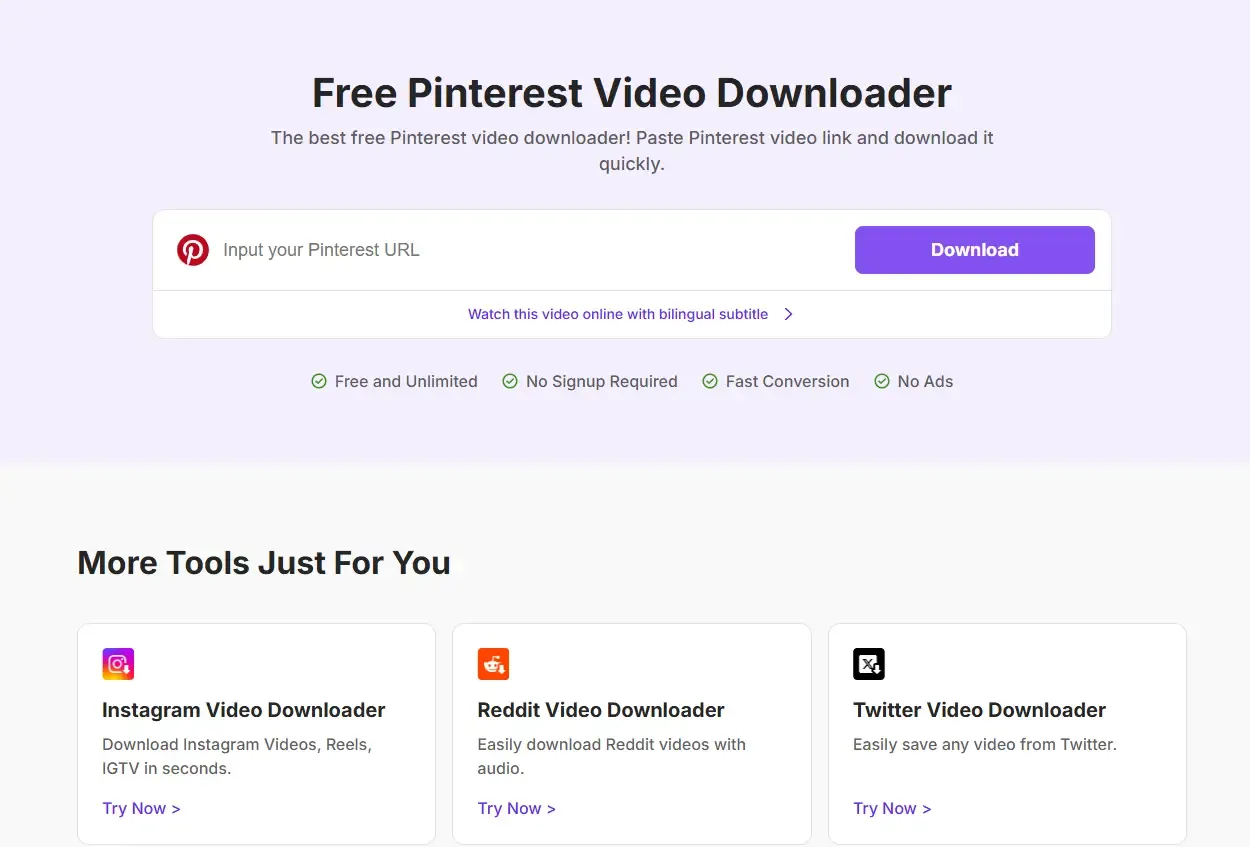
Tool Positioning: Pure tool-based free video downloader.
Supported Content: Pinterest videos (including audio/ video-only/ audio-only options), with high-definition MP4 output.
Summary of Core Features: Completely free, unlimited downloads, ad-free, no registration required, extremely simple operation, supports HD/1080p/4K resolution, more suitable for quick single-video downloads.
Suitable for: Designers/content creators/users with temporary download needs.
4. vidau
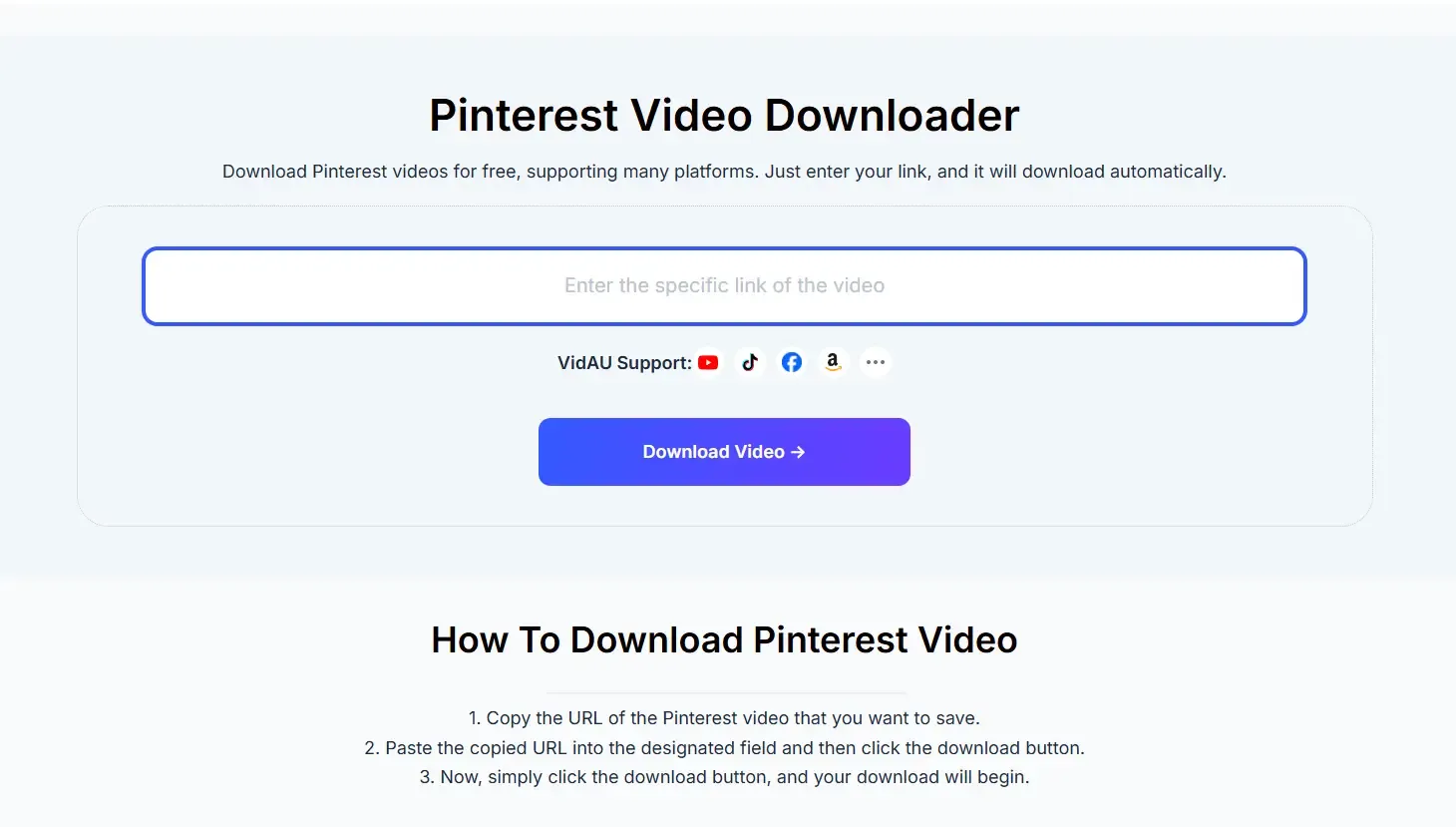
Tool Positioning: Universal downloader for Pinterest and multiple e-commerce/social media platforms.
Supported Content: Pinterest videos, as well as content from TikTok/Amazon/Shopify/Etsy/eBay, etc.
Summary of Core Features: Unlimited download times, watermark-free, no login required, supports multi-platform video parsing, with significant speed optimization, suitable for batch operations.
Suitable for: Cross-border e-commerce/ users who collect content from multiple platforms.
5. Pinterest Video Downloader
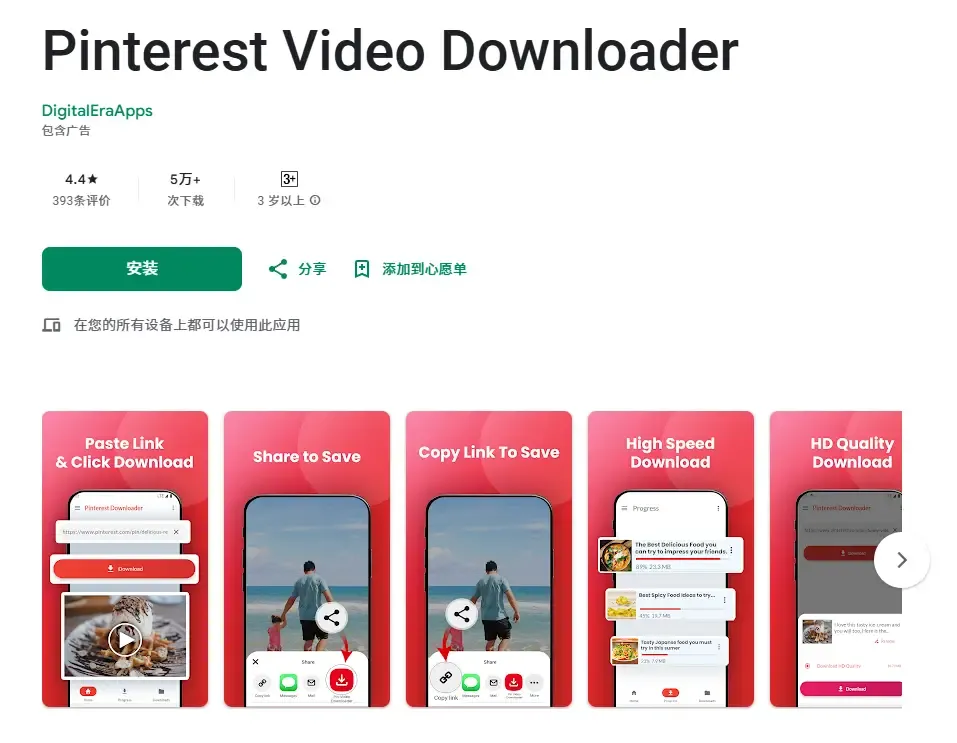
Tool Positioning: Beginner-friendly Android download app.
Supported Content: Videos/GIFs/Images, with support for multi-task simultaneous downloading.
Summary of Core Features: One-click copy and paste, dark mode available, background downloading support, small app size, and simple UI design.
Suitable for: Android beginner users/light users.
6. Video Downloader for Pinterest
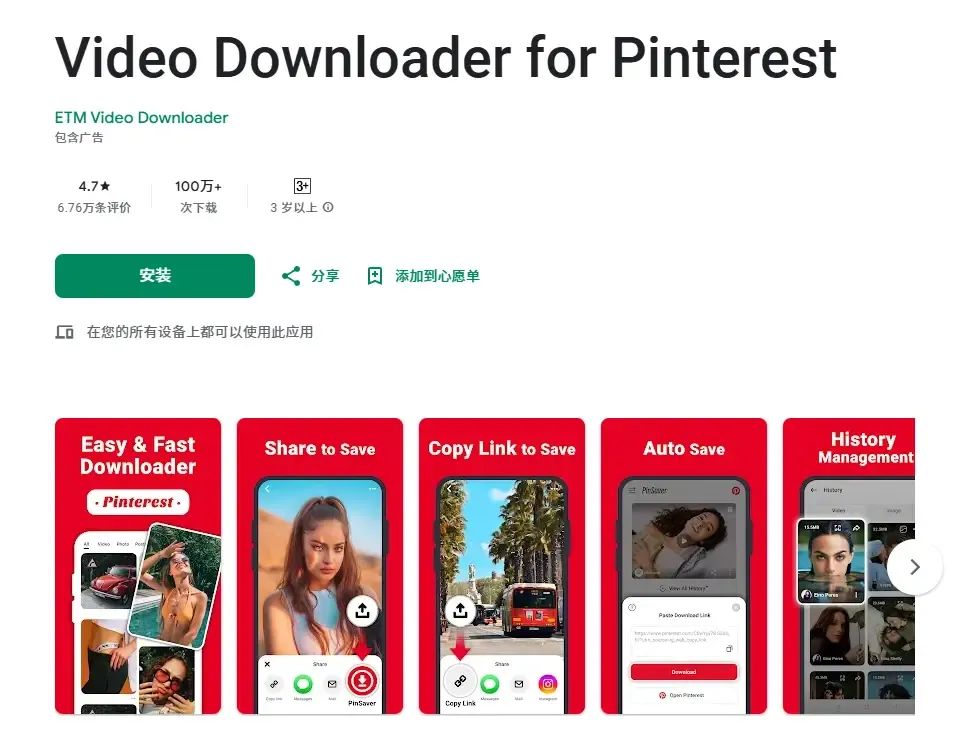
Tool Positioning: Mature Pinterest Saver application.
Supported Content: Videos/Images/GIFs, with multiple quality options.
Summary of Core Features: Direct download via share button, automatic video saving to local folder, and regular stable updates.
Suitable for: Users with high-frequency mobile download needs.
All these tools can solve the problem of being unable to download certain Pinterest content. We can use them to download the relevant content we want from the platform.
IV. Why Do Accounts Get Banned for Downloading Pinterest Content?
Some users have reported that their accounts get restricted shortly after using download tools, or they suddenly cannot save or browse content, and even get banned directly.
The common reasons for this mainly include: downloading a large amount of content in a short period of time, frequently copying and pasting links which are identified as automated behaviors, operating multiple accounts with the same IP address, using public proxies or unstable networks, and having highly similar browser fingerprints that are correlated and identified by the platform. Pinterest's risk control system does not only focus on what you download, but more on whether your behavior is similar to that of a real user.
V. How to Download Pinterest Content Safely and Quickly?
If you only download one or two pieces of content occasionally, you can directly use ordinary tools manually. However, if you are in scenarios such as e-commerce product selection, content collection, material sorting, or team collaboration, just using a downloader is not enough. We recommend using an anti-detection browser for automated operations, which can also protect the security of your Pinterest account.
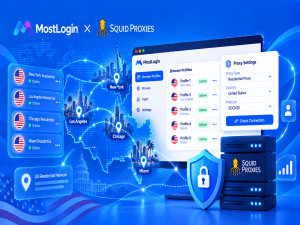
For example, by using MostLogin Anti-Detection Browser, we can create an independent browser environment for each account, set independent fingerprints, Cookies, caches and system parameters. This can effectively avoid account correlation and risk control identification by the platform. When used in conjunction with download tools, it reduces the risk of account banning.
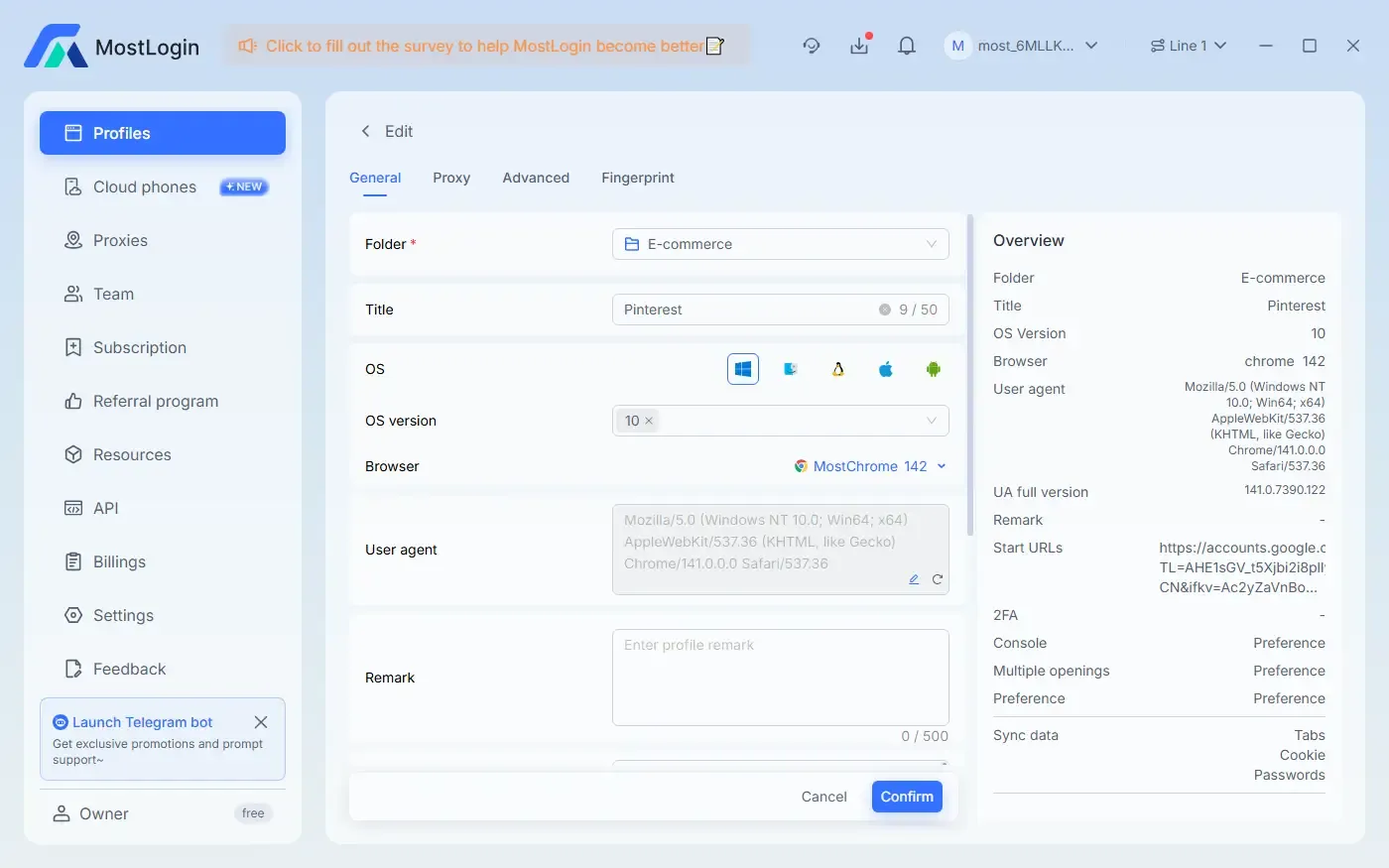
VI. Advantages of MostLogin Anti-Detection Browser
Using MostLogin for batch downloading of Pinterest content has the following obvious advantages:
Account Isolation to Avoid Associated Bans: Each Pinterest account runs in a completely independent browser environment.
Simulation of Real User Behavior: Highly realistic fingerprint parameters that are closer to the access tracks of real users.
Support for Multi-Account and Multi-Region Operations: Suitable for cross-border e-commerce and overseas content operation teams.
Compatible with Any Download Tool: Does not change your usage habits, only enhances security.
Long-Term Stability with Low Risk of Triggering Risk Control: Especially suitable for high-frequency or batch download scenarios.
Conclusion
Downloading Pinterest content itself is not complicated; what is complicated is platform risk control and account security. Download tools solve the problem of whether content can be downloaded, while MostLogin solves the problem of whether content can be downloaded in a long-term, efficient and safe manner. If you are an ordinary user, choosing a suitable downloader is sufficient. If you are a professional user, team user or high-frequency downloader, the combination of a download tool and MostLogin is a more reliable solution.
Frequently Asked Questions
Can Pinterest videos be downloaded directly?
Official support is not available; third-party tools are required.
Will frequent downloading definitely result in an account ban?
Not necessarily, but high-frequency abnormal behaviors carry an extremely high risk of account banning.
Which downloaders can MostLogin be used with?
It can be used with almost all Pinterest download tools.
Is an anti-detection browser necessary for individual users?
Not necessary for low-frequency use, but highly necessary for high-frequency or multi-account users.
Best Anti-Detection Browser - MostLogin
MostLogin anti-detection browser tool helps users solve high-frequency problems such as multi-account operation, environment isolation and account risk control.
For operational questions, please refer to the Official Help Documentation