Best Affordable Antidetect Browser: How to Choose
When choosing an affordable antidetect browser, do not evaluate it only by its advertised monthly price. A low entry price can be useful, but it does not show the full cost of managing browser profiles, proxies, team access, and daily operations as your workflow expands.
Before comparing products, estimate these four operating costs:
- Browser profiles: Consider how many active profiles you need today and how many you may need as new markets, clients, stores, or campaigns are added.
- Proxy services: Include the cost of stable IPs, location coverage, traffic usage, and the operational effort required to assign proxies appropriately.
- Team seats: Check how many users can access, share, transfer, or manage profiles under the selected plan.
- Operating time: Account for the time spent organizing credentials, handling profile handovers, checking proxy settings, and resolving environment-related issues.
Some low-cost plans can create efficiency problems when profile limits are restrictive, account details are stored across spreadsheets, or browser environments must be rebuilt repeatedly. Those issues may increase hidden costs even if the subscription itself appears inexpensive.
What Is an Antidetect Browser?
An antidetect browser is a browser-management tool designed to create and maintain separate browser profiles. Each profile can store its own cookies, local storage, browser settings, proxy configuration, and selected fingerprint-related signals, including User Agent, language, time zone, screen parameters, and WebGL information.
For legitimate business use, isolated environments can help teams separate client workspaces, organize regional marketing operations, conduct authorized QA, and manage different brand accounts without mixing browser data. An antidetect browser does not guarantee that an account will avoid restrictions because platforms may also evaluate account history, activity patterns, payment information, content quality, and policy compliance.
The following sections compare popular affordable antidetect browsers based on profile scalability, team workflow, proxy management, automation needs, and fit for different types of users.
MostLogin: Best for Scalable Profile Management
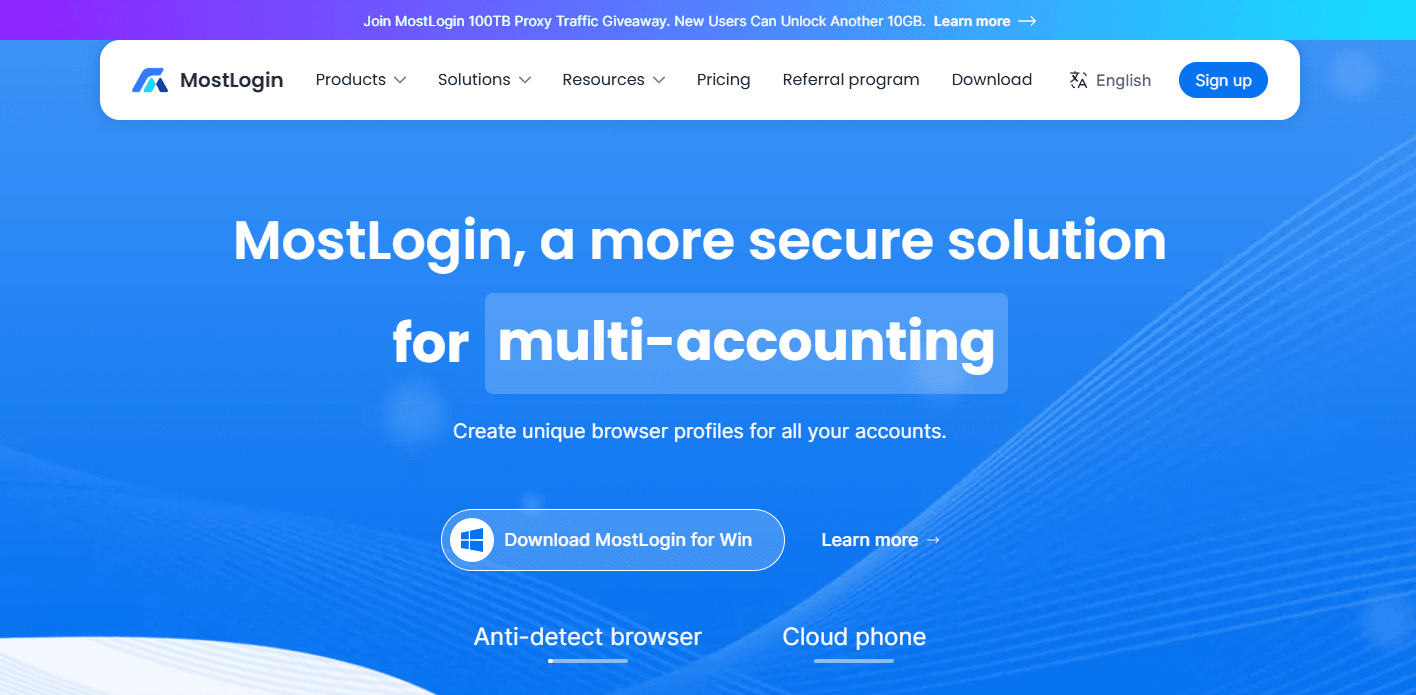
MostLogin is a practical choice for teams that expect their profile requirements to grow over time. Its public pricing structure includes a Starter tier with 5 profiles, Plus plans covering 20–500 profiles from $2.1 per month, and Pro plans for 600–10,000 profiles from $49 per month. Collaboration, bulk operations, profile sharing, and Local API and MCP integration with AI capacity scale with the selected plan.
For ecommerce sellers, agencies, and social media teams, the main advantage is organization. Browser data, proxy settings, profile ownership notes, and team access can be managed through one workflow rather than separate local browser sessions. MostLogin is a suitable option if your team needs structured multi-account management and prefers to expand capacity gradually rather than commit to a large profile plan from the outset.
For conventional large-scale automation, technical teams can use the Local API with browser automation frameworks and custom scripts. MostLogin also supports MCP, or Model Context Protocol, which allows compatible AI agents such as Codex, Cursor, Claude, and OpenCode to connect with supported browser tools. Instead of writing every workflow in code, operators can use natural-language instructions to ask an AI agent to discover profiles, launch a selected environment, configure supported profile settings, or coordinate multi-step browser tasks.
For example, an authorized social media operations team could instruct an AI agent to open a selected profile, log in, browse relevant content for a defined period, find a post that meets stated criteria, and prepare an interaction for human review. This lowers the technical barrier for repetitive workflows, but teams should test it on non-critical profiles first and retain human oversight. All use should remain subject to platform rules and account authorization.
BitBrowser: Best for Budget-Friendly Automation
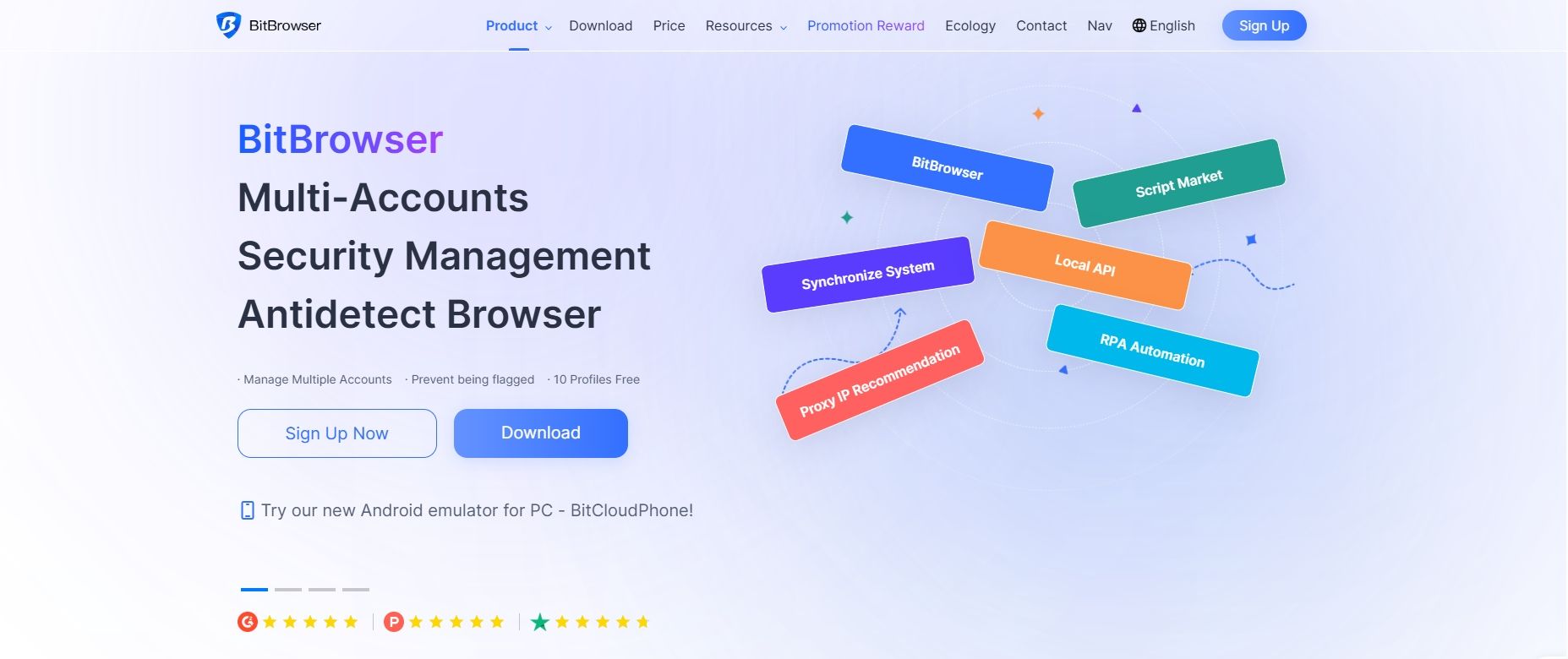
BitBrowser is a budget-oriented antidetect browser for teams that need profile management, proxy configuration, team sharing, and automation options in one platform. Its published pricing lists a Starter Team plan with 50 profiles and two members at $10 per month, a Growing Team plan with 100 profiles and four members at $15 per month, and a Larger Team plan with 200 profiles and eight members at $25 per month. Longer billing periods may reduce the effective monthly price.
The platform supports browser-profile management and provides Local API documentation for programmatic tasks such as creating profiles and opening a browser by profile ID. This makes BitBrowser relevant for teams that have developers or technical operators using automation frameworks and scripts.
BitBrowser may suit smaller marketing teams or agencies that need a lower entry cost while retaining room for profile and member growth. Before selecting a plan, confirm which tier includes the required automation functions, API access, profile limits, daily usage constraints, and support level. Like other antidetect browsers, BitBrowser should be used for authorized, policy-compliant workflows rather than attempts to bypass platform restrictions.
GoLogin: Best for Small Cross-Platform Teams
GoLogin is a common option for individual operators and small teams that need browser profiles across Windows, macOS, Linux, and mobile-related workflows. Its published paid tiers range from Professional packages with 10, 50, or 100 profiles to Business and Enterprise options with more profile capacity and API access.
The platform can be useful when a team wants access to consistent browser environments across different systems without a complex setup. Pricing should be reviewed carefully because monthly and annual commitments can produce very different effective rates. GoLogin is generally a fit for smaller cross-platform teams, while agencies should confirm that the selected tier includes sufficient profile sharing, member access, and API capacity for future operations.
MoreLogin: Best for Budget-Conscious Growth
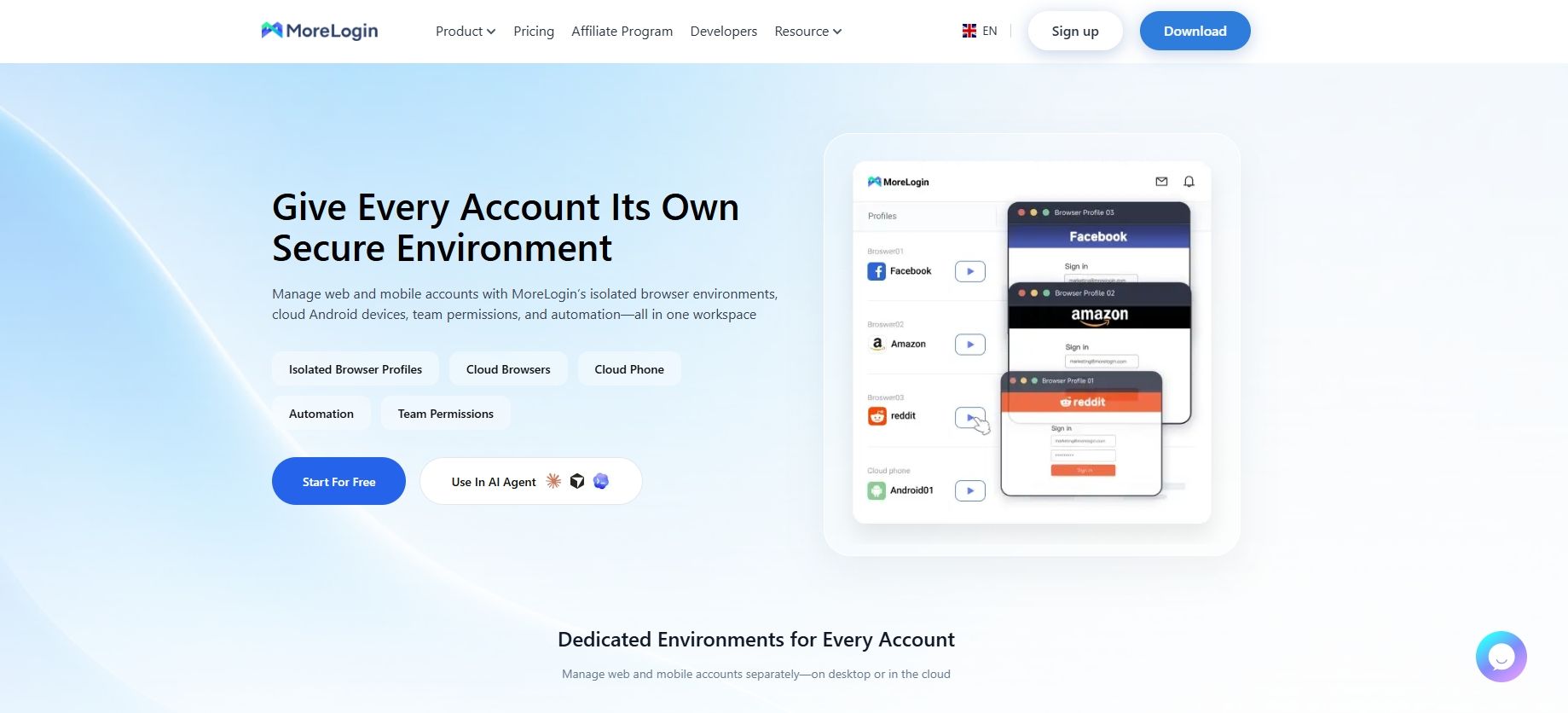
MoreLogin is a budget-focused option for teams that prefer profile-based scaling. Its official subscription information lists 10 profiles at $9 for 30 days, 20 profiles at $15, 50 profiles at $25, 100 profiles at $35, and 1,000 profiles at $160, with longer commitments potentially lowering the effective monthly cost.
The platform may suit small agencies that need to separate browser workspaces by client or market without initially paying for enterprise capacity. Its model becomes more attractive when profile growth is predictable and account ownership is clearly organized. Before subscribing, confirm the team-seat allowance, profile transfer options, API availability, and support scope included in your selected plan.
Incogniton: Best for Defined Small-Team Requirements
Incogniton may suit individual operators or compact teams with a defined profile requirement and basic automation needs. Its published paid tiers include 10 profiles at $19.99 per month, 50 profiles at $29.99, and 150 profiles at $79.99, with higher-scale plans available for larger operations.
This structure can be practical when browser environments are managed centrally by one person or a small group of authorized staff. Team capacity remains an important consideration: the Professional plan lists three team-member seats, so distributed teams should calculate the cost of additional access before assuming an entry package represents the total cost. Incogniton is most suitable when profile volume, automation requirements, and ownership responsibilities are already well defined.
Multilogin: Best for Higher-Value Agency Workflows
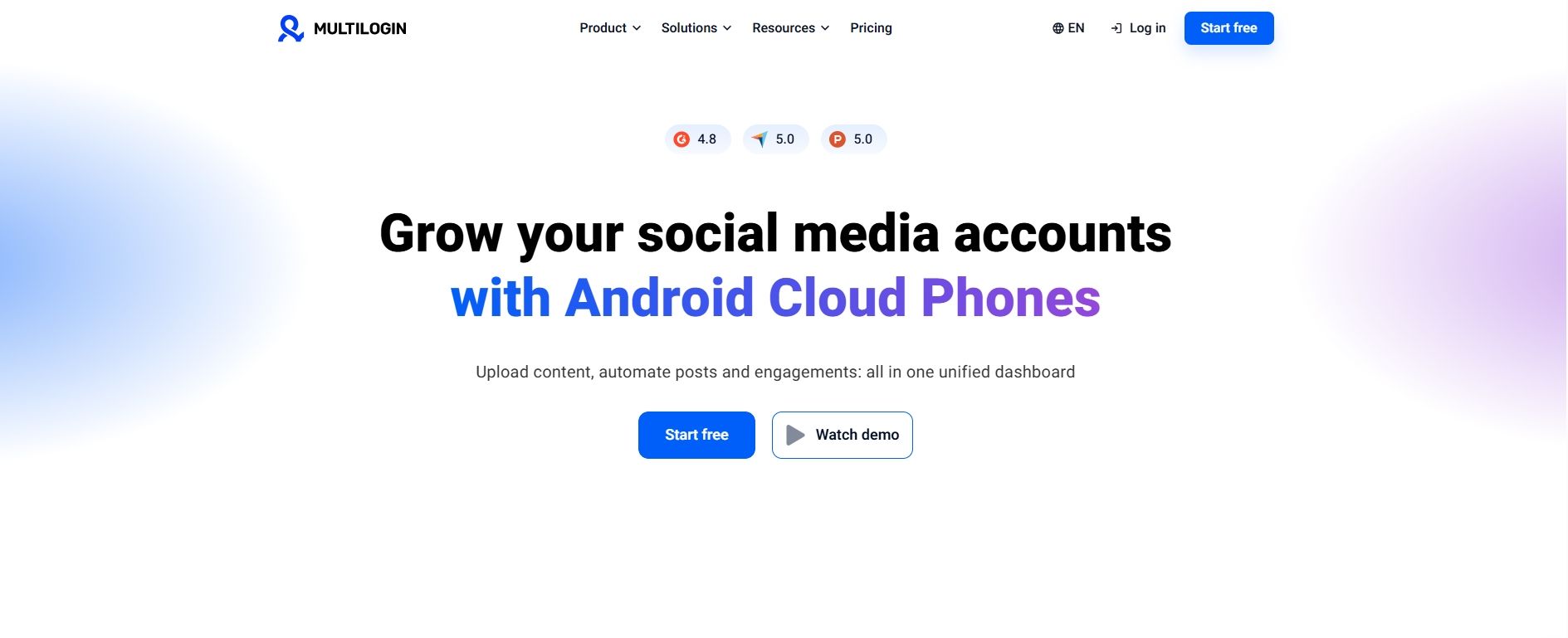
Multilogin is often evaluated by agencies and larger operators that value browser profile management, API access, and cloud-phone-related workflows. Its official plan comparison lists Pro 10 at $11 per month, Pro 50 at $29, Pro 100 at $40, and Business 300 at $89 on monthly terms, with higher packages adding profiles, team capacity, and included resources.
For agencies managing higher-value client operations, its bundled structure can be useful when included resources match the actual workflow. It may be less cost-efficient for a lean team that only needs a small number of stable browser profiles and external proxies. Review included proxy traffic, mobile resources, and user limits carefully instead of comparing only the headline subscription price.
Build a Stable Low-Cost Setup
Create Clear Profiles
Create one profile for each authorized account, client, brand, market, or testing purpose. Give every profile a clear name and assign an accountable owner.
Assign Stable Proxies
Bind each profile to a proxy that matches its legitimate operating region. Avoid unnecessary switching between locations or providers.
Keep Settings Consistent
Once configured, keep the profile’s main browser and network settings stable. Frequent changes make environments harder to manage and troubleshoot.
Control Team Access
Group profiles by brand, client, market, or platform, then give access only to relevant team members. A centralized platform such as MostLogin can help keep profile organization and collaboration out of scattered local browsers and spreadsheets.
FAQ
What is the best affordable antidetect browser for a small team?
The best choice depends on profile count, proxy needs, and how many people require access. MostLogin, AdsPower, GoLogin, MoreLogin, and Incogniton can all suit a small team, but the best value usually comes from a plan that supports expected growth without charging for unused capacity.
Can an antidetect browser prevent account bans?
No. An antidetect browser cannot guarantee that accounts will avoid restrictions or bans. It can separate browser-level data such as cookies, local storage, and fingerprint attributes, and the antidetect browser can reduce the risks of bans dramatically.
Should every account use a separate proxy?
Not always, but separate authorized business contexts should not receive network settings at random. Use stable proxy conditions that match the account’s legitimate operating region, and avoid unnecessary sharing or frequent switching between unrelated environments.
How should I compare antidetect browser pricing?
Compare the total cost per active profile rather than only the advertised monthly rate. Include profile capacity, team seats, proxy spending, API or automation access, and the time needed for profile maintenance and handovers.
Conclusion: Select Based on Your Workflow
The best affordable antidetect browser depends on the type of user, the number of profiles required, the proxy strategy, and the level of team collaboration needed. A solo operator managing a limited number of environments may prioritize straightforward pricing and basic profile isolation, while a growing ecommerce team or agency may need bulk management, permissions, profile sharing, and API capacity.
MostLogin is well suited to teams that want to expand profile management progressively while keeping browser environments, proxy configuration, team collaboration, bulk actions, and API workflows in one system. Its profile-based tiers allow cross-border sellers, marketing agencies, and social media teams to align spending with actual operational needs. Review the available MostLogin pricing plans to select a configuration that matches your current profile volume, proxy requirements, and collaboration workflow.