When managing multiple accounts on platforms like TikTok Shop, a stable account environment and low-risk operation strategies are crucial. As platform risk control mechanisms evolve, Anti-Detect Browsers have become essential tools for cross-border e-commerce, social media matrix management, and ad account operations.
By simulating independent browser fingerprints, isolating session environments, and binding unique proxy IPs, these tools help reduce account association risks, improve account survival rates, and enable safe multi-account management on TikTok Shop. Here, we summarize some widely used Anti-Detect Browsers in the TikTok Shop ecosystem.
1. Why Use an Anti-Detect Browser?
Before comparing options, it’s important to understand the key functions of Anti-Detect Browsers:
1. Account Environment Isolation
Each account has an independent “device fingerprint,” preventing the platform from linking multiple accounts to a single device or user, thereby reducing the risk of bans or restrictions.
2. Fingerprint Masking & Realistic Behavior Simulation
By masking browser fingerprints (UA, Canvas, WebGL, language, timezone, etc.), these browsers make it difficult for platforms to track account activity.
3. Independent IP Assignment
Each browser environment can be assigned a unique proxy IP to prevent account association.
4. High-Concurrency Multi-Account Support
Allows running multiple independent account environments on a single device, essential for managing multiple TikTok Shop stores.
2. Popular Anti-Detect Browser Comparisons
Below are some of the most popular browsers suitable for TikTok Shop and similar operation scenarios:
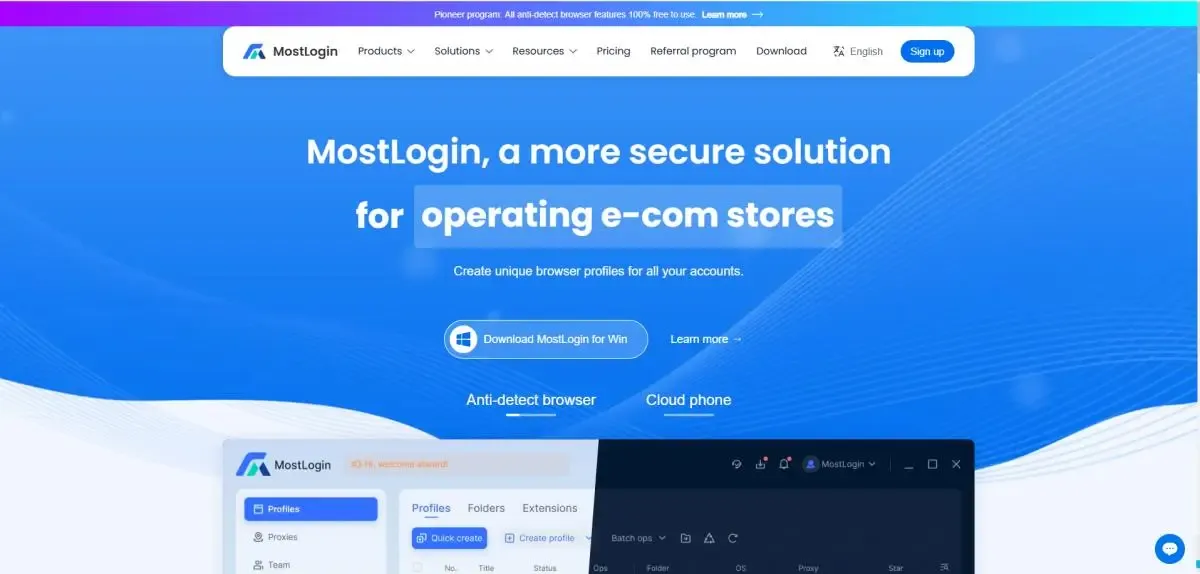
1. MostLogin – Stable & Secure Anti-Detect Browser
Core Positioning: Enterprise-level, high-stability Anti-Detect Browser
Advantages:
- User-friendly interface, suitable for beginners and advanced sellers
- Supports TikTok, Facebook, X, and other major platform account management
- Team collaboration with independent fingerprint environments for each account, reducing “multi-account on one device” risk
- Cloud phone services for safe, stable social media account management
Ideal for: Small to medium TikTok Shop teams, cross-border sellers, proxy teams
Summary: Comprehensive features and stable performance make it a popular choice for practical TikTok Shop operators.
2. Dolphin Anty – Lightweight Option
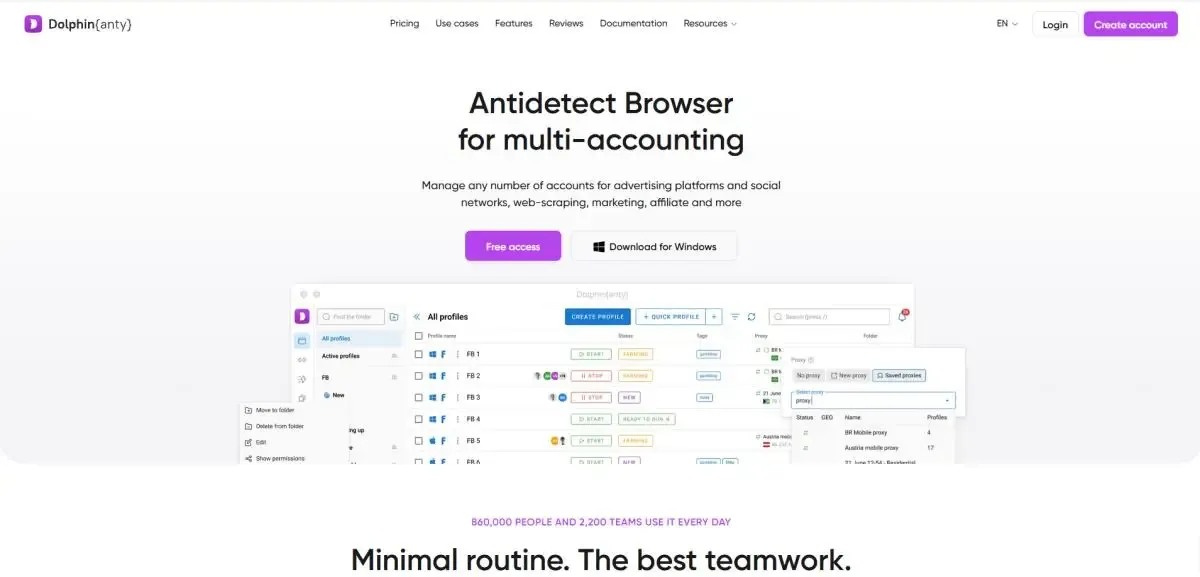
Features: Dolphin Anty offers realistic fingerprint simulation and automated actions, ideal for small teams and individuals.
Ideal for: Users on a budget who need basic multi-account isolation and management
Limitations: Limited high-concurrency and advanced customization capabilities
Summary: Suitable for TikTok Shop operators who are just starting or have limited budgets.
3. MultiLogin – Pioneer Anti-Detect Browser
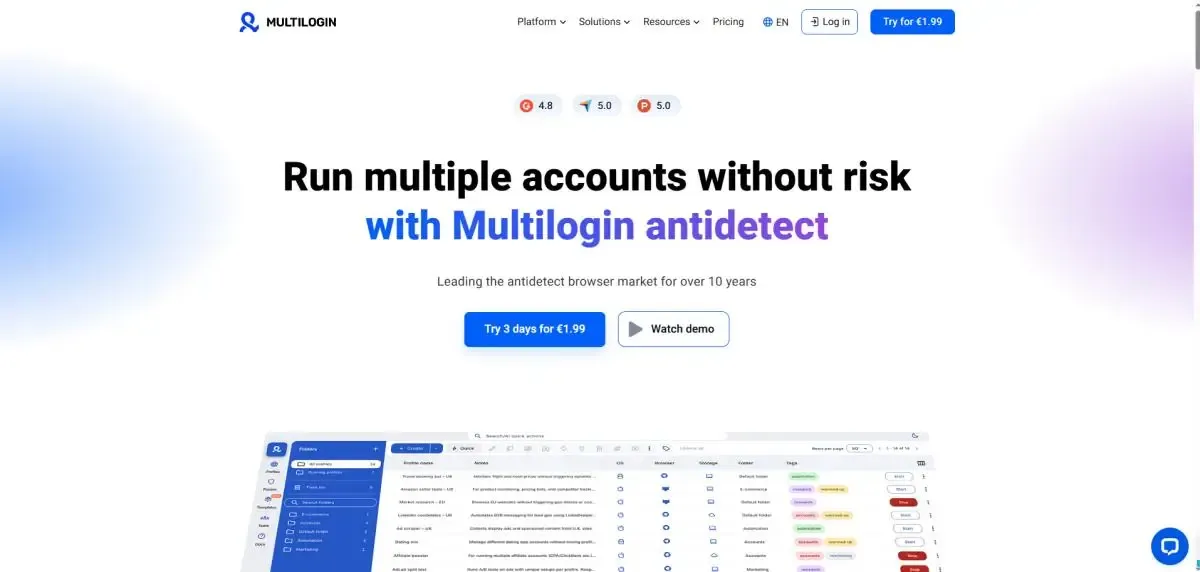
Core Positioning: Enterprise-level Anti-Detect Browser
Advantages:
- Mature fingerprint simulation technology, highly stable, suitable for large-scale deployment
- Supports managing a large number of concurrent profiles
- Supports automation integration (Puppeteer, Playwright) for workflow automation
Ideal for: Proxy teams and medium-to-large TikTok Shop operations
Limitations: High cost; only 3-day trial available
Summary: MultiLogin offers enterprise-level stability for team operations, but at a higher price.
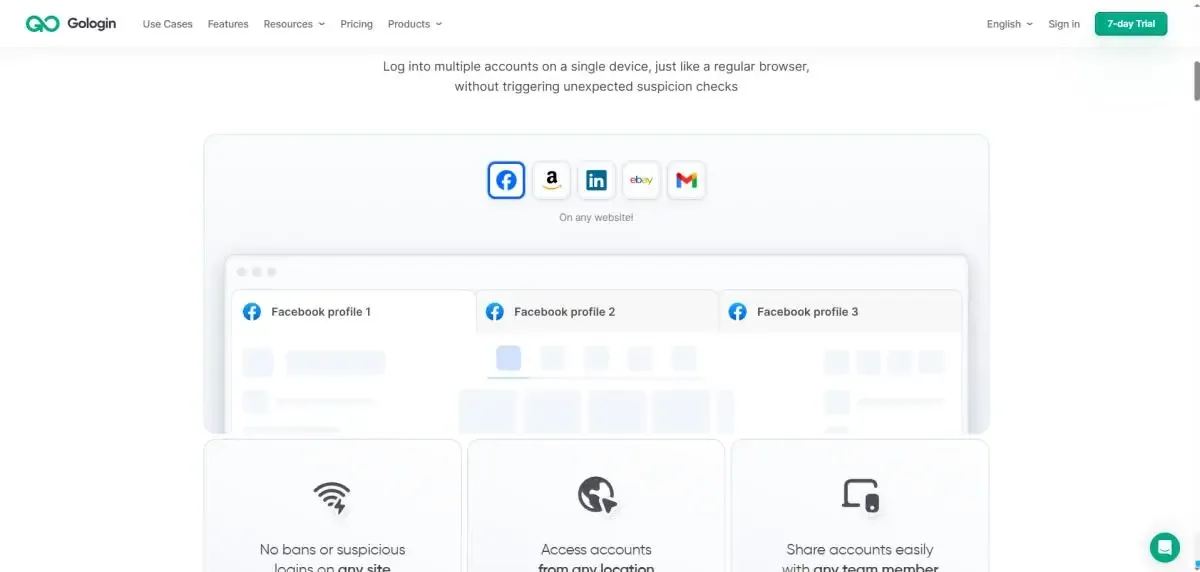
4. GoLogin
Core Positioning: Flexible multi-account browser
Advantages:
- Supports cloud profiles, easy team configuration sharing
- Fast updates, flexible fingerprint customization
Ideal for: Individuals or small teams needing flexible configurations
Limitations: Complex interface; advanced settings not as detailed as enterprise-level solutions
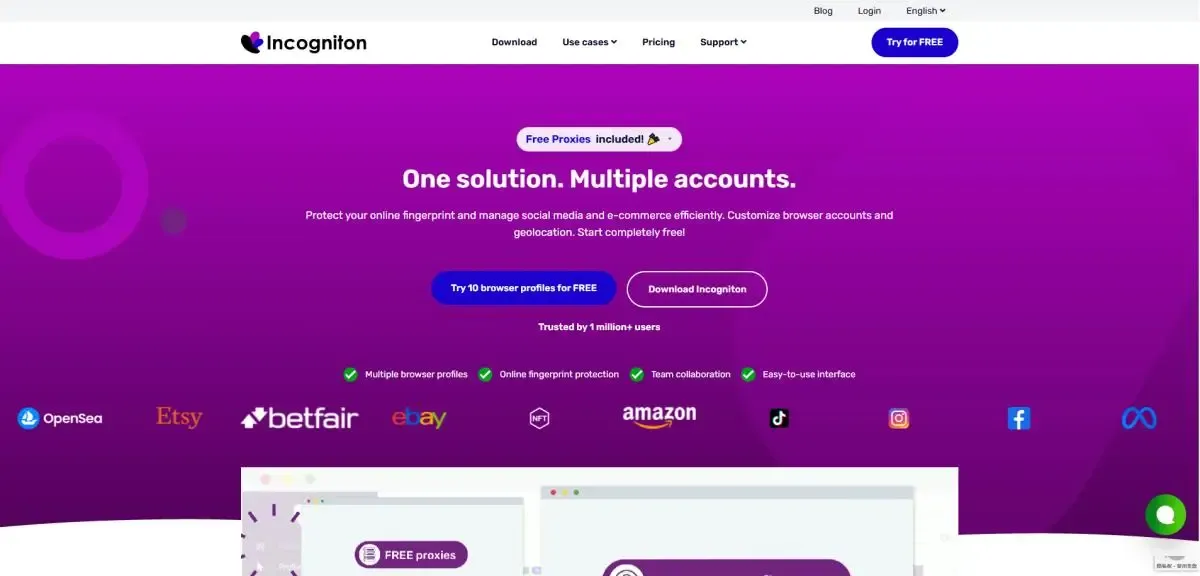
5. Incogniton
Core Positioning: Lightweight Anti-Detect Browser, easy to set up, convenient for manual account management
Advantages:
- Simple installation and setup, ideal for manually managing a few accounts
- Clean and intuitive interface without unnecessary complexity
- Supports independent fingerprints and basic proxy setup
Ideal for: Individuals, small teams, beginners, or budget-conscious users
Limitations: Less suitable for high-concurrency or advanced fingerprint simulation compared to MostLogin or AdsPower
Summary: Great for starting multi-account management or handling a small number of accounts.
3. How to Operate TikTok Shop Accounts?
Beyond choosing the right Anti-Detect Browser, successful TikTok Shop operation also requires:
1. High-Quality Proxy IPs
Anti-detect is only part of environment isolation; using real residential or mobile proxy IPs makes it harder for the platform to link multiple accounts.
2. Content Quality & Activity Patterns
Even with an anti-detect browser, repetitive or extreme actions may trigger platform restrictions. Maintaining proper posting cadence and quality content is key.
3. Account Operation Strategies
Performing normal activities with new accounts before scaling helps reduce the likelihood of risk detection.
Conclusion
| Anti-Detect Browser | Core Positioning | Advantages | Ideal for | Limitations |
|---|---|---|---|---|
| MostLogin | Enterprise-level, high stability | User-friendly interface, multi-platform account management, independent fingerprint environments, cloud phone services | Small-to-medium TikTok Shop teams, cross-border sellers, proxy teams | Comprehensive features but higher cost |
| Dolphin Anty | Lightweight, basic multi-account management | Realistic fingerprint simulation, automation, easy to use | Budget-conscious users, individuals or small teams | Limited high-concurrency and advanced customization |
| MultiLogin | Enterprise-level, large-scale deployment | Mature fingerprint simulation, stable, supports automation integration | Proxy teams, medium-to-large TikTok Shop operations | High cost, 3-day trial only |
| GoLogin | Flexible multi-account management | Cloud profiles, fast updates, flexible fingerprint settings | Individuals or small teams | Complex interface, advanced settings less than enterprise-level |
| Incogniton | Lightweight, manual management | Easy setup, intuitive interface, supports independent fingerprints and basic proxies | Beginners, individuals, small teams | Limited high-concurrency management, less advanced than MostLogin or AdsPower |
Overall, for small to medium TikTok Shop sellers or those starting multi-account operations, MostLogin, MultiLogin, or GoLogin are great starter options. For stable, secure, and scalable environments, MostLogin, Incogniton, or Dolphin Anty are better for long-term operations and team growth.
FAQ
Q1: Which Anti-Detect Browser is best for beginners on TikTok Shop?
A1: For a few accounts, Incogniton or Dolphin Anty are recommended—they are easy to install and quick to start. Once familiar, upgrade to MostLogin for managing more accounts.
Q2: What type of proxy IP is safest?
A2: Use residential or mobile proxy IPs rather than data center IPs, as they resemble regular users and reduce the risk of platform detection.
Q3: Can Anti-Detect Browsers guarantee my TikTok Shop accounts won't get banned?
A3: Anti-Detect Browsers lower account association risk but cannot fully prevent bans. Combine with high-quality proxy IPs, proper operation cadence, and quality content for better account safety.
Best Anti-Detect Browser - MostLogin
MostLogin helps users manage multiple accounts, isolate environments, and reduce account risk efficiently.
Need help? Check the official documentation