The best antidetect browsers are not interchangeable. A tool that suits a solo operator may not fit an agency, while a browser selected for automation may add unnecessary complexity to a manual workflow.
A practical shortlist includes MostLogin, GoLogin, AdsPower, and Multilogin. Compare their documented capabilities against your profile volume, collaboration needs, browser compatibility, and integration requirements.
MostLogin is relevant to teams evaluating low-entry pricing and profile management. GoLogin offers smaller starting configurations and multiple access options. AdsPower lists configurable members and workflow tools. Multilogin documents an actively maintained Chromium-based browser, Mimic.
This guide is based on published information, not a claimed independent benchmark. Its purpose is to help you build a defensible shortlist and verify the fit yourself.
Start With a Requirement That Can Be Tested
“Manage many accounts” is too broad to guide procurement.
Replace it with requirements such as:
- Maintain 30 separate authorized environments.
- Let operators access only assigned client work.
- Preserve expected session data between launches.
- Configure and inspect proxy assignments.
- Run an approved browser automation task.
- Support the extensions required by the business.
These requirements make comparisons more useful than a generic “best overall” label.
Also distinguish separate browser profiles from platform permission to operate accounts. Profile management does not authorize account creation, credential sharing, or activity prohibited by a service.
MostLogin: Consider for Cost-Conscious Profile Management
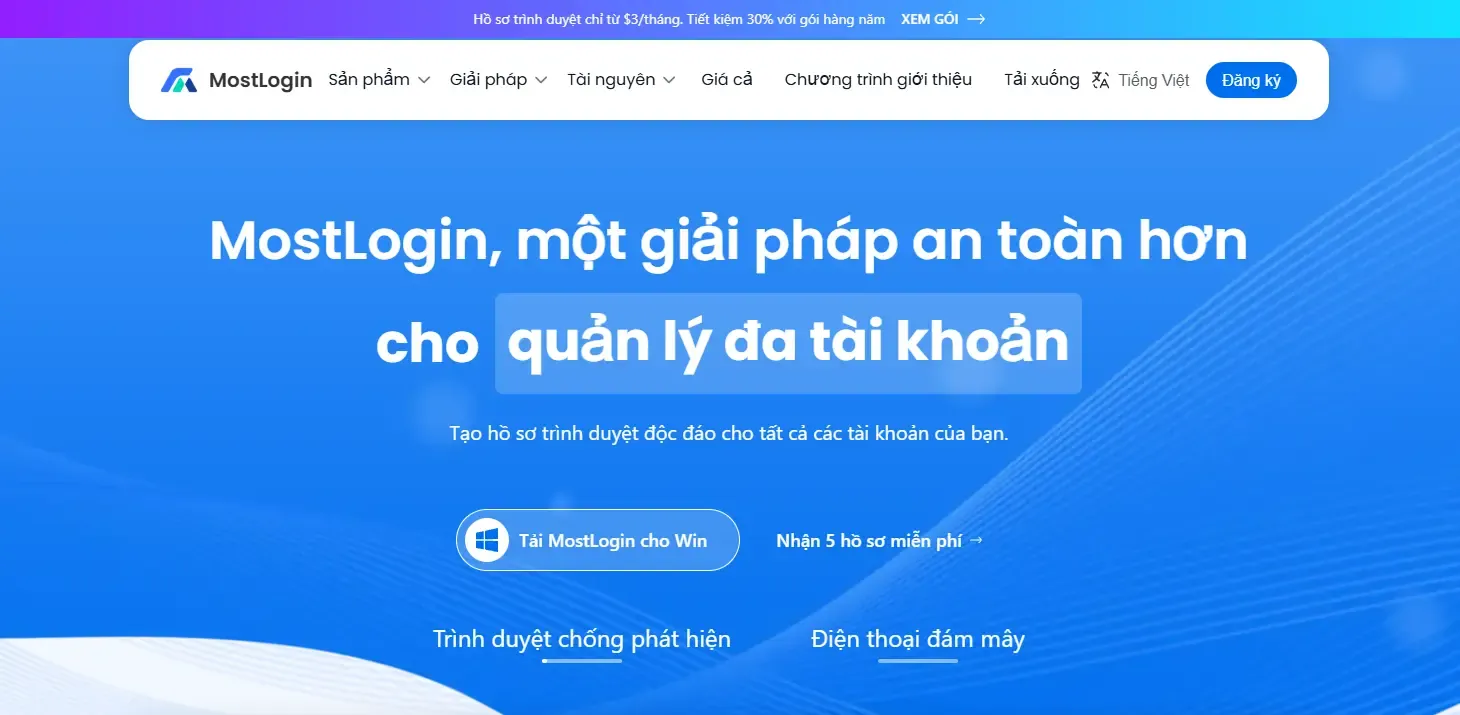
MostLogin’s published plan structure starts with a paid Plus configuration of 20 profiles for $3 per month. Larger configurations extend through Plus, Pro, and Enterprise tiers.
The price makes it relevant to budget-conscious shortlists, but the stronger evaluation question is whether its controls match your work.
Its pricing information lists batch profile management, cross-device data synchronization, profile sharing, role-based permissions, API access, and MCP. It also publishes different Local API rate limits by tier.
Consider MostLogin when you need persistent profile organization and collaboration without beginning with a large subscription.
During evaluation, test profile creation, naming, proxy setup, permissions, and handover. Do not infer unlimited automation throughput from the presence of API access.
For workflow planning, its discussion of AI-assisted multi-account management offers an additional use case. However, an AI integration still needs a defined task and appropriate access controls.
GoLogin: Consider for Smaller Configurations and Access Flexibility
GoLogin’s Professional selector includes 10, 25, 50, and 100 profiles. Its entry option lists $9 per month or a $4.50 monthly equivalent with annual billing.
Published capabilities include profile sharing, cloud browsing, an Android app, and REST API support. These make it worth considering when your selection depends on how and where operators access environments.
Evaluate the exact workflow rather than treating every access method as equivalent.
Check which resources and allowances apply to your selected plan. A browser-based option, desktop application, and mobile application may address different tasks; do not assume that one test validates all of them.
GoLogin also documents cookie import and export, including JSON, Netscape, and plain-text imports. That is useful when authorized session migration forms part of your requirements.
AdsPower: Consider for Configurable Teams and Workflow Tools
AdsPower lists Chrome- and Firefox-based browsers, configurable profiles and members, proxy settings, synchronization, permissions, RPA, a synchronizer, and Local API capabilities.
This makes it relevant when the team has a specific browser-engine or workflow requirement.
However, a product listing is not a completed implementation. If you need RPA, identify the actual sequence and verify it against the current tool. If you need a synchronizer, check whether synchronized interaction is appropriate for the task and permitted by the platform.
AdsPower’s documented cookie input supports JSON, Netscape, and Name=Value data, providing another concrete item to test during authorized migration.
Select it because a verified capability solves a requirement—not because the feature list is long.
Multilogin: Consider for Maintained Chromium Workflows
Multilogin’s current support documentation identifies Mimic as its actively updated Chrome-based browser. It describes Stealthfox as a legacy Firefox-based option that remains on its final core version.
That distinction matters because older comparisons may present the two as equally current choices.
For new workflows, evaluate Mimic against your required websites, extensions, and automation framework. Multilogin documents compatibility with Puppeteer, Selenium, and Playwright for Mimic.
Its support material also describes applying the latest tested Mimic core when a profile starts.
Consider Multilogin when its browser maintenance approach and documented integration support match your technical requirements. Do not reuse outdated pricing or engine claims from historical reviews.
Compare Five Capabilities Across Your Shortlist
Persistent Environment Management
Check whether profiles retain the data needed for your normal workflow.
Use your own authorized account and verify the result after closing and reopening. Do not assume that a successful launch proves that session handling works as expected.
Fingerprint Configuration
Review settings such as User Agent, language, timezone, Canvas, and WebGL where the product exposes them.
MostLogin documents these kinds of settings in its setup material.
The objective is a coherent, manageable configuration—not changing as many attributes as possible.
Proxy Handling
Test the required protocol, authentication, connection, and displayed network information.
Keep the proxy arrangement documented. A proxy’s presence does not establish acceptable reputation, availability, or compliance with the service being accessed.
Team Access
Check what operators can open, edit, share, and administer.
Test removing access as well as granting it. A purchasing evaluation should include the end of an operator’s responsibility, not only onboarding.
Automation Fit
Verify the exact framework, endpoint, and rate limits required.
API availability, no-code automation, and AI-assisted operations are different capabilities. Do not use those labels interchangeably.
Run a Repeatable Trial
Use the same device, workload, and comparable network conditions when evaluating candidates. Record differences that cannot be controlled.
A practical sequence is:
- Create several profiles with a consistent naming scheme.
- Configure the intended network route.
- Review relevant browser settings.
- Sign into authorized accounts normally.
- Complete a representative business task.
- Reopen profiles and inspect session behavior.
- Test a handover and access removal.
- Run one approved automation task if required.
- Record errors, workarounds, and support responses.
MostLogin’s profile setup documentation provides a documented starting point for its creation, fingerprint, proxy, and team configuration.
Do not publish measured comparisons unless you actually performed and recorded the tests.
Use Detection Scores Carefully
Fingerprint-checking tools can reveal certain browser-exposed characteristics, but a score is not a guarantee that a platform will accept an account.
One prominent browser comparison explicitly states that passing checkers does not mean invisibility and describes particular hardware, proxy, and configuration conditions for its tests.
Treat checker results as limited diagnostic evidence. Keep them separate from session usability, extension compatibility, access controls, and platform compliance.
A browser that produces an attractive score but fails a required workflow is not the right purchase.
Make the Decision by Scenario
- For a solo operator, prioritize manageable profile capacity and straightforward daily operation.
- For an agency, compare client grouping, permissions, handovers, and removal of access.
- For an automation team, verify framework compatibility, rate limits, maintenance behavior, and error handling.
- For a growing business, compare the next capacity tier—not only the entry configuration. The MostLogin pricing plans publish profile ranges and API limits that can be assessed against those requirements.
The strongest choice is the browser that meets your documented needs with acceptable cost and operational effort. It does not need to win every category.
Frequently Asked Questions
Is the most expensive browser automatically better?
No. A higher subscription is only justified when the relevant capabilities solve requirements that matter to your workflow.
Which browser is suitable for a small team?
Start with profile capacity, assigned access, and handover requirements. Compare exact configurations rather than relying on a general team-friendly label.
Do all browsers support the same automation frameworks?
No. Verify current documentation for the required product and engine; Multilogin, for example, documents specific framework support for Mimic.
Can profiles replace platform-native permissions?
No. Browser access and platform authorization are separate. Use the platform’s own access controls where required.
How should I choose between two similar products?
Run the same representative workflow in both. Compare recorded results, access controls, required integrations, and complete cost rather than feature counts alone.