When many people use Telegram on their computers, they will find that the official provides two versions for desktop use: the web version and the desktop client. However, there are actually obvious differences between the two in terms of functionality, stability, and suitable usage scenarios. This article will briefly compare the differences between Telegram Web and Telegram Desktop to help you choose the more suitable version based on your own usage needs.
Many users encounter a problem when choosing to use Telegram on their computers: the official website indicates that there are two desktop versions available - Telegram Web and Telegram Desktop. What are the differences between these two versions, and which one is more suitable for us?
Overall, both versions allow you to log in to Telegram on a PC, but there are some differences in functionality, stability, and usage scenarios. Today, we will explain the differences between Telegram Web and Telegram Desktop for computers to help you make a better choice!

What Scenarios is Telegram Web Suitable for?
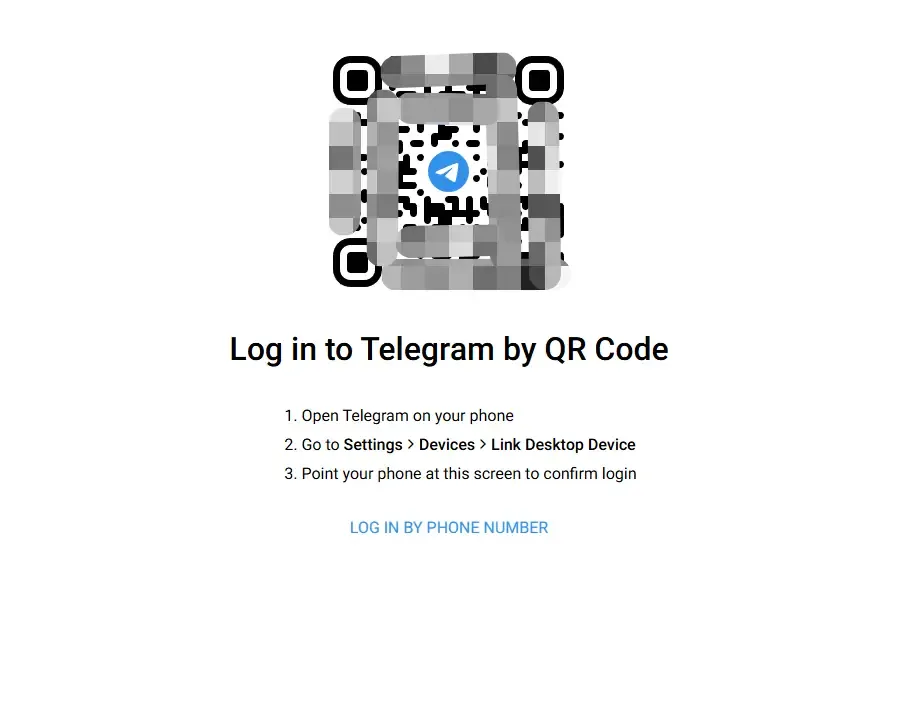
The biggest feature of Telegram Web is that it does not require installation and can be used simply by opening a web browser.
Key Features of Telegram Web:
No Client Installation Required: Access directly through a web browser, suitable for temporary login or use on public computers.
Low Barrier to Entry and Easy to Get Started: The login process is relatively simple; you can access it by authorizing with your phone number or an already logged-in device.
Relatively Limited Functionality: Compared with the desktop version, the web version has many limitations in terms of notifications, shortcut key support, large file uploads, and some setting options.
Login Relies on Browser Cookies: Once browser cache or cookies are cleared, you may need to log in again, and the login stability is relatively weak.
Suitable for:
Users who need to temporarily check Telegram messages
Users who occasionally use Telegram on public or other people's computers
Users who do not need long-term online access or multi-account management
What Scenarios is Telegram Desktop Suitable for?
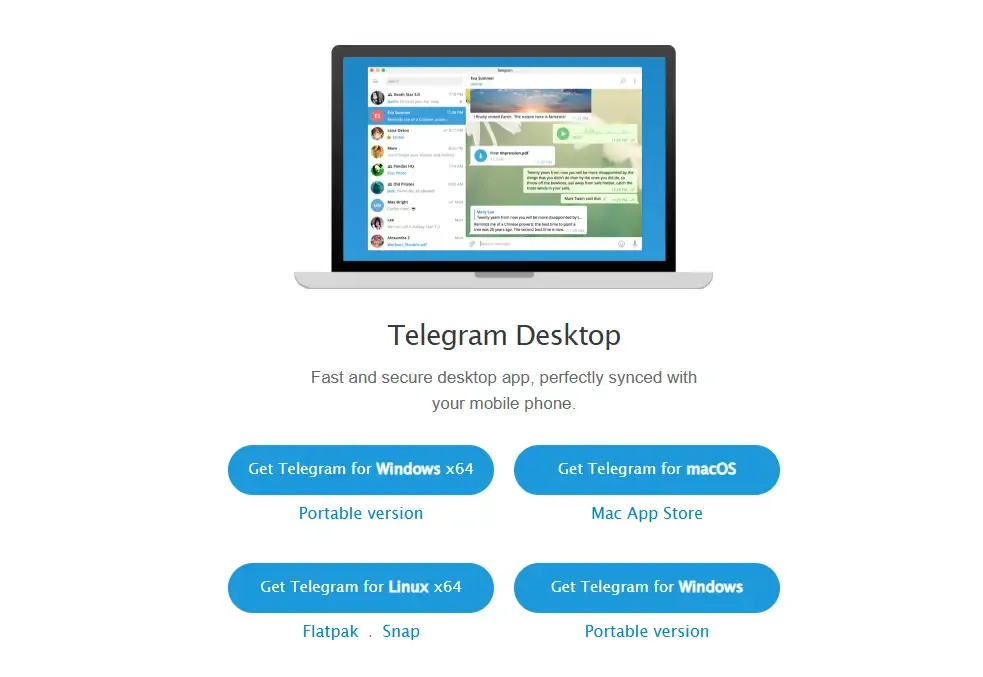
Telegram Desktop is the official PC client provided by Telegram, supporting Windows, macOS, and Linux operating systems.
Key Features of Telegram Desktop:
More Complete Functionality: After local installation, you can use full chat functions, large file transfers, shortcut key operations, custom settings, and more.
Supports Saving Multiple Accounts Simultaneously: You can switch between multiple Telegram accounts in the same client, suitable for users who need to manage multiple accounts.
More Stable Login: Since account information is stored locally, it is not easy to be frequently disconnected due to cache clearing.
More Suitable for Long-Term Use and Operations: The desktop version provides a better experience for scenarios such as community management, channel operation, affiliate marketing, or customer service.
Suitable for
Users who need to use Telegram on a single computer for a long time
Users with needs for multi-account management
Scenarios such as community operation, content publishing, and customer service communication
Telegram Web vs Desktop Comparison Table
| Features / Characteristics | Web Version | Desktop Version |
|---|---|---|
| Installation Required | No | Yes |
| Functionality Completeness | Medium | High |
| Login Persistence | Relies on Browser Cookies | Account Stored Locally |
| Multi-Account Support | Limited | Supports Multiple Accounts |
| Usage Stability | Average | Relatively High |
| Suitable Scenarios | Temporary Use | Long-Term Use |
What are the Key Differences Between Telegram Web and Desktop?
The main differences between Telegram Web and Telegram Desktop lie in usage method and stability. The web version does not require installation and can be logged in directly via QR code scan in a browser, making it suitable for temporarily checking messages or using on public computers. However, its functionality is relatively limited, and the login status is highly dependent on browser cookies, which may easily lead to disconnections.
The desktop version needs to be downloaded and installed locally, with more complete functionality. It also supports multi-account switching and shortcut key operations. This version offers more stable login and is more suitable for long-term frequent communication or operational scenarios.
Should We Choose Telegram Web or Desktop?
If you only need to temporarily check messages or use Telegram occasionally → choose Telegram Web, as it is faster, more convenient, and does not occupy system resources as much as possible.
For long-term use, frequent communication, or multi-account management → choose Telegram Desktop, which offers higher stability and more comprehensive functionality.
How to Stably Run Multiple Instances of Telegram Web?
As we mentioned earlier, the reason why Telegram Web frequently logs out is the expiration of cookies or other data. However, if we can fix the cookies to keep them stable and ensure that multiple windows do not interfere with each other, we can achieve stable multi-instance operation of Telegram Web.
Many marketing specialists and personnel who need to log in to multiple accounts simultaneously are more suitable for using the web version. Although the desktop version allows switching between accounts, the overall efficiency is relatively low. To meet these requirements, we need to use some special tools, such as MostLogin Multi-Account Browser, which can help us easily achieve this.
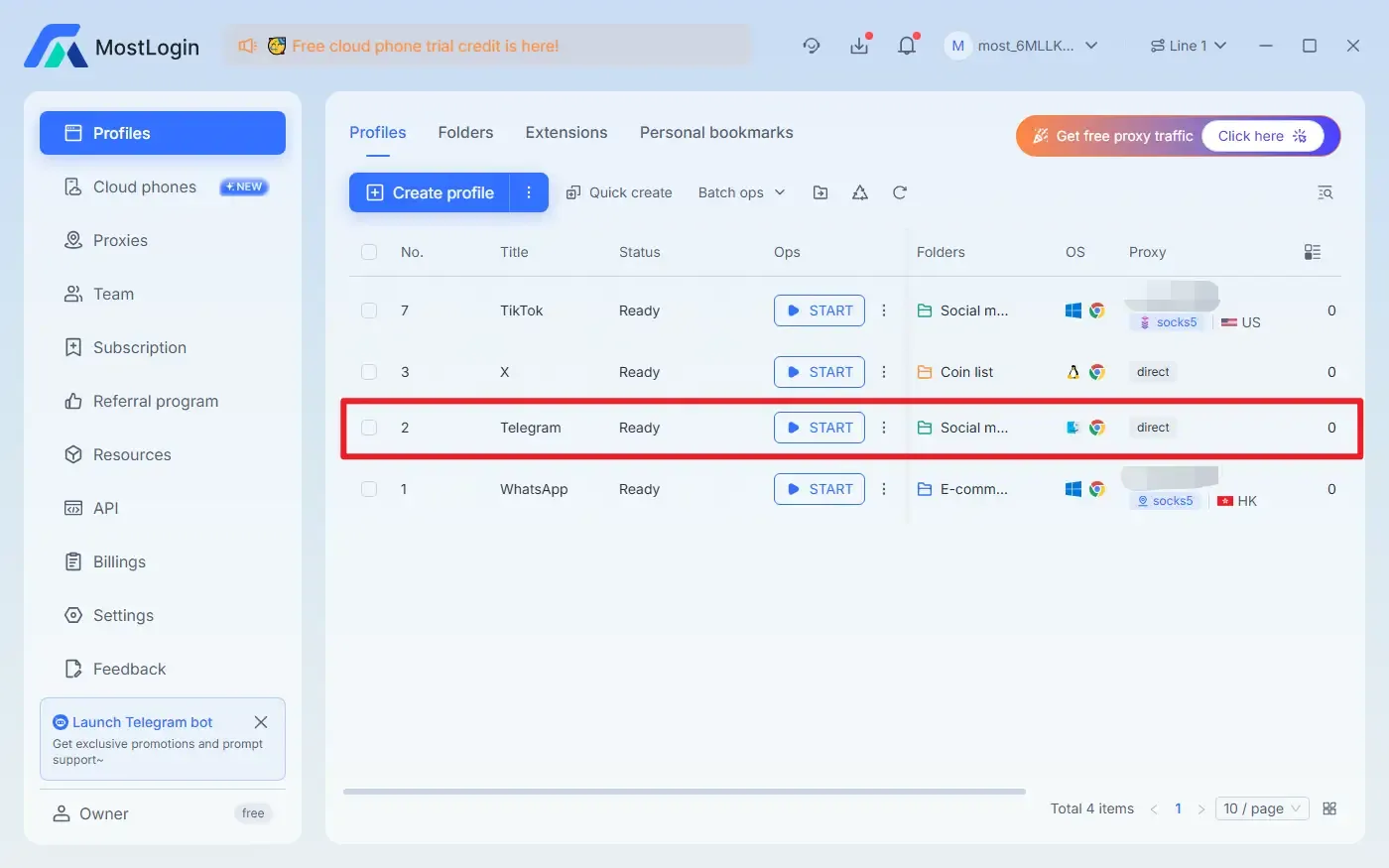
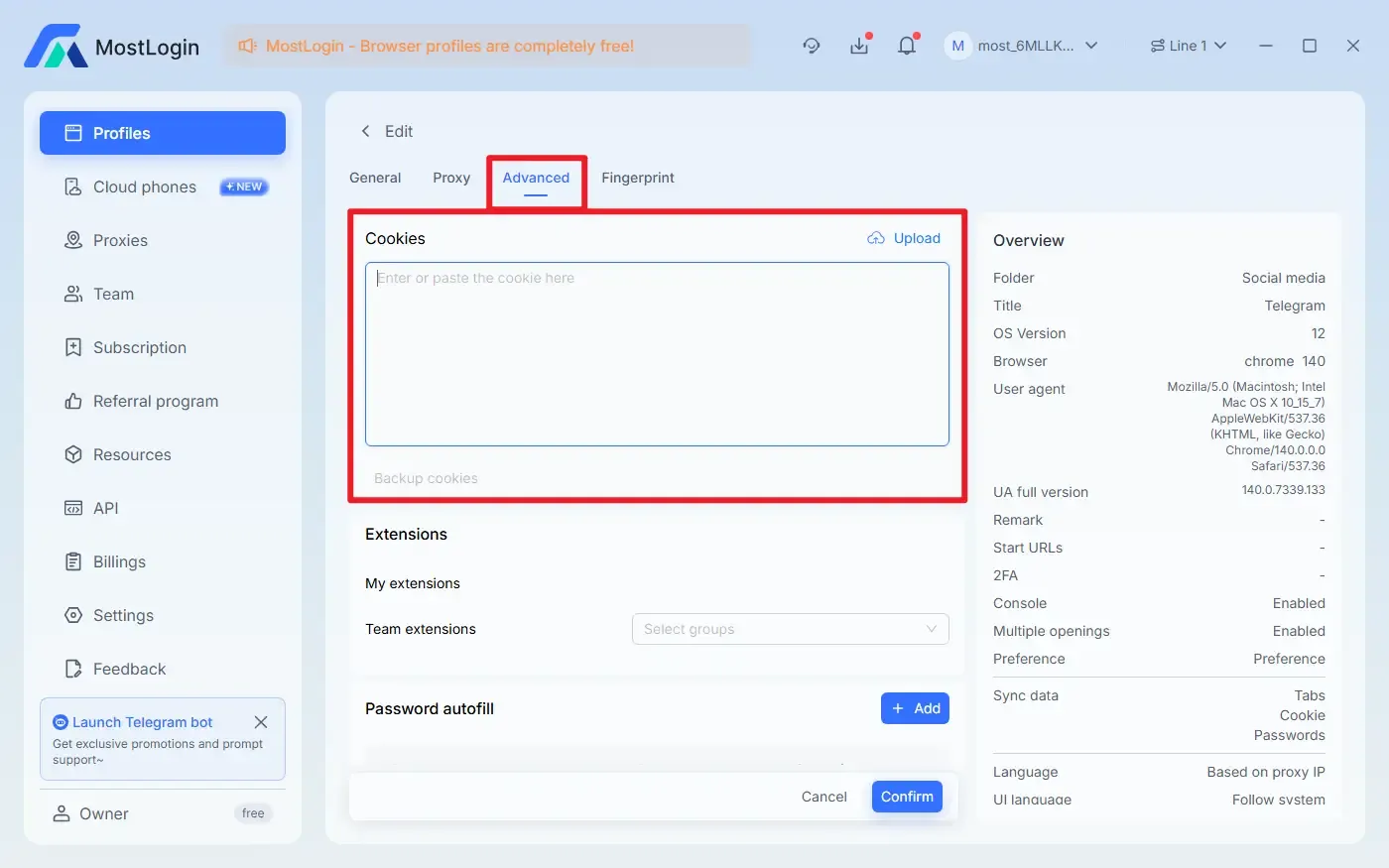
MostLogin Multi-Account Browser allows us to manually set cookies, quickly create multiple windows, and configure and adjust each browser window individually. It is convenient and highly efficient for both marketing and promotion purposes.
What are the Uses of MostLogin Multi-Account Browser?
Independent Browser Environments: Each account runs in a completely isolated browser environment. Cookies, local cache, and login information can be manually set without interfering with each other, also avoiding the risk of association between accounts.
Controllable Browser Fingerprint: Differentiated browser fingerprint parameters can be configured for different accounts, making each account appear to come from a different real device and improving the independence and stability of the account environment.
Multiple Accounts Online Simultaneously: Supports parallel login and operation of multiple accounts without the need for frequent logout or switching, which can improve daily operation and management efficiency.
Proxy IP Binding: Each browser environment can be individually bound to a proxy IP, with a fixed matching between accounts and network environments, which is more in line with the platform's risk control logic.
Centralized Account Management: Manage all account environments through a unified background, facilitating viewing, classification, startup, and maintenance, and reducing operational errors.
Team Collaboration Support: Independent account environments and permissions can be assigned to different team members, avoiding security issues caused by multiple people sharing the same environment.
Reduce Account Ban and Association Risks: Through environment isolation, fingerprint differentiation, and stable network combination, it helps accounts maintain a lower risk control trigger probability during long-term use.
Frequently Asked Questions:
What to Do if Telegram Web Frequently Disconnects?
This is a normal phenomenon. Telegram Web itself relies on browser cookies. Once the cache is cleared or the browser is restarted, you may need to log in again. It is recommended to use the desktop version.
What to Do if Switching Accounts in Telegram Desktop is Inconvenient?
Telegram Desktop supports adding multiple accounts, which can be switched directly in the settings without the need for frequent login and logout.
Is Data Synced When Logged in on Multiple Devices?
Yes. Telegram supports simultaneous online access on multiple devices, and messages are synced in real-time across the web version, desktop version, and mobile version.
Will Using Telegram Web and Desktop Simultaneously Affect Security?
Normal use will not cause problems. However, if you frequently log in in different environments, it is recommended to enable the official two-step verification and avoid using unsafe network environments.
The Best Multi-Account Browser - MostLogin
The MostLogin Multi-Account Browser tool helps users solve high-frequency problems such as multi-account operation, environment isolation, and account risk control.
For operational questions, please refer to the Official Help Documentation