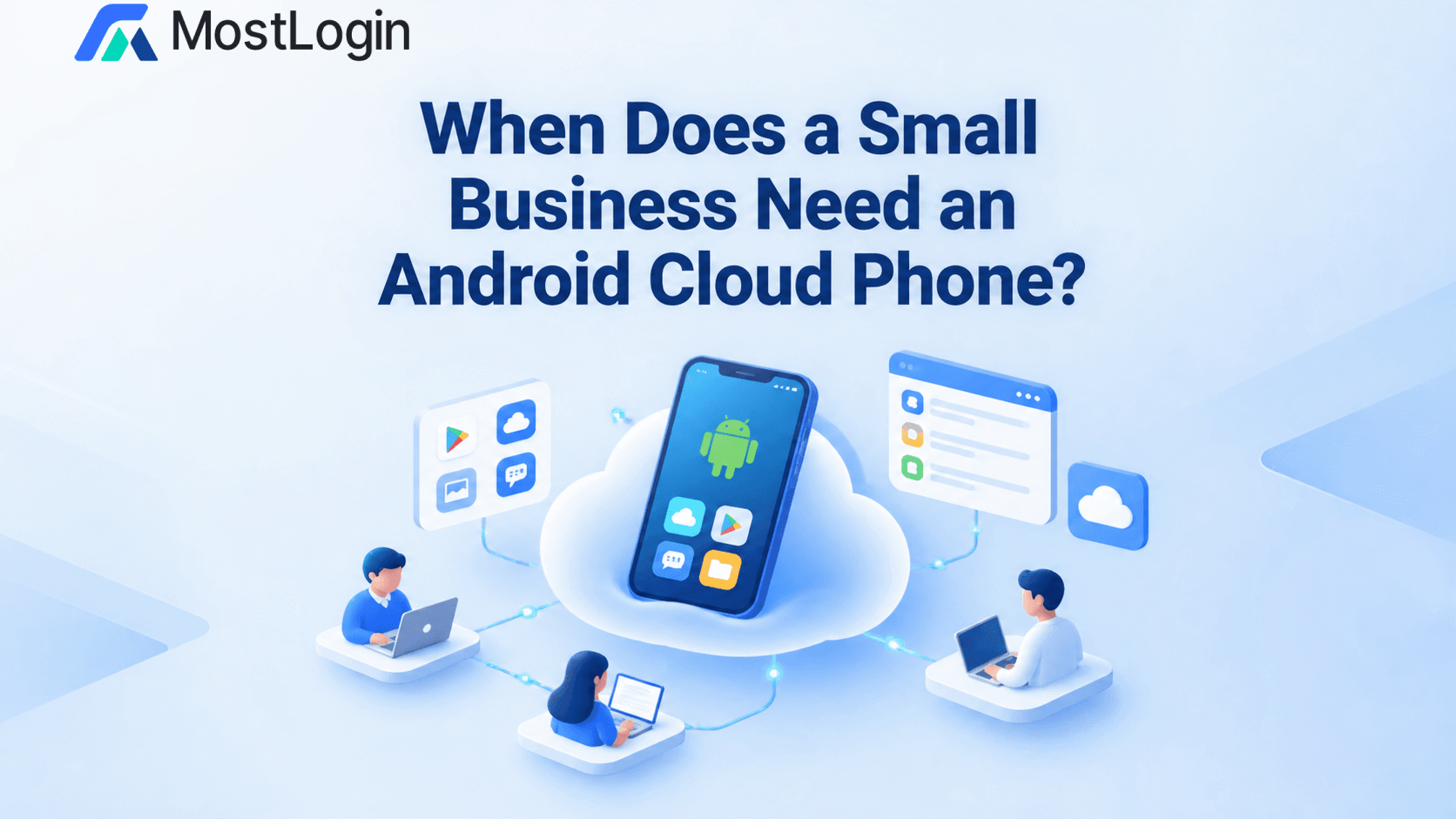
Businesses operating across mobile platforms often require capabilities that desktop dashboards cannot provide. Seller applications, mobile publishing features, and application-specific reviews may depend on an Android environment associated with a particular business account.
Businesses use an Android cloud phone to manage multiple accounts when native applications are essential and authorized accounts require separate mobile environments. The service centralizes access while retaining application data and sessions within their assigned workspaces.
Architecture varies between providers. Some use virtualization; others provide physical Android hardware. MostLogin Cloud Phone uses physical Android phones housed in a data center, allowing applications and account sessions to run on actual devices rather than local software emulators.
For multi-account operations, the value is operational separation: distinct mobile environments with centrally administered access.
What an Android Cloud Phone Provides
An Android cloud phone combines an operating system, applications, device settings, and retained application data within a remotely accessible environment.
The operator’s computer supplies the control interface rather than executing the Android workload locally. This separates the location of the device from the location of its operator.
A mobile environment can remain assigned to a client, store, or business function when employees change. Access need not depend on transferring a handset between people.
Remote hosting nevertheless does not establish hardware type, compatibility, or permissions. These characteristics depend on the provider and service configuration.
How Cloud Phones Differ from Emulators and Browser Profiles
A local emulator runs an Android environment on a computer. Its availability and performance depend on the host machine and configuration. Emulation has legitimate uses, but application behavior should not be assumed to match physical hardware in every case.
Physical-device cloud hosting instead provides remote access to Android hardware maintained by the provider. This can reduce the handsets stored, charged, and distributed at operators’ locations.
Browser profiles address web activity. They separate website sessions, cookies, local storage, and browsing configuration, but do not provide a complete Android operating system. Reporting an Android User Agent does not supply native application capabilities.
The distinction between cloud phones and browser profiles is therefore functional: a reporting dashboard may require only a browser profile, while an application-dependent publishing function may require Android hardware.
Procurement should follow that distinction. A cloud phone should address a mobile requirement, not replace desktop tools unnecessarily.
Business Uses of Android Cloud Phones for Multiple Accounts
Cloud phones are relevant where native applications form part of an authorized process.
Cross-Border E-Commerce
A seller application may complement a marketplace’s desktop administration tools. A hosted Android device can maintain the environment associated with an approved store without requiring personnel to exchange a handset.
For several authorized stores, the practical benefit is a defined location for each store’s mobile activity. Ownership, regional eligibility, and delegated access remain separate compliance requirements.
Social Media Management
Agencies may require native applications for publishing, communication, or mobile-specific features. Separate workspaces can keep client sessions and app data apart when employees serve multiple brands.
For example, an agency managing two unrelated brands can assign each a defined mobile environment and designated operators. Desktop reporting can remain in browser-based systems; only the app-dependent work needs mobile infrastructure.
Affiliate Operations
Affiliate teams may use Android applications to examine approved mobile destinations or campaign presentation. These reviews remain distinct from generating conversions or commissions.
Device access does not authorize self-referrals, prohibited incentives, or unapproved traffic sources. Environment capacity should follow legitimate work rather than the number of accounts technically possible.
MostLogin lists sharing, transfer, and hierarchical permission features for its cloud phones. These can support assigned responsibilities where they reflect client authorization and internal policy.
Physical Devices and Separate IPs as Risk Controls
Device separation and network separation address different factors. Separate phones do not automatically use separate public IP addresses.
Physical Android Hardware
MostLogin’s architecture removes reliance on software emulation installed on an operator’s computer. Applications run on physical Android phones maintained in the provider’s data center.
This removes local emulation as one potential source of compatibility differences. It does not guarantee application support or a successful integrity assessment. Google’s Play Integrity documentation describes application, installation, and device-related checks, not merely a physical-versus-virtual distinction.
One Device, One IP
Where authorized accounts require distinct network contexts, assigning a separate, stable IP to each cloud phone can reduce overlap in their connections.
MostLogin supports environment-level proxy configuration. Its documentation specifies SOCKS5 support and requires a functioning proxy connection to open an environment.
A separately configured proxy is not necessarily exclusive. The network provider must confirm exclusivity before an address is described as dedicated.
Together, physical-device hosting and individually assigned IPs support clearer device and network separation. They do not prove that accounts are unrelated or quantify protection from restrictions; ownership, verification, content, and activity remain relevant.
Evaluating Compatibility, Governance, and Continuity
Device specifications provide only part of the procurement criteria. Required functions may include notifications, uploads, camera access, or verification. Successful installation does not demonstrate complete functionality through remote access.
Data governance also requires attention. Android apps may request location, contacts, microphone, and camera permissions; remote hosting does not remove their significance.
For client-owned accounts, evaluation should cover administrative access, user removal, data deletion, and recovery ownership. Authentication methods and backup codes should remain under authorized business control.
Service availability and maintenance arrangements matter where mobile operations are time-sensitive. A retained session supports continuity, but should not be the organization’s only recovery mechanism.
Cloud-Phone Costs: Two Usage Scenarios
MostLogin lists on-demand device rental at $0.10 per 15 minutes, capped at $1.60 daily, or $25 per device for one month. Environment charges are separate, at $0.02–$0.03 per 24 hours.
The following calculations illustrate workloads rather than customer results:
- Periodic access: Thirty minutes on 10 days produces $2 in device rental fees. Assuming one environment remains billable for 30 days, gross environment charges add $0.60–$0.90, producing an estimated $2.60–$2.90 total.
- Sustained operation: Reaching the daily rental cap for 30 days produces $48 in device fees. A $25 subscription saves $23 before environment charges. With the same environment assumption, its estimated total is $25.60–$25.90.
These estimates exclude proxies, applicable taxes, and additional services. Available storage units may offset environment charges. Shutdown stops rental-device billing, whereas suspension continues it, according to the documentation.
Review MostLogin’s current plans and pricing against connected time, retention, and network requirements. Confirm current rates and billing conditions before purchase.
Conclusion: Match the Environment to the Business Requirement
Using an Android cloud phone to manage multiple accounts is most relevant when native apps are essential and authorized accounts need persistent, remotely accessible environments.
Physical-device hosting and separate IPs support organization, but remain components of a broader framework involving permissions, recovery, and compliance.
To assess this model, download MostLogin for Windows or macOS and review its physical-device offering. Evaluate the required applications and workload before committing to broader deployment.