MostLogin, GeeLark, and DuoPlus are worth comparing for Android-based multi-account work. MostLogin is a cost-effective cloud phone option for cross-border e-commerce, social media management, and affiliate workflows. GeeLark combines cloud phones with social media workflows, while DuoPlus focuses on multi-device operations.
The best cloud phone service providers should fit how your team actually works. Cross-border sellers, affiliate marketers, and social media agencies need more than a device that launches successfully. They need reliable app access, manageable handovers, and predictable costs.
The comparison below focuses on operational fit: which providers deserve a closer look for your workload, what to verify before subscribing, and how to compare costs beyond the advertised device price.
Which Cloud Phone Providers Should You Compare?
MostLogin: Cost-Effective Cloud Phones for Multi-Account Work
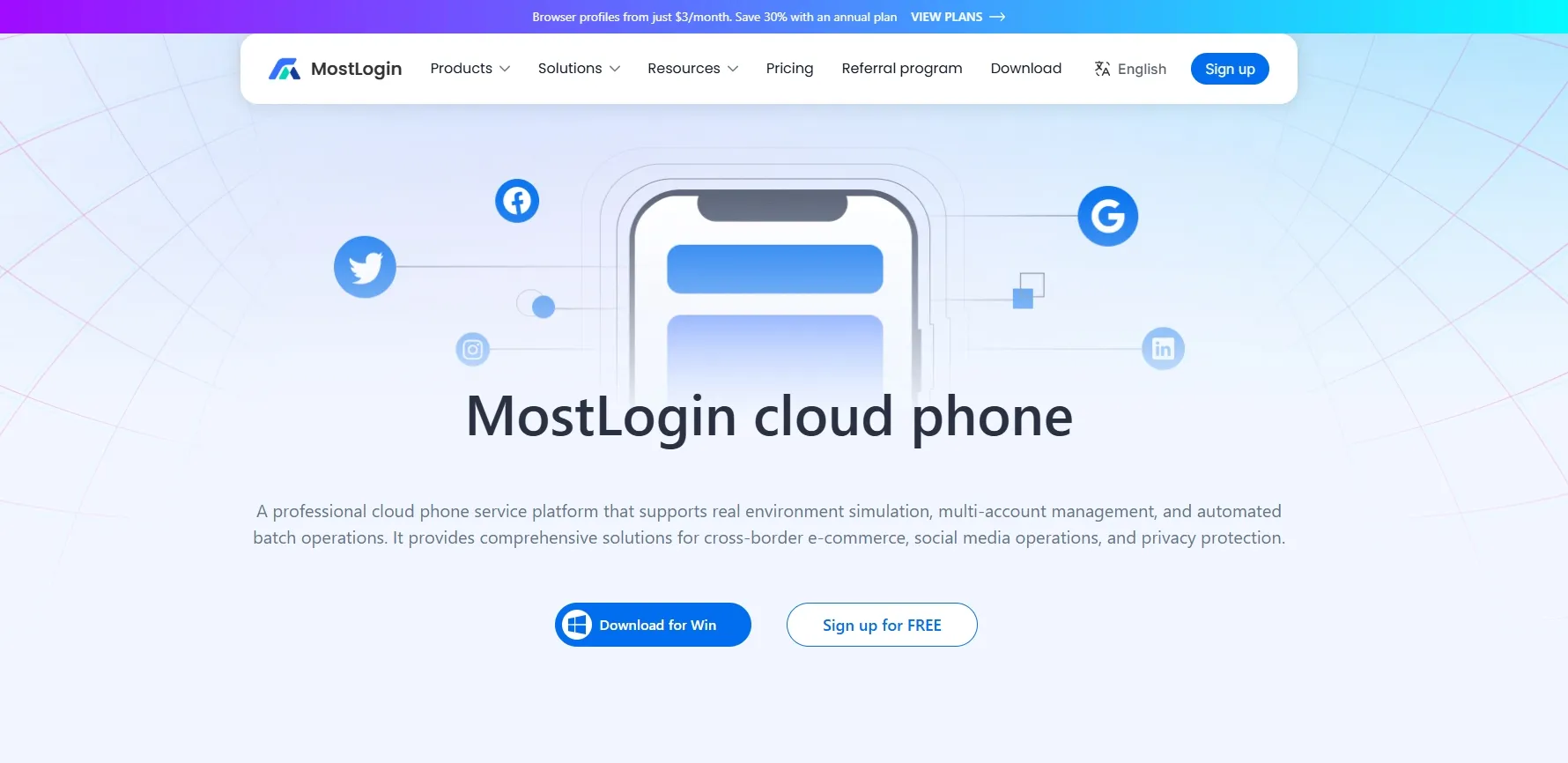
MostLogin’s cloud phone service provides remotely hosted Android environments for cross-border e-commerce, social media management, and affiliate operations. Separate workspaces help teams organize mobile apps and account activity without buying and maintaining a corresponding set of physical phones.
For cost-conscious operators, the value lies in matching device spending to actual usage. Operators can evaluate regularly accessed workspaces against a monthly subscription, while shorter or occasional tasks can be assessed under on-demand rental. This makes MostLogin worth considering for both ongoing account maintenance and intermittent campaign work.
According to MostLogin’s pricing details, equipment rental starts at $25 per device for a one-month subscription. The pricing selector lists discounts of 10% for three months, 20% for six months, and 30% for twelve months. On-demand equipment rental costs $0.10 per 15 minutes per device, capped at $1.60 per day.
Environment charges are separate, at $0.02–$0.03 per 24 hours depending on configuration. For a 30-day period, that adds $0.60–$0.90 per environment. A setup with one monthly rented device and one environment would therefore have listed equipment and environment charges of approximately $25.60–$25.90 before discounts or other applicable expenses.
These details make the cost comparison more useful than a headline device price alone. Check proxy expenses separately, confirm the current billing terms, and test your required applications before committing to a longer subscription.
GeeLark: Cloud Phones for Social Media Workflows
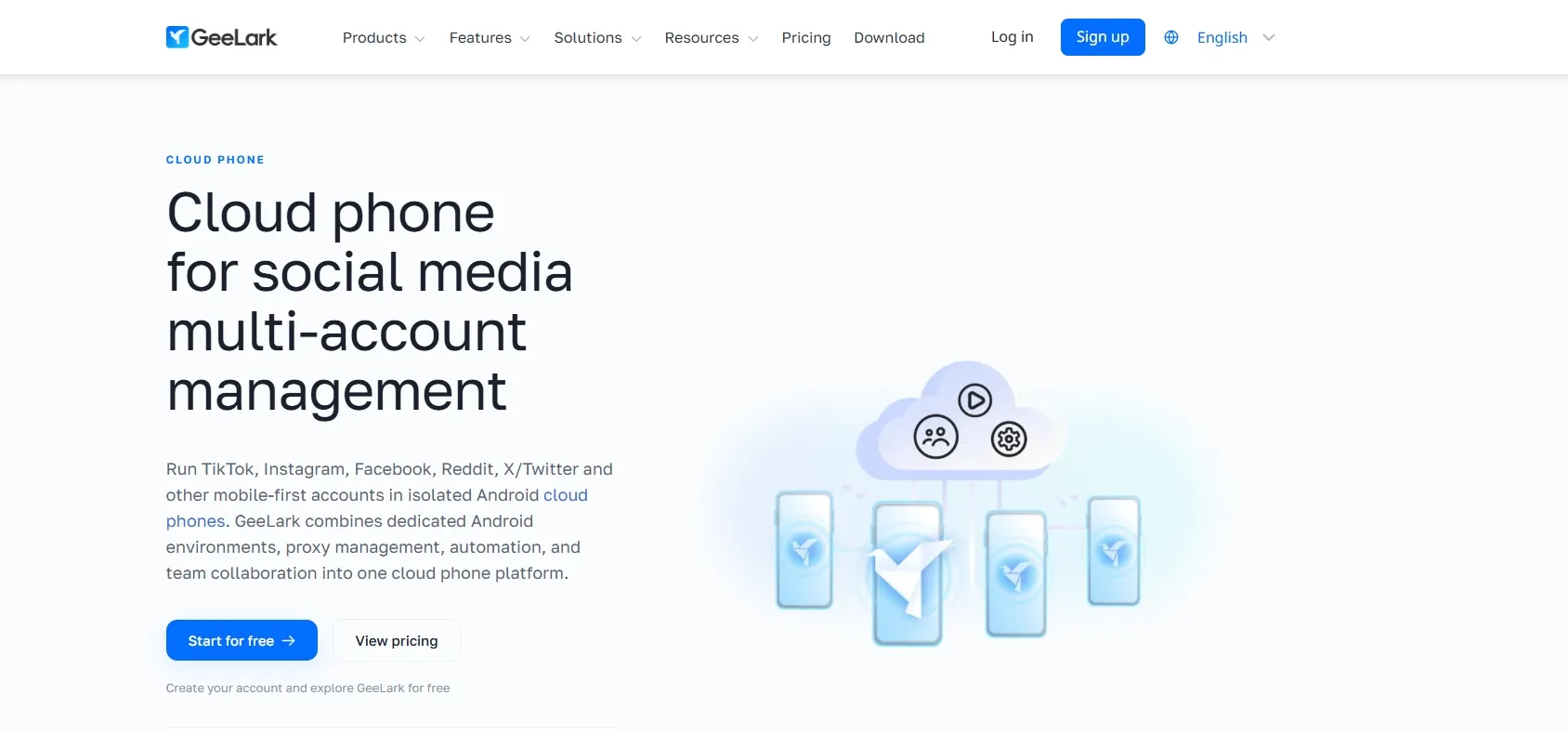
GeeLark combines Android cloud phones, proxy management, automation, and team collaboration as MostLogin. It is relevant for teams evaluating mobile social applications alongside repeatable content operations.
Published pricing includes default cloud phone usage at $0.007 per minute and monthly device rental at $29.90. Check the applicable subscription and usage conditions rather than assuming either figure represents the complete monthly cost.
Test the actual publishing workflow: transfer representative media, open the required application, complete an approved task, and return later to check continuity.
DuoPlus: Cloud Phones for Multi-Device Operations
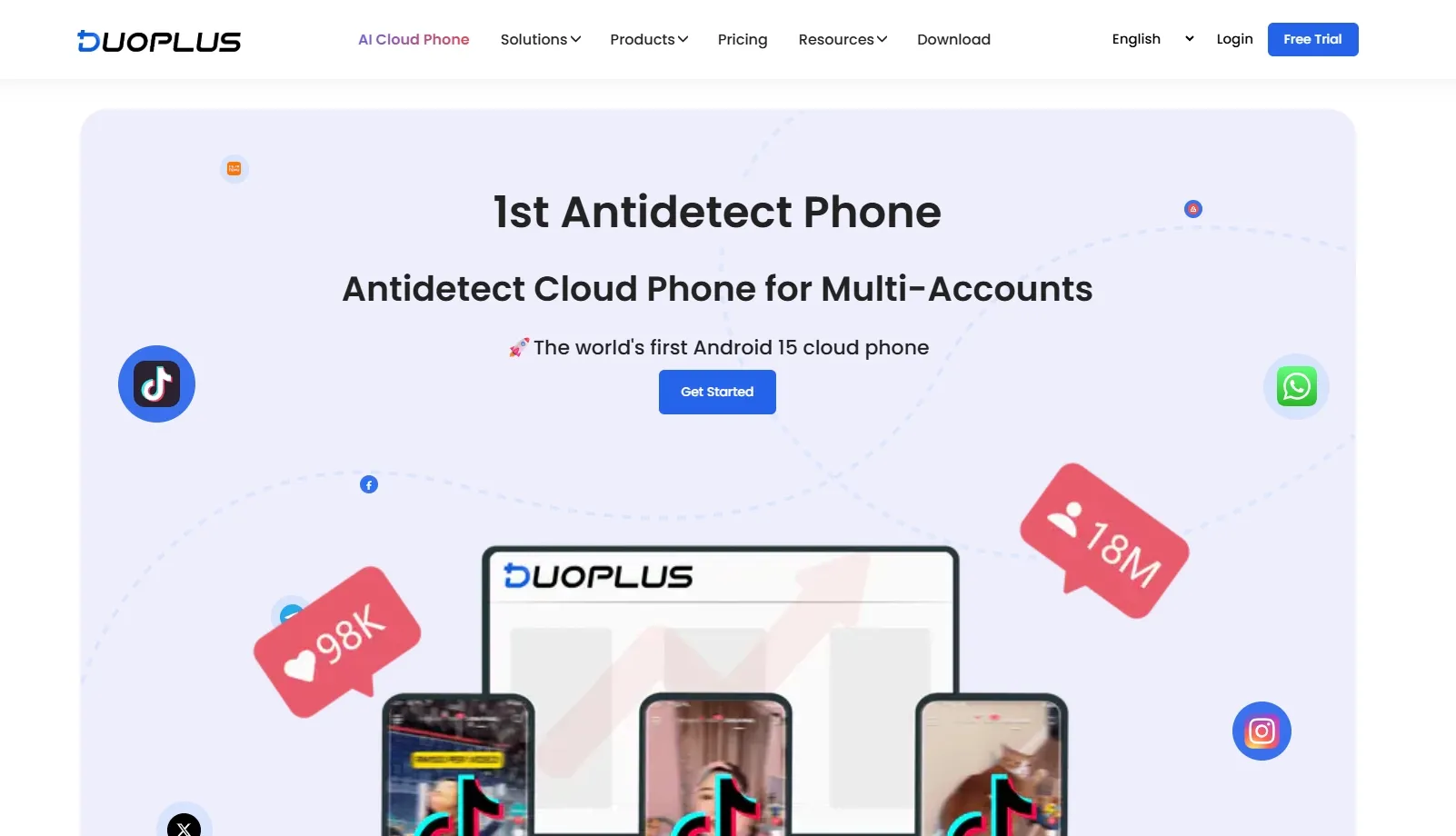
DuoPlus focuses on mobile multi-account operations and supports separately configured third-party proxies for cloud phones. It belongs on the shortlist for teams comparing device organization and network assignment across multiple Android workspaces.
Its published updates describe plans combining cloud phones with startup time. Confirm what is included, because access to a device and the time available to run it are different resources.
During a trial, check whether naming, grouping, and proxy assignment remain understandable when several operators manage the device pool.
Which Provider Should You Test First?
Start with MostLogin if comparing monthly and on-demand rental is central to your budget. Consider GeeLark when social media workflows and automation are priorities. Include DuoPlus when evaluating multi-device organization and per-device network configuration.
These are starting points, not exclusive capabilities or performance rankings. The deciding evidence should come from your own workload.
How to Choose a Cloud Phone Provider
Do Cloud Phones Keep App Data After Shutdown?
Ask what remains after the device closes: installed applications, app data, saved settings, and login sessions. Then ask what happens after renewal, subscription expiry, or device deletion.
Data persistence does not necessarily mean continuous background execution. A device may preserve its workspace without keeping every task running while stopped. Confirm both behaviors separately.
For cross-border e-commerce, test the exact seller application your team uses, including image uploads and notification behavior. For social media management, check media transfer, publishing, and authorized handover.
How Do Proxies Work with Cloud Phones?
A cloud phone supplies the Android environment; a proxy supplies a network route and public IP address. All three cloud phone vendors document proxy configuration, but proxy traffic is not necessarily included in the device subscription.
Record which network configuration belongs to each environment. Verify connection reliability and whether the location fits the account’s legitimate operating requirements.
If a login challenge appears, review recent device, network, and account changes before changing more settings. Replacing several variables at once makes troubleshooting less informative. A different IP should not be treated as a guarantee against account reviews.
How Can Your Team Access the Correct Cloud Phone?
Start with the provider’s cloud phone setup guides and any available video tutorials. Use them to check how environments are named, how authorized operators access them, and which sharing or access-control options are available.
Then test an ordinary handover using the supported workflow. Can a second authorized operator identify the correct environment, reopen the required application, and continue the task without entering an unrelated client workspace?
Also check how access can be removed when responsibilities change. The goal is a repeatable process that your team can follow without informal credential sharing or uncertainty over which environment belongs to which account.
What Will Your Cloud Phone Setup Actually Cost?
Add equipment rental, environment charges, proxy expenses, and any applicable subscription fees. MostLogin lists equipment and environment charges separately, so its on-demand equipment cap is not an all-inclusive operating cost.
Compare providers using the same number of environments and expected monthly operating hours. This makes the estimate more useful than comparing headline device prices alone.
Step-by-Step: Test Cloud Phones for Multiple Accounts
Run a small pilot before migrating an entire account pool.
- Define one representative task. Choose a storefront review, approved content upload, or affiliate dashboard check. Record the required application, operator, and expected duration.
- Configure a few authorized environments. Assign clear names and ownership. Add an appropriate proxy where required, then verify connectivity before signing in.
- Test reopening and handover. Complete the task, close the environment, return later, and ask another authorized operator to continue through supported access controls.
- Compare measurable outcomes. Record billed usage, completion time, connection failures, reauthentication requests, and support responses. Investigate recurring problems before expanding.
Consider an agency managing several client brands. One employee prepares content while another reviews messages. The pilot should establish whether both can reach the intended workspace without entering another client’s environment.
This is an illustrative scenario, not a reported customer result. Its purpose is to uncover operational problems that a short demonstration may miss.
Frequently Asked Questions
Are Cloud Phones Safe for Multiple Accounts?
MostLogin describes its cloud phones as real Android devices running on remote servers, providing isolated mobile environments with separate device identities. This setup is intended to reduce account-linking risks associated with sharing the same device environment across accounts.
However, separate Android environments do not make accounts impossible to associate. Network settings, account information, operating behavior, and platform rules still matter. Use a dedicated environment for each account where appropriate, protect credentials, and manage only accounts you own or are authorized to operate.
Do Cloud Phones Need Proxies?
Not always. A proxy is relevant when your workflow requires a particular network route or location. Check the supported configuration and whether traffic is billed separately. MostLogin, Geelark and DupPlus both document cloud phone proxy capabilities.
What Should You Test During a Cloud Phone Trial?
Test application compatibility, retained data, network reliability, authorized handover, and actual billing. Complete a normal task and reopen the environment later. A successful first launch does not establish long-term operational fit.
Is It Compliant to Manage Multiple Accounts with Cloud Phones?
Compliance depends on account ownership, intended activity, and the relevant platform’s rules. Use accounts you own or are authorized to manage, and check restrictions on multiple accounts and automation. Do not use isolated environments for deceptive identities, fake engagement, or circumventing enforcement.
Conclusion
The best cloud phone service providers are those that meet a defined workload at an understandable cost. Compare candidates using the same applications, operating schedule, network requirements, and handover process—not different demonstrations.
MostLogin is one option for teams evaluating dedicated Android workspaces and flexible rental models. Review MostLogin’s cloud phone pricing and rental options, run a small pilot with authorized accounts, and expand when the results support your operational and budget requirements.