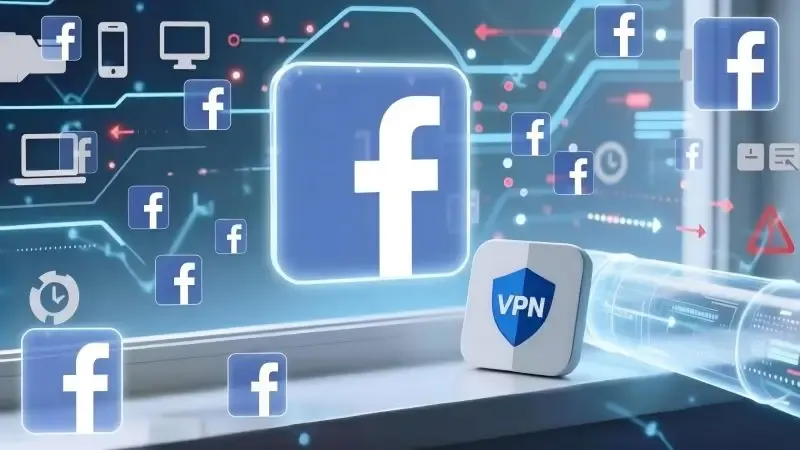
Many users have the same question when using Facebook: Why do accounts get banned even after enabling a VPN? Under the platform's old risk control mechanism, a VPN could indeed help us bypass its risk detection system, but it has become largely ineffective following the mechanism upgrade.
Today, starting from Facebook's risk control logic, we will explain why a VPN cannot safeguard your Facebook account security, as well as the proper steps you should take!
1. Why can VPNs no longer prevent detection?
First, it is important to understand that a VPN only encrypts your connection and changes your outgoing IP address, rather than hiding all your behavioral characteristics. Facebook's current account risk control does not rely solely on IP addresses; its mechanism is now far more comprehensive and precise. Even if you switch to a seemingly clean and genuine IP address, your account may still be detected and banned if other behavioral characteristics are abnormal.
2. How does Facebook identify you?
To understand why a VPN is insufficient, we first need to learn about the dimensions through which Facebook's updated mechanism identifies users.
1. IP Address and Network Environment
An IP address is a crucial factor, but many VPN IPs are high-risk addresses by nature. Public VPNs are often used by thousands of people, and these IPs have long been marked as suspicious sources by Facebook.
If you use a free VPN, a low-cost proxy service, or nodes that have been repeatedly logged into by numerous accounts, you are likely to fall into a high-risk zone for risk control right from the start, even if you can register and access the platform normally.
2. Device Fingerprint
This is a point overlooked by many users, yet one that Facebook now attaches great importance to. Even if you change your IP address, the platform can still identify you through the following information:
Browser type and version
Operating system information
Screen resolution
Fonts, time zone and language
Canvas/WebGL fingerprint
When combined, this information forms a nearly unique device fingerprint. If you use the same device and browser environment before and after your account is banned, the effectiveness of a VPN will be greatly diminished.
3. Abnormal Login and Usage Behavior
Facebook's risk control system excels at analyzing behavioral patterns. For example:
Frequently adding friends immediately after registration
Sending a large number of private messages in a short period
Repeatedly posting similar content
Frequently jumping between countries for logins
Even with a normal IP address, your account may still be restricted or banned if your behavior does not resemble that of a real user. Additionally, VPNs often cause overly frequent geographic location changes, which the system deems highly unreasonable.
3. Why do accounts get banned right after switching to a VPN?
Many users encounter this situation: their accounts functioned normally before, but get banned shortly after switching to a VPN. This is rarely a coincidence; it is usually caused by issues such as the new IP belonging to a high-risk VPN range, an inconsistency between the IP's country and the account's historical records, unchanged device fingerprints, or the account having a pre-existing questionable record.
4. How to reduce the risk of Facebook account bans?
On the premise of compliance and security, you can take the following measures:
Maintain a consistent login environment: Keep your IP address, country and device as consistent as possible.
Avoid public IPs: Choose relatively clean, high-exclusivity lines.
Control behavioral rhythm: Use your account like a genuine user.
Minimize device switching: Especially frequent changes of browsers and operating systems.
Build account credibility: Complete your profile and engage normally, rather than acting hastily.
Use an anti-detection browser: Protect the stability of your account's fingerprint information across multiple dimensions.
5. What functions does an anti-detection browser have?
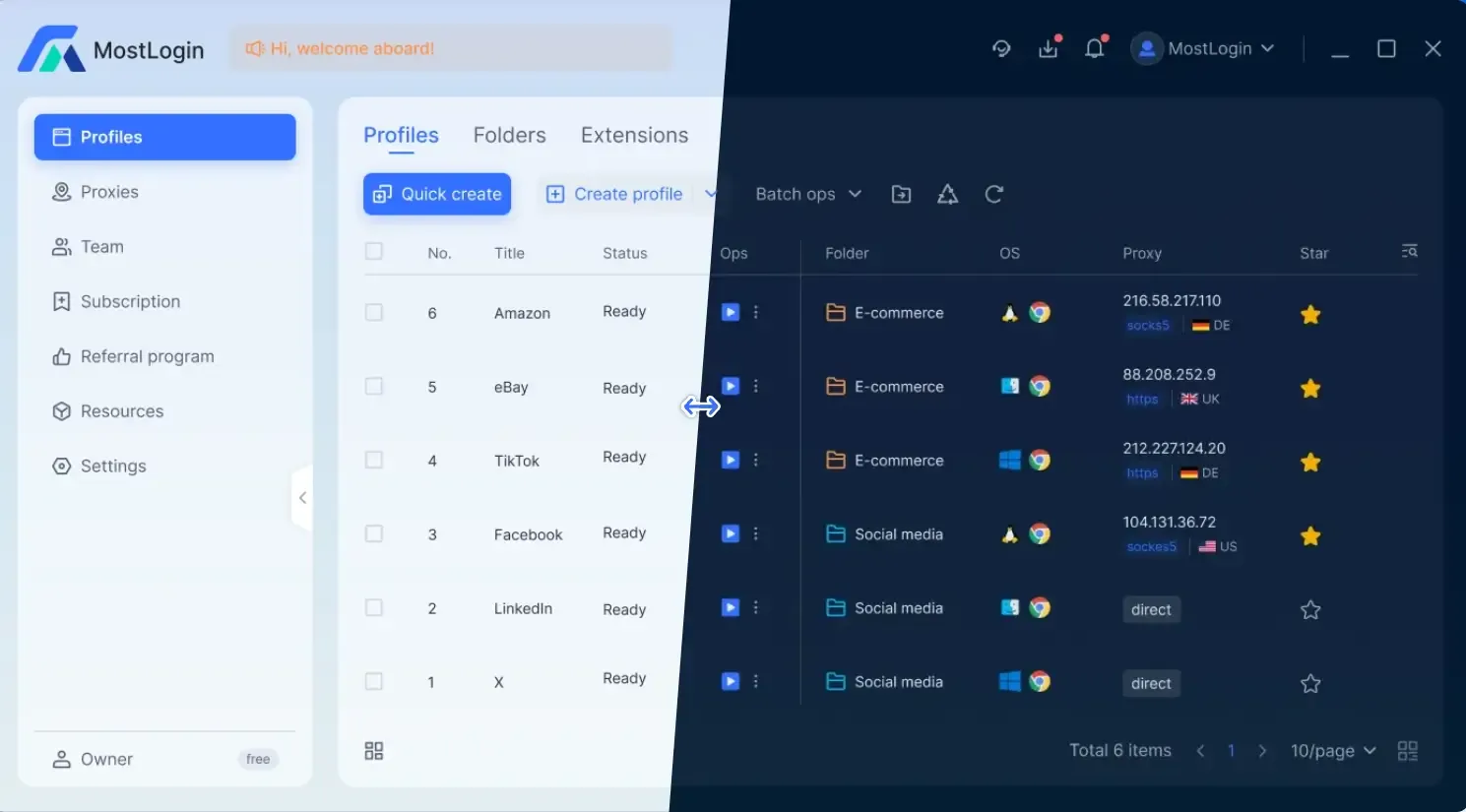
Reduce the probability of risk control and account bans: The MostLogin anti-detection browser supports fixed and genuine browser fingerprints, which can minimize issues such as abnormal logins, identity verifications and risk control reviews, enhancing account stability.
Prevent account association: Each account operates in an independent browser fingerprint environment, avoiding being identified as the same user by the system due to consistent device, Canvas, WebGL, font and other information.
Support multi-account matrix operation: Manage multiple accounts on a single device, with each account appearing to be operated on a different real device, making it ideal for large-scale marketing and team collaboration.
Improve long-term account trustworthiness: A stable, continuous and reasonable operating environment is highly beneficial for accumulating account credibility and boosting the account's trust level.
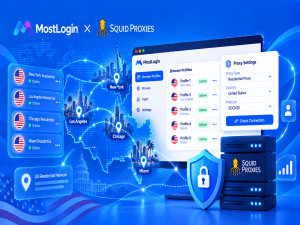
Work with proxies to simulate users from real regions: MostLogin anti-detection browser can bind an independent proxy IP to each account, ensuring consistency in the account's region, network and device environment, and making operations appear more like those of a real user.
Summary
Facebook account bans are not caused by VPNs themselves. The platform does not solely rely on VPN-related information; what truly determines the fate of your account is the stability of your device fingerprint, the consistency of your login environment, and whether your behavioral patterns align with those of real users. To use your Facebook account safely in the long term, you must use tools like the MostLogin anti-detection browser to protect your account from multiple perspectives.
Frequently Asked Questions
Can a VPN completely prevent Facebook account bans?
No. A VPN can only change your IP address and cannot hide your device fingerprint or abnormal behaviors.
Why does my account get banned shortly after connecting to a VPN?
Many VPN IPs belong to high-risk ranges, triggering risk control immediately upon login.
Is my account safe if the VPN IP is clean?
No. Inconsistencies between your device fingerprint and historical login environment will still lead to identification.
What are the risks of using a VPN that frequently switches countries?
Frequent geographic jumps will be deemed abnormal login behavior by the system.
How does Facebook identify the same device?
It identifies devices through a combined device fingerprint formed by browsers, operating systems, resolutions, fonts, Canvas, WebGL and other information.
What problems does an anti-detection browser solve compared to a VPN?
It addresses device fingerprint and environment isolation issues, rather than simply changing IP addresses.
The MostLogin anti-detection browser helps users solve frequent problems such as multi-account operation, environment isolation and account risk control.
For operational questions, please refer to the Official Help Documentation