With the growing demand for professional networking and recruitment, many users are no longer satisfied with having just one LinkedIn account. Some people prefer to manage multiple identities, business lines, or projects separately through different accounts. However, LinkedIn has strict rules on account creation and usage. If you’re not careful, your accounts may get flagged or restricted. This guide walks you step-by-step through the LinkedIn registration process and shares best practices for safely managing multiple accounts.
a
Every LinkedIn account must be connected to a unique email address. Prepare several different email accounts in advance, such as Gmail, Outlook, or corporate email.
Plan a different identity for each account—avoid using the same name, profile photo, or job title. This prevents the platform from detecting duplicate or suspicious accounts.
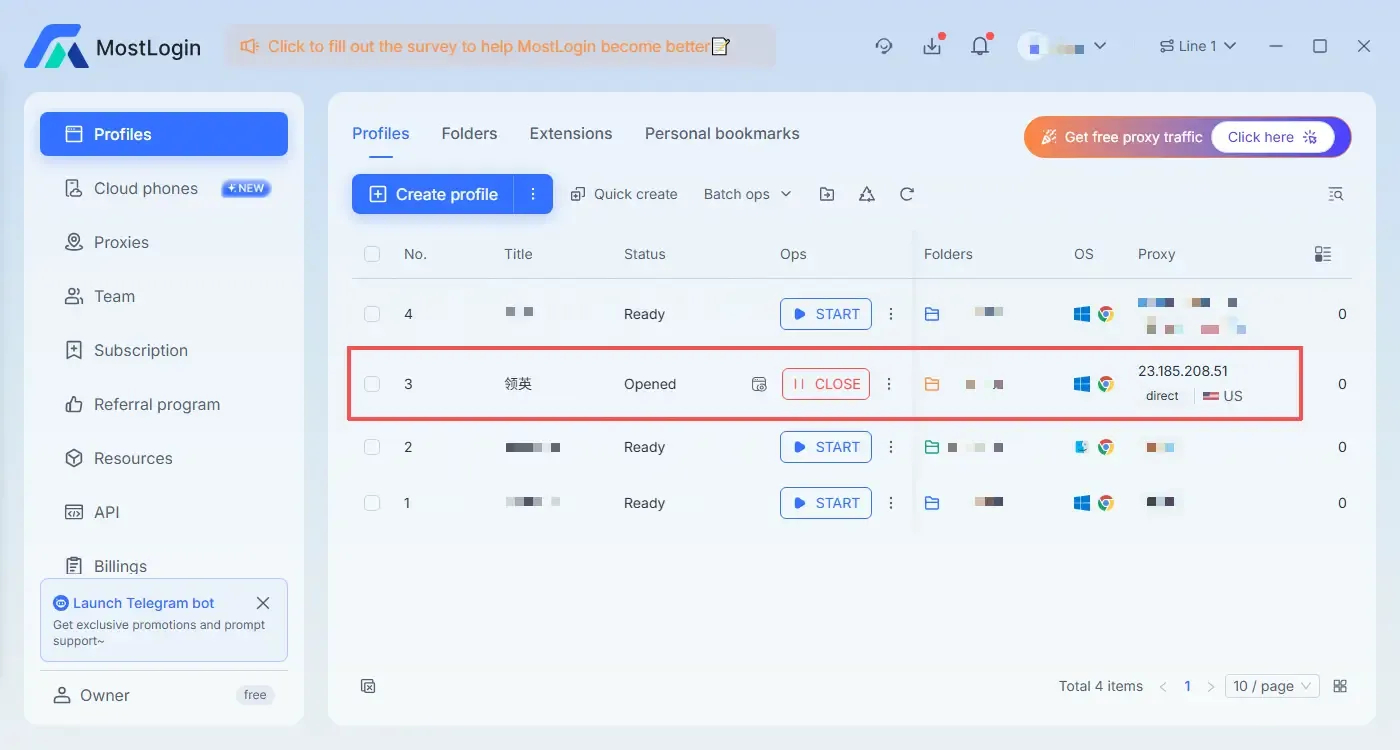
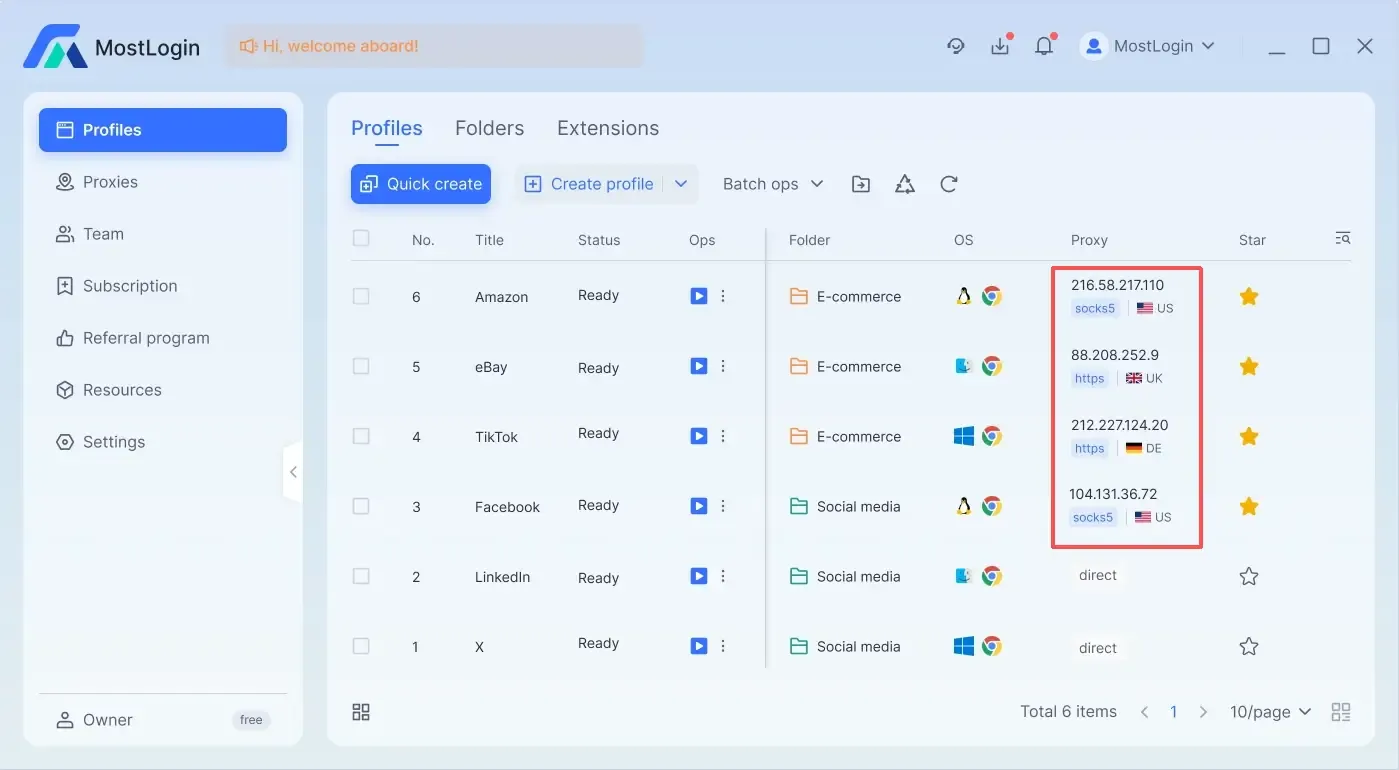
Open the MostLogin anti-detect browser and create independent environments:
Inside MostLogin, create a separate browser profile for each LinkedIn account. Configure unique IPs, browser fingerprints , time zones, and languages to keep accounts fully isolated and reduce LinkedIn’s risk detection.
Step-by-Step LinkedIn Registration Guide
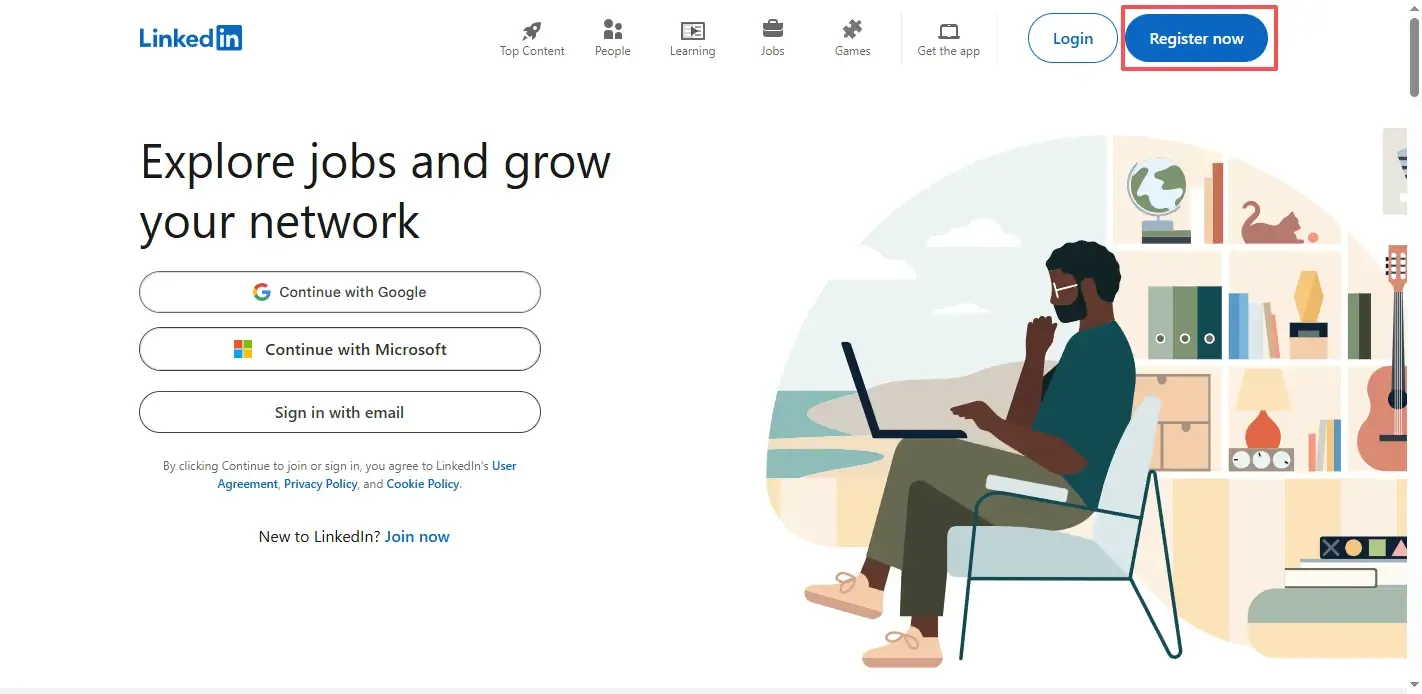
Step 1: Open LinkedIn’s registration page using MostLogin
In your configured browser profile, visit LinkedIn’s official website , click “Register now” or “Join now,” and enter the signup page.
Step 2: Enter your email and password
Use an email address that has never been registered on LinkedIn. Set a password and click “Agree & Join.”
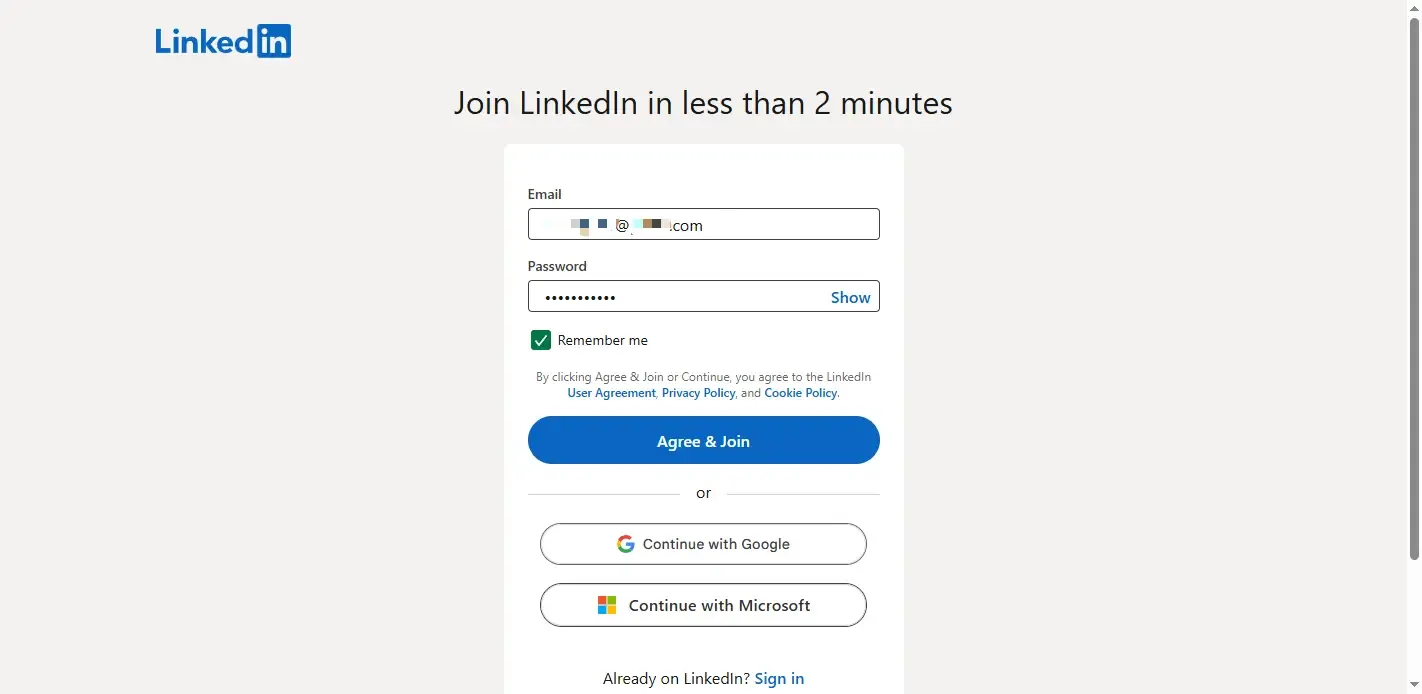
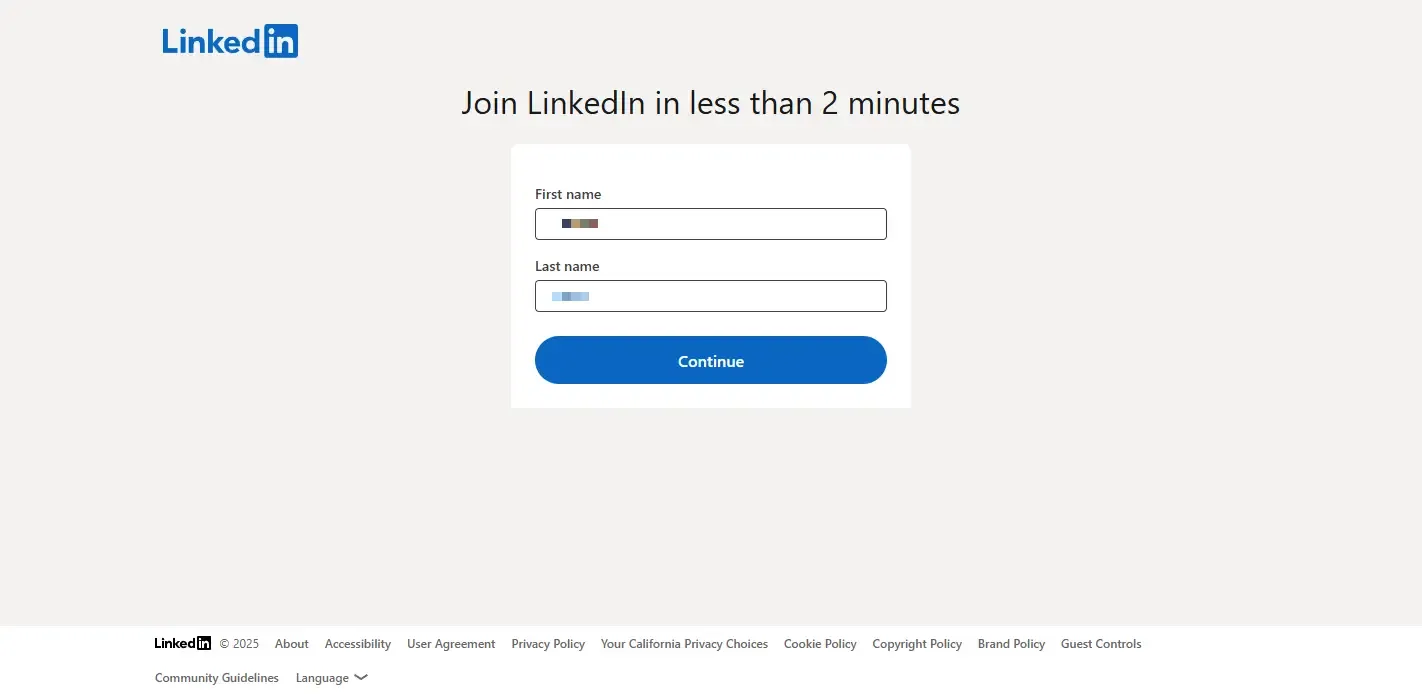
Step 3: Enter your name
Fill in your real name (consistent with your ID). Click “Continue.”
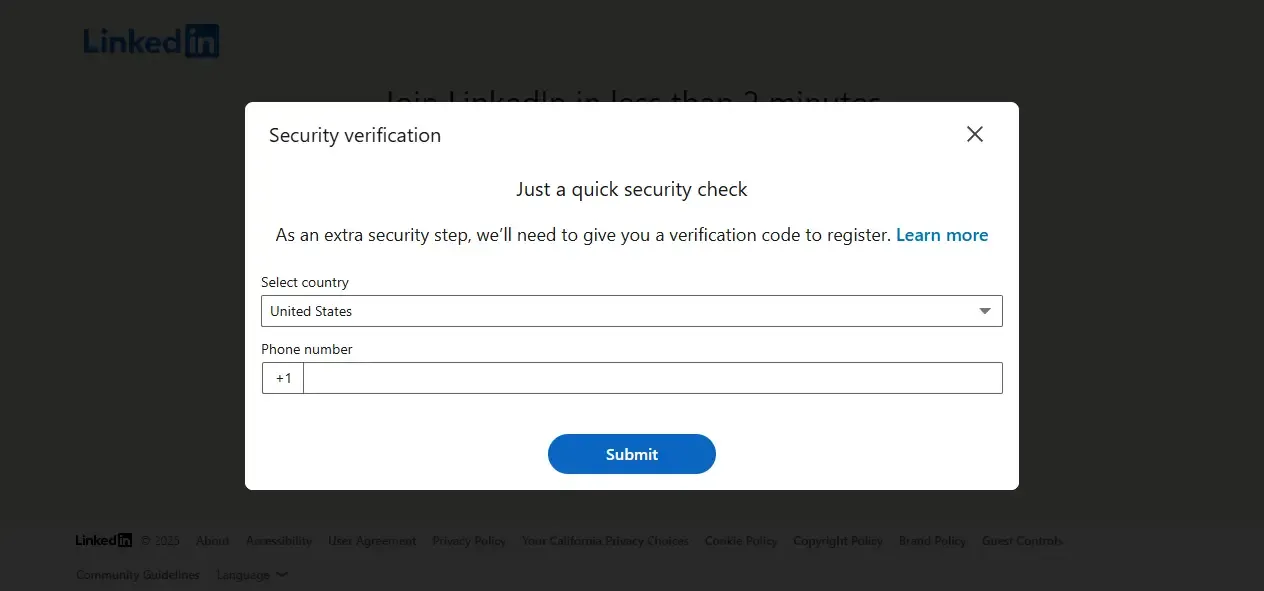
Step 4: Verify your phone number
Enter a phone number that has not been used on LinkedIn before. Receive and input the verification code.
Step 5: Complete basic information
Follow the prompts to fill in your region, job status, and career preferences.
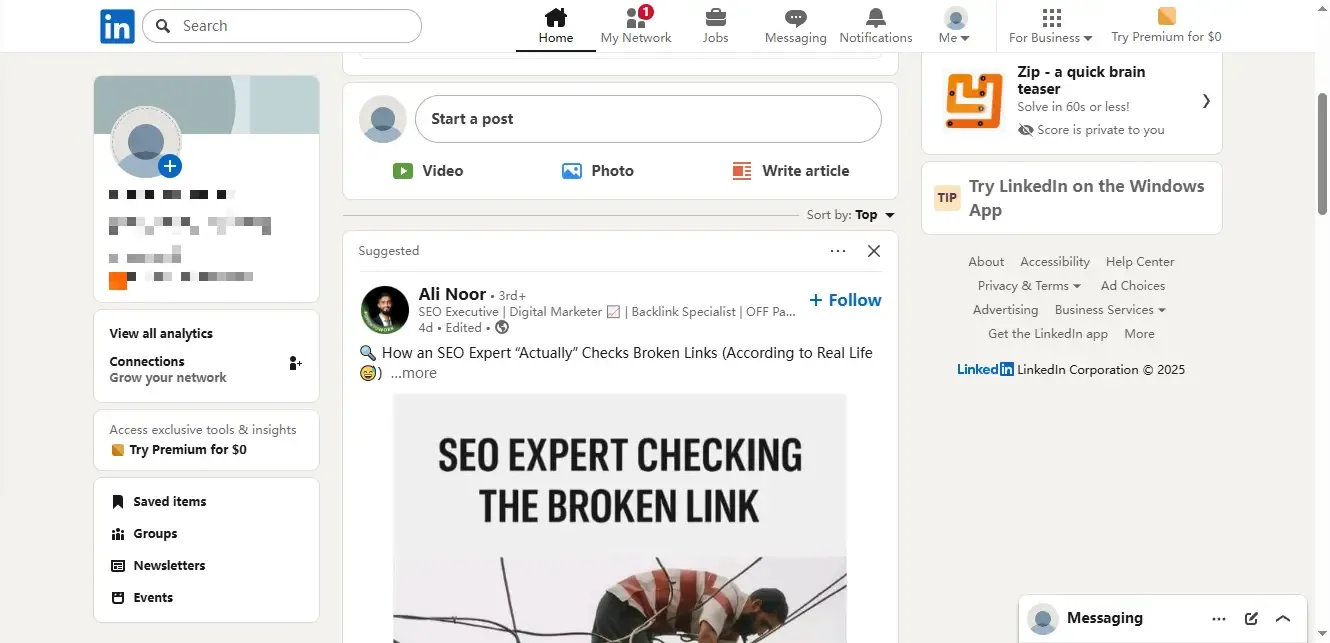
Reaching this page means your registration is complete.
Step 6: Improve your profile
Upload a profile photo and complete your work experience, skills, and education. Ensure every account has unique and authentic information.
Multi-Account Management Tips & Avoiding Risks
Avoid switching IPs and devices frequently
Even with MostLogin’s isolated environments, avoid logging multiple accounts under the same IP or switching IPs too often. This significantly reduces LinkedIn’s risk flags.
Avoid duplicate content and overlapping interactions
Each account should publish unique content. Copy-pasting text across multiple accounts or contacting the same people may trigger LinkedIn’s anti-spam mechanisms.
Bind different emails and phone numbers
Phone verification is key to LinkedIn's security. Each account must have its own email and phone number to remain independent.
Maintain normal interaction behavior
Avoid rapidly adding connections or sending messages. Act naturally—browse posts, react, and leave meaningful comments. “Warm up” your accounts to build trust.
Plan the purpose of each account
Assign clear roles—one for job hunting, one for business outreach, one for branding, etc. Avoid overlap in content and connections.
Summary
Managing multiple LinkedIn accounts is useful for business development, personal branding, and project-based work. By differentiating account info, isolating login environments, and interacting naturally—and using tools like anti-detect browsers —you can operate multiple accounts safely and efficiently. Follow the above steps and suggestions, and use MostLogin for environment separation to build a smooth, secure multi-account workflow.
FAQs
1. Why does LinkedIn require phone verification? Can I skip it?
Phone verification helps LinkedIn block spam and fake accounts. It cannot be skipped. Each account must use a new phone number.
2. How often should a new account be active? Do I need to “warm it up”?
During the first 7–14 days, keep activity low and natural—like posts, leave meaningful comments (not just emojis), and browse occasionally. Warming up builds trust and lowers future restriction risks.
Best Anti-Detect Browser — MostLogin
MostLogin helps users solve multi-account management, environment isolation, and account risk-control challenges.
For help, visit the official support docs