In 2026, online platforms have become significantly more strict in how they detect and evaluate user activity. Whether you are managing social media accounts, collecting data at scale, or running cross-border e-commerce operations, your network environment now plays a critical role in determining success or failure.
I tested RapidProxy to understand how well it performs under real operational conditions. Unlike traditional proxy services that focus only on IP switching, RapidProxy emphasizes residential-grade network simulation using two core products:
- Dynamic Residential Proxies
- Static Residential Proxies
This review is based on real usage scenarios, not just specifications.
What Is RapidProxy?
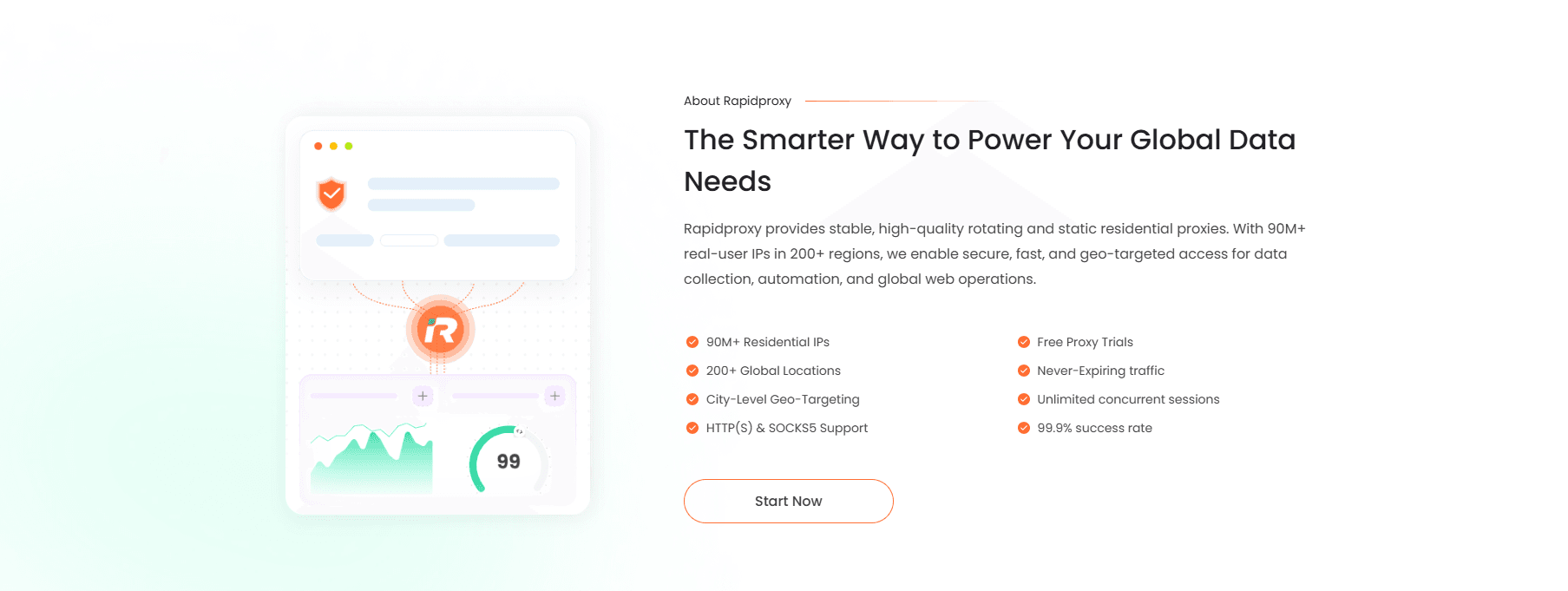
RapidProxy is a residential proxy infrastructure designed for users who need stable, scalable, and real-world network identities.
Instead of relying on datacenter IPs, it routes traffic through real residential networks, making connections appear more natural and less detectable by platform algorithms.
It is mainly built for:
- Multi-account operations
- Data-driven automation
- Cross-border digital marketing
- Large-scale web access tasks
Core Proxy Types
Overview Comparison
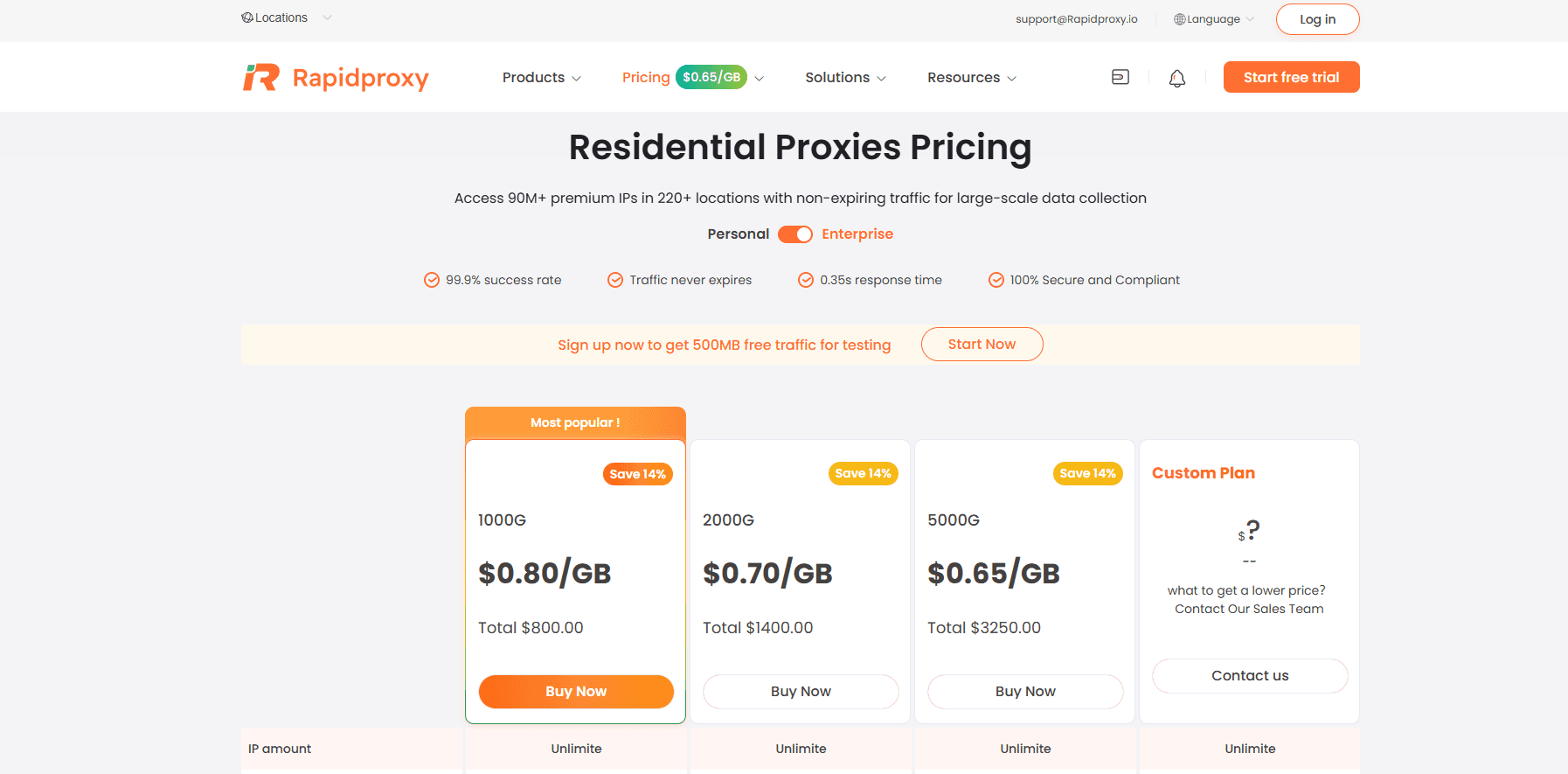
1. Dynamic Residential Proxy: Built for Scale & Automation
Dynamic residential proxies are designed for environments where requests need to be continuously distributed across multiple IPs.
Instead of staying on a single IP, the system automatically rotates residential addresses to simulate natural traffic behavior.
Key Characteristics
- Automatic IP rotation
- High request flexibility
- Suitable for large-scale operations
- Reduced detection risk for bulk activity
Real-World Use Cases
During testing, dynamic proxies performed especially well in:
- Web data extraction tasks
- Price monitoring systems
- Search engine data collection
- Automated content interaction workflows
The main advantage is scalability. When operations require thousands of requests, dynamic residential proxies help distribute load naturally across different identities.
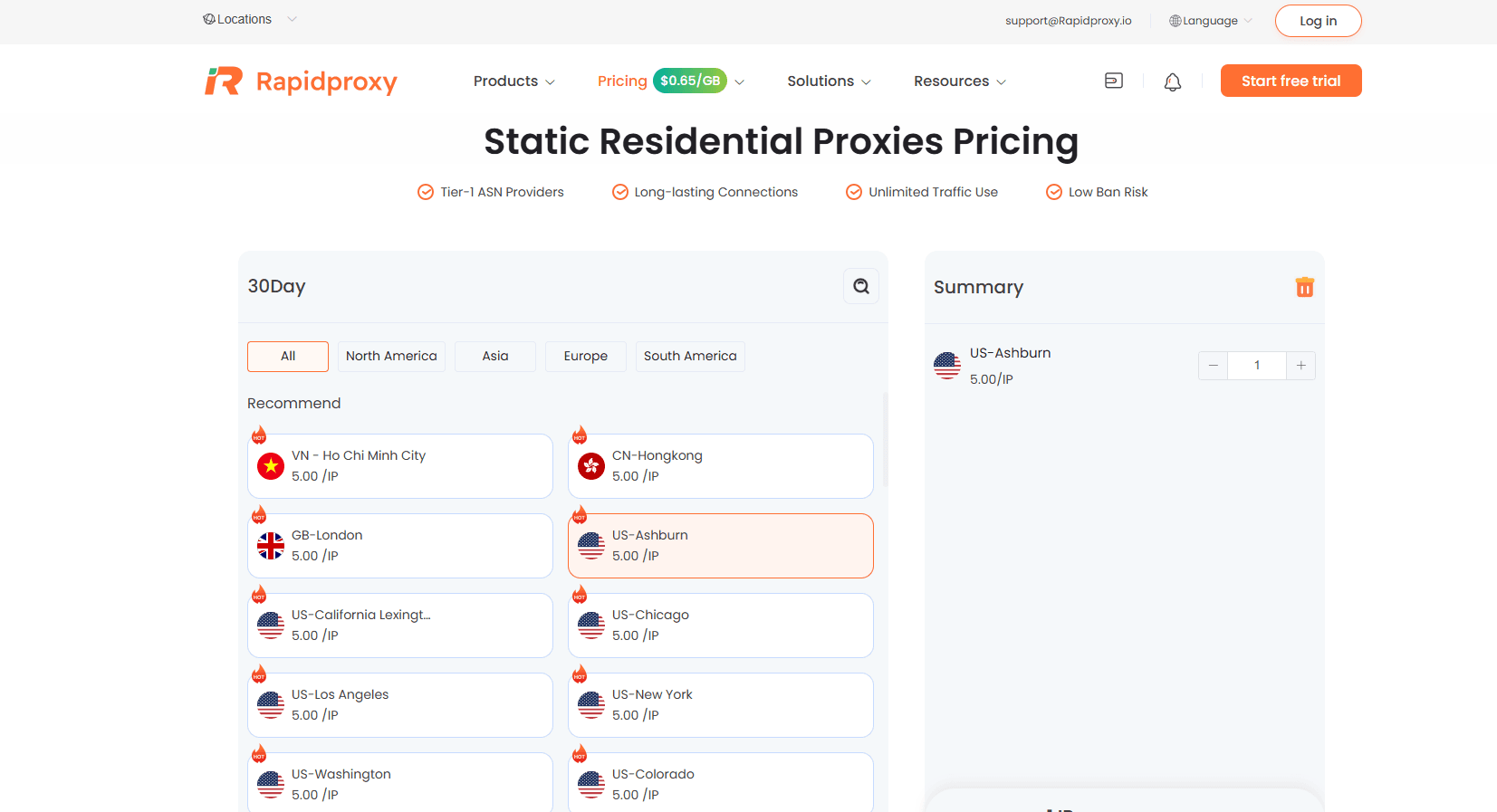
2. Static Residential Proxy: Stability for Account-Based Operations
Static residential proxies provide a fixed IP that remains consistent over time.
This is critical for systems where identity continuity matters more than rotation.
Key Characteristics
- Dedicated residential IP
- Long session stability
- Consistent login environment
- Reduced account verification frequency
Real-World Use Cases
Static proxies performed best in:
- Social media account management
- E-commerce seller dashboards
- Advertising account access
- Long-term logged-in sessions
Platforms tend to trust stable IP behavior, which makes static residential proxies ideal for account-based workflows.
Performance Testing Summary
RapidProxy Key Advantages
Beyond performance testing, RapidProxy also provides several important infrastructure advantages:
- Traffic Never Expires
Purchased traffic does not expire, allowing long-term usage without pressure or loss of unused bandwidth.
- Free Testing Available
Users can test proxy performance before scaling, reducing adoption risk.
- Multi-Protocol Support
Supports multiple connection protocols:
- HTTP
- HTTPS
- SOCKS5
This ensures compatibility with almost all tools and automation systems.
- Unlimited Concurrent Sessions
RapidProxy supports unlimited parallel connections, making it suitable for:
✔ Large-scale scraping
✔ Multi-account management
✔ Distributed automation systems
- Global Residential Network
Real residential IP infrastructure ensures high trust and lower detection rates.
Hands-On Configuration Guide
Below is a simple step-by-step guide to using RapidProxy.
Method 1: Using in a Mostlogin Browser
Step 1: Create a Proxy Profile
Log in to your RapidProxy dashboard and select either:
- Dynamic Residential Proxy
- Static Residential Proxy
Choose your region and generate credentials.
Step 2: Configure in Browser
Open your mostlogin browser and:
- Create a new profile
- Enable proxy settings
- Select protocol (HTTP / SOCKS5 / HTTPS)
- Paste proxy credentials
- Test connection
Step 3: Launch Environment
Once connection is successful, start browsing with isolated identity.
Method 2: Using with Automation Tools
RapidProxy can be integrated with tools like:
- Selenium
- Puppeteer
- Playwright
Basic Setup Example:
- Add proxy IP + port
- Configure authentication
- Assign to session or script
- Run automation workflow
This allows scalable data operations across multiple IPs.
Why RapidProxy Performs Well
From testing, RapidProxy stands out due to:
1. Residential-Level Authenticity
Traffic behaves like real users, reducing detection risk.
2. Flexible Proxy Architecture
Dynamic + static proxies allow task-based optimization.
3. Enterprise-Ready Infrastructure
Supports high concurrency and automation workloads.
4. Stable Long-Term Usage
Suitable for continuous business operations.
Final Conclusion:
RapidProxy is not just a proxy provider—it is a scalable residential network infrastructure system designed for real business workloads.
RapidProxy presents a well-structured residential proxy infrastructure designed for modern data-driven workflows in 2026. Its strength lies not in being a general-purpose proxy, but in offering two clearly optimized layers of network identity: dynamic proxies for scalable automation and static proxies for stable, account-based operations.
For users working in web scraping, multi-account management, advertising systems, or cross-border e-commerce operations, RapidProxy provides a flexible balance between performance, stability, and usability.
While it may not position itself as the most complex enterprise-grade solution on the market, its practical design, unrestricted traffic policy, and real residential IP network make it a strong option for operational use cases where reliability matters more than over-engineered features.