In 2025, many platforms are now using more advanced account detection mechanisms to check users' account information and ban accounts that are deemed abnormal. Platforms like Amazon, TikTok, and eBay have increasingly stringent account detection systems. The official reason given is the proliferation of scammers/spam accounts and automated tools on these platforms, prompting more in-depth checks on all accounts.
However, the reality is that many banned accounts are not problematic ones, but legitimate marketers managing multiple accounts. Our research has found that frequently switching accounts on the same device, same IP address, or in geographically distant regions significantly increases the risk of account suspension.
For marketers managing multiple accounts across various regions, this issue must be addressed. Currently, there's only one effective solution on the market: using anti-detection browsers (also known as fingerprint browsers). These tools help create and fix unique user profiles for each account, preventing detection by platform systems. Many people may not have used such tools before, fearing high costs or ineffectiveness. Today, we introduce six of the most worthwhile and free anti-detection browsers to use in 2025.
What is an Anti-Detection Browser?
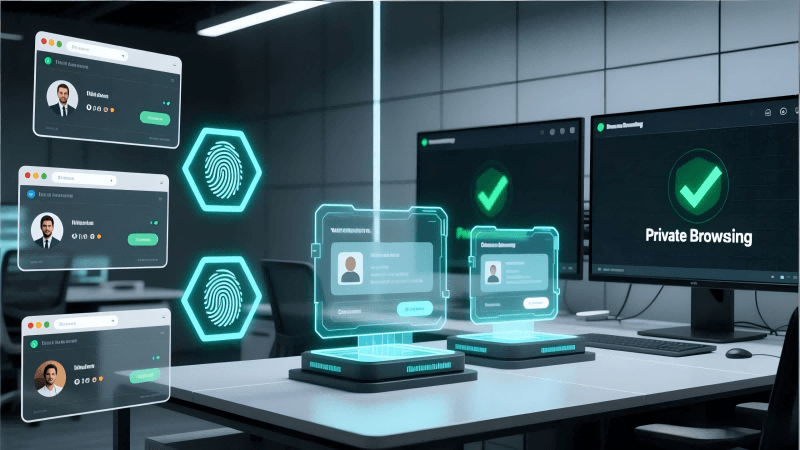
The core of an anti-detection browser is to assign a unique set of parameters to each browser instance, ensuring that duplicate profiles are not identified when platforms collect user information. Typically, such fingerprint browsers allow modification of cookies and cache, IP addresses, WebRTC data, font and language settings, geographic locations, device hardware parameters, and more. By configuring distinct settings for each account, platforms will be unable to detect or link these accounts together.
Six Best Anti-Detection Browsers to Use in 2025:
All products recommended below have been personally tested and are ranked by stability, fingerprint spoofing, plans, automation support, and other factors.
1. MostLogin:
MostLogin is a fingerprint browser specifically designed for multi-account management, ideal for e-commerce, social media operations, advertising and marketing, and other businesses. It offers comprehensive features such as complete fingerprint isolation, independent cookies, and environment management, ensuring each account operates as securely as if on a separate device. Additionally, through its official Pioneer Program, the browser's core functions are available under current plans to use, with cloud mobile services available on a pay-as-you-go basis (no charges if not needed).
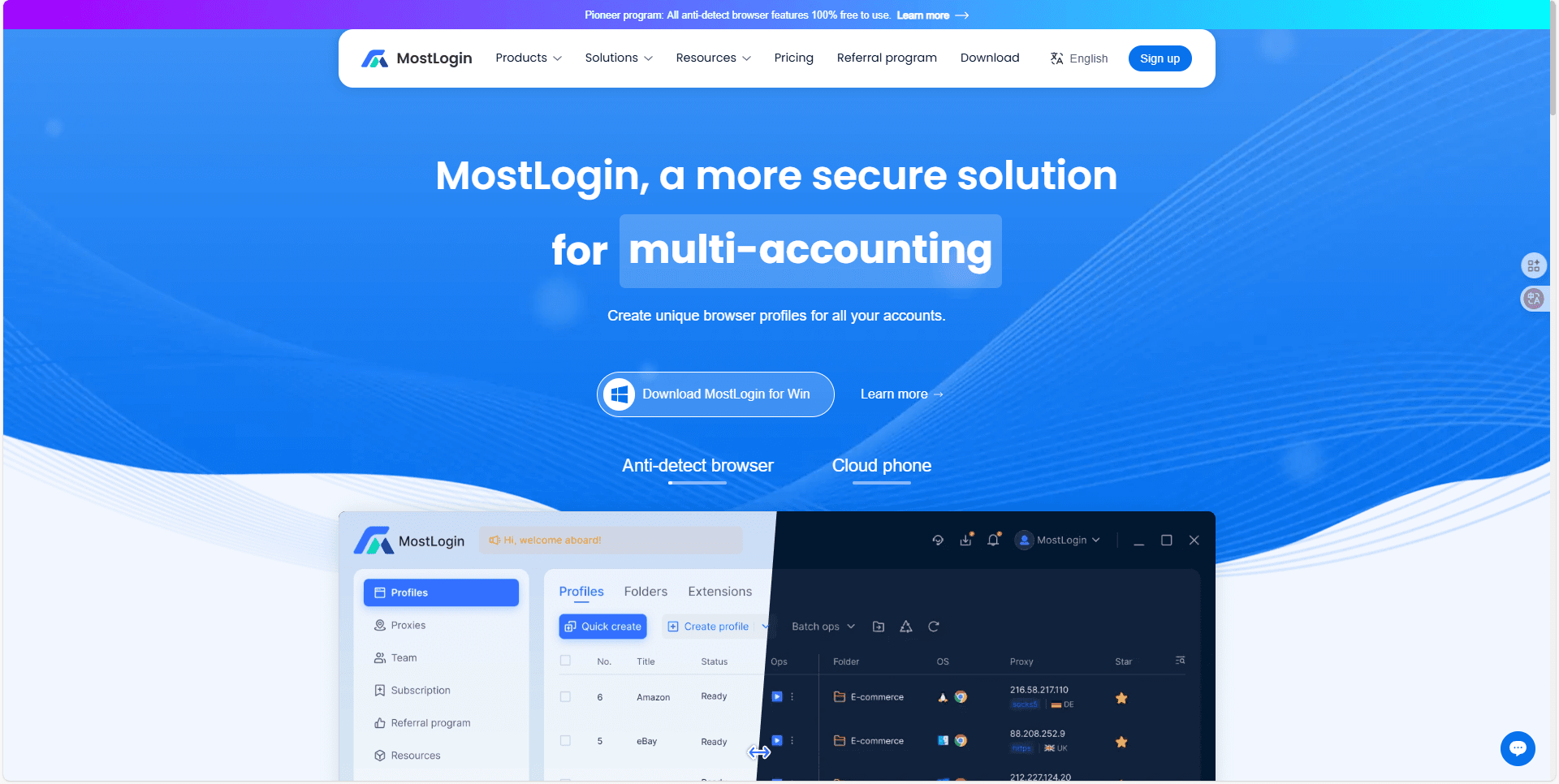
Key Features:
- Complete fingerprint browser functionality, independent browser environments, random fingerprints, and cookie isolation
- Individual account configurations with team collaboration support
- User-friendly interface with profile import/export and team sharing capabilities
- Automation and proxy integration support
Use Cases:
- Cross-border e-commerce operations
- Social Media Account Management (Facebook, Instagram, TikTok, etc.)
- Advertising and marketing testing
- Multi-account studios and affiliate marketing
- Mobile application operations and cloud mobile device management
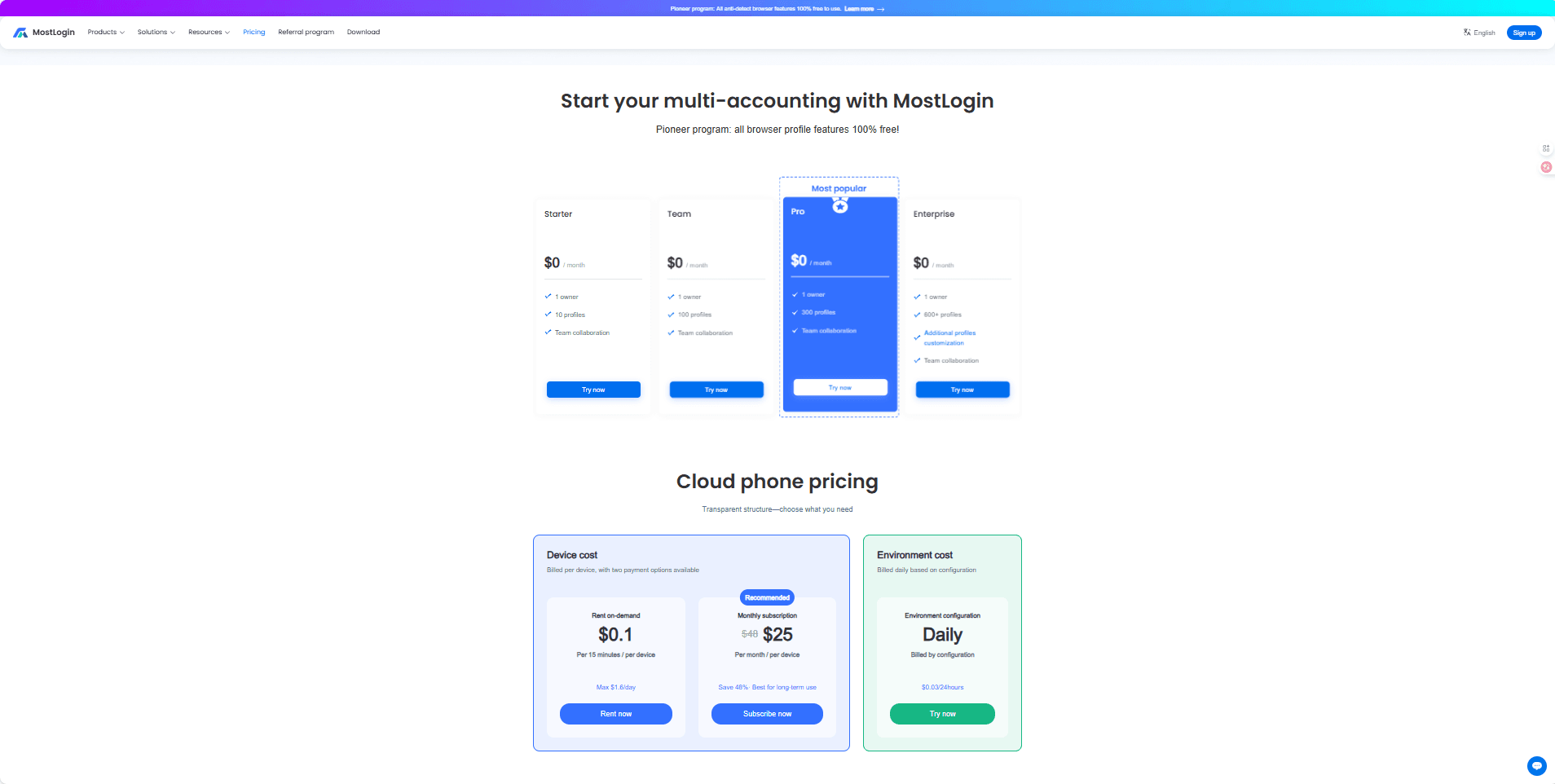
Pricing:
- Browser Features: Completely Free (Pioneer Program)
- Cloud Mobile Devices: Pay-per-device pricing (On-demand rental: $0.1 per 15 minutes per device (max $1.6/day) Monthly subscription: $25 per month per device (original price $48, 48% savings))
Summary:
MostLogin's advantage lies in offering complete browser fingerprint isolation for available under current plans, with optional cloud mobile device expansion. For cross-border e-commerce sellers, social media managers, or advertising teams needing to manage numerous accounts, it provides cost-effective efficiency—an excellent choice for both beginners and professionals.
2. AdsPower:
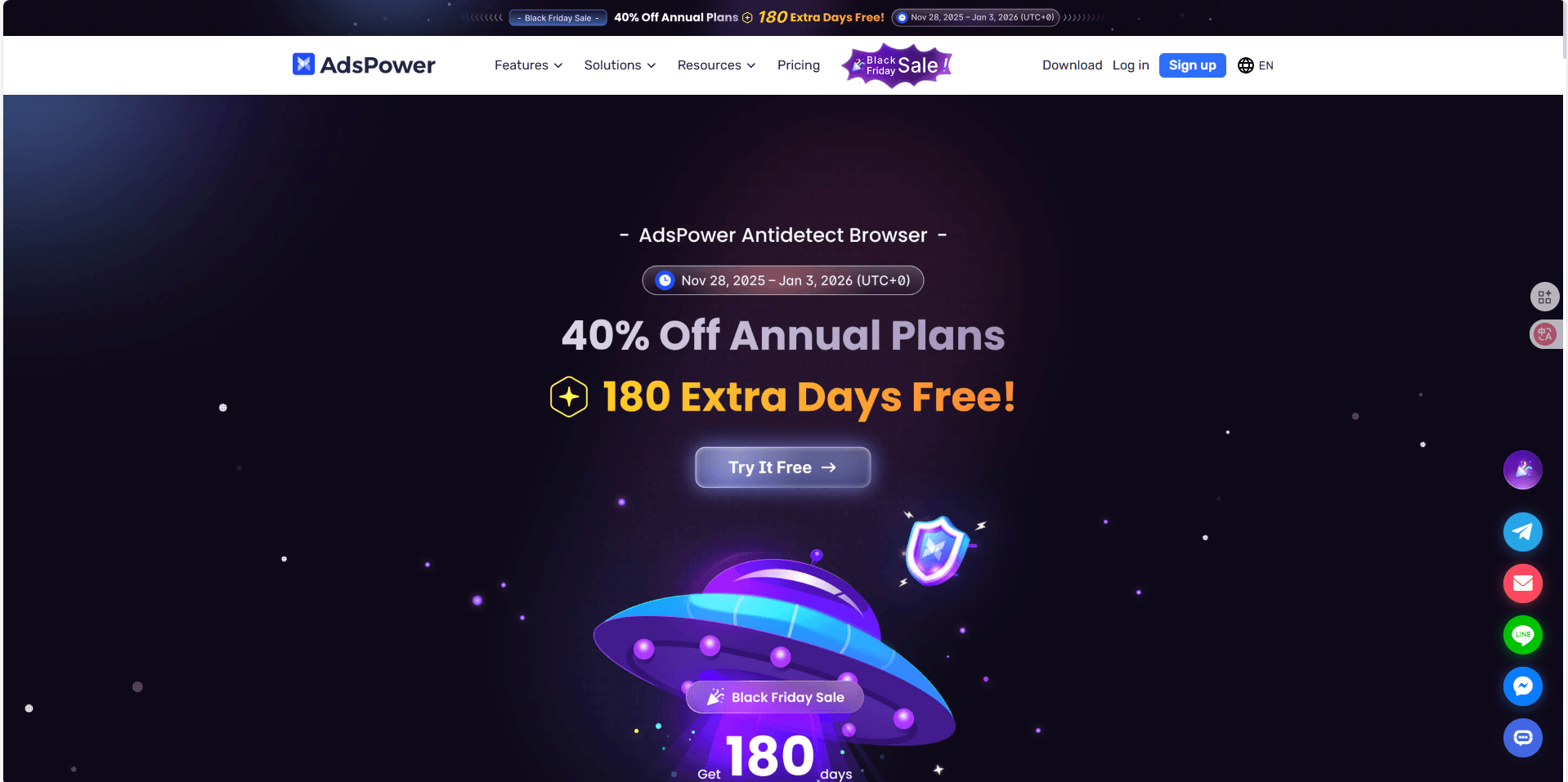
AdsPower comes highly recommended for ad buying teams, with standout RPA automation capabilities ideal for users requiring extensive repetitive operations.
Key Features:
- Advanced RPA automation
- Multi-user permission system
- Bulk account creation, login, and advertising deployment
- Puppeteer/Selenium support
- Flexible proxy and fingerprint options
Use Cases:
- Marketing agencies
- Facebook/TikTok ad arbitrage
- Bulk advertising testing
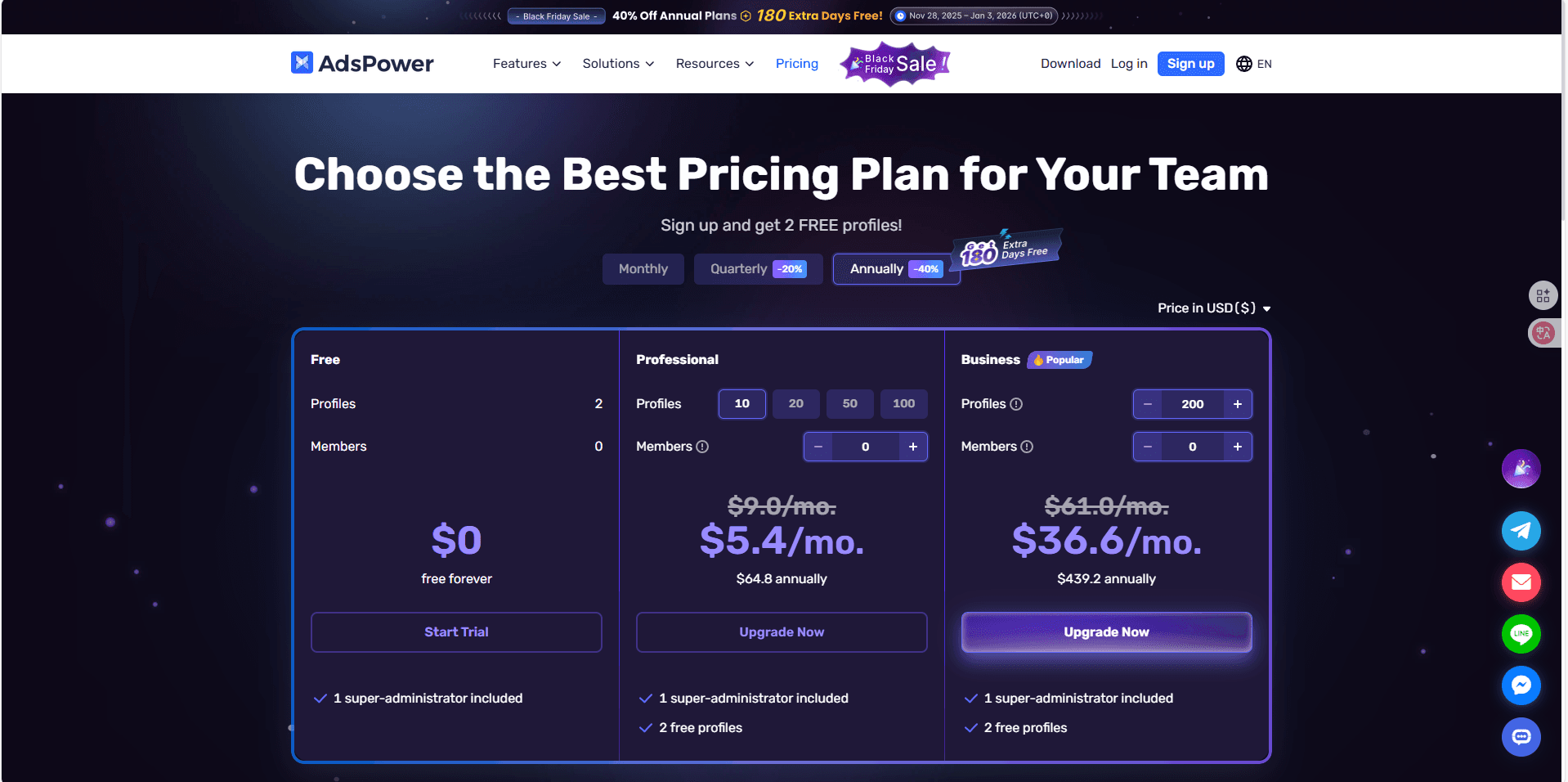
Pricing:
- Free: 2 profiles
- Pro: Starting at $10/month
Summary:
Perfect for advertising teams relying on automation, though it may be complex for beginners. The 2 free profiles offer a good trial opportunity.
3. Dolphin{anty}:
Dolphin is highly popular in the advertising and crypto industries, offering automation features and user-friendly functionality suitable for beginners.

Key Features:
- Workspace labeling capabilities
- Built-in automation templates
- Mobile fingerprint simulation
- Crypto wallet ecosystem support
- REST API integration
Target Users:
- Facebook advertisers
- Telegram automation users
- Crypto/NFT marketers
Pricing:
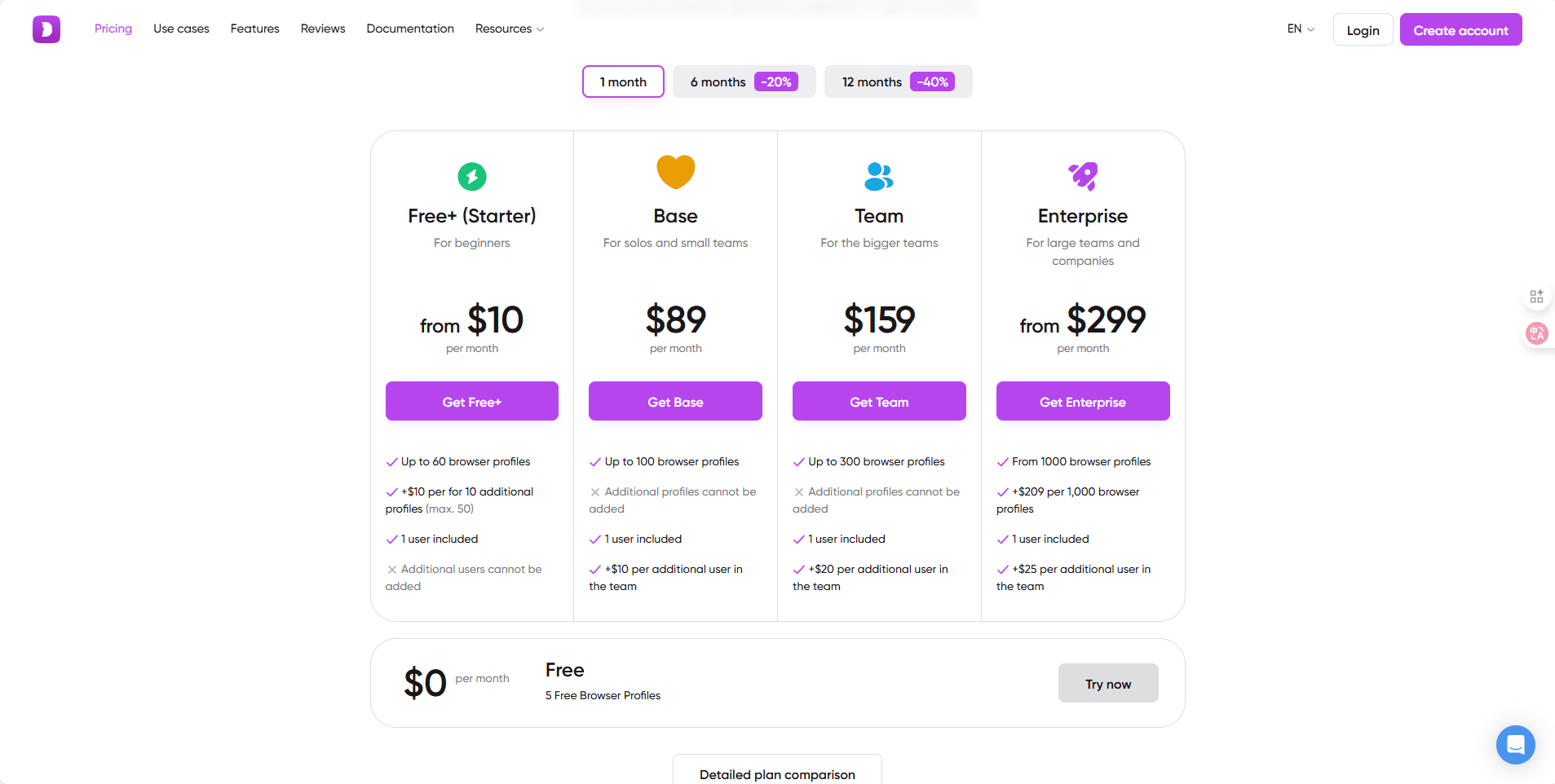
- Free: 5 profiles
- Paid: $10 starter plan, with other plans starting at $89/month
Summary:
Excellent for individuals in advertising or crypto businesses. However, its overall ecosystem is less robust than other anti-detection browsers, and the free tier is worth trying.
4. GeeLark:
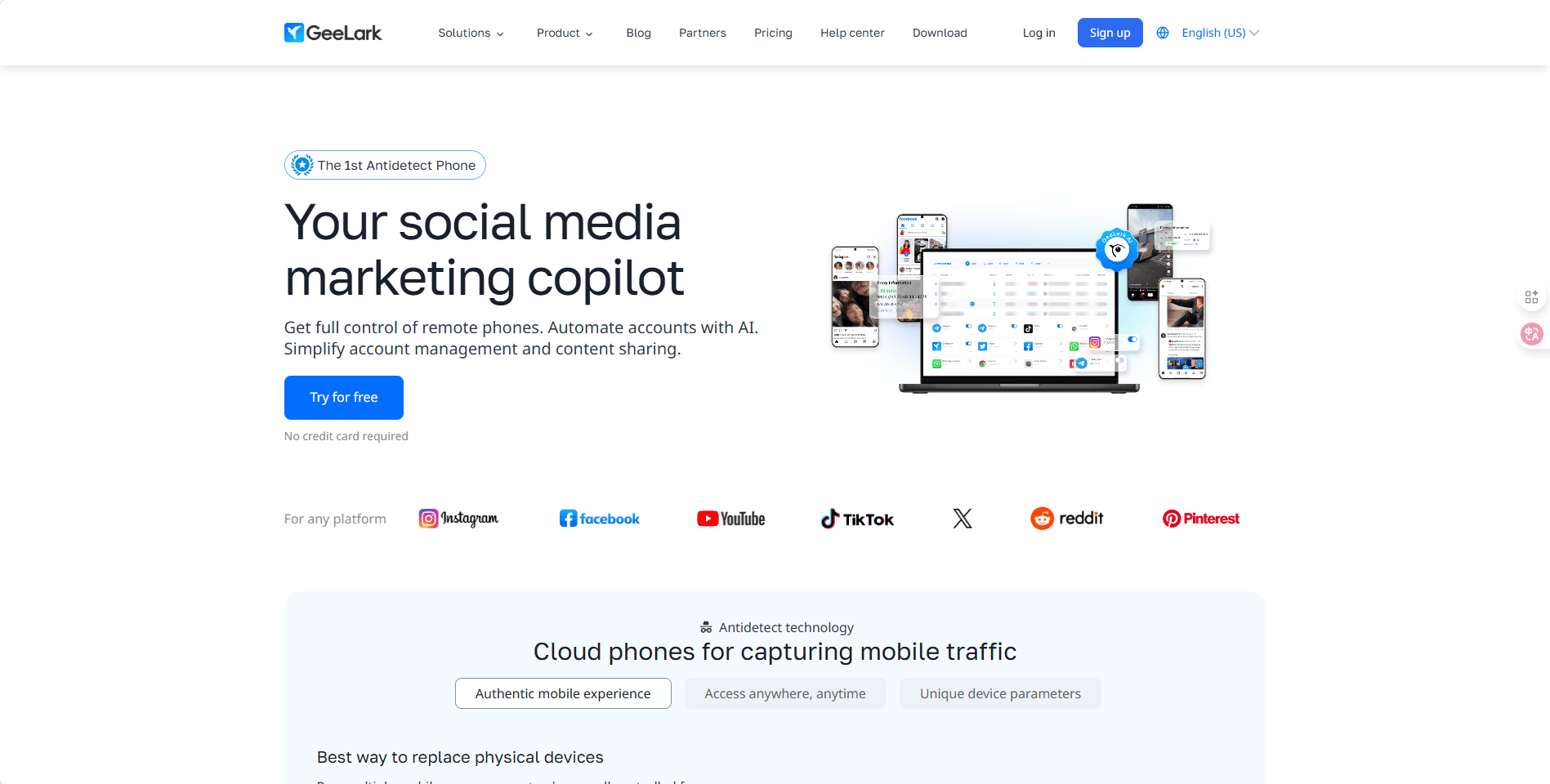
GeeLark is a dedicated anti-detection assistant for mobile cloud phone anti-detection. According to its official website, it provides independent and genuine Android devices on the cloud, not ordinary emulators, making your App operations more secure.
Key Features:
- Cloud-based Android mobile environment
- Easier to manage than physical Android devices
- More convenient expansion of cloud phone functions
- Fingerprint at the level of real physical devices
- Anti-detection technology dedicated to mobile terminals
Application Scenarios:
- Affiliate marketing
- Social media operation
- Cross-border e-commerce and independent websites
- Airdrops, user acquisition, and account nurturing
- Cloud gaming
- Ad verification
Pricing:
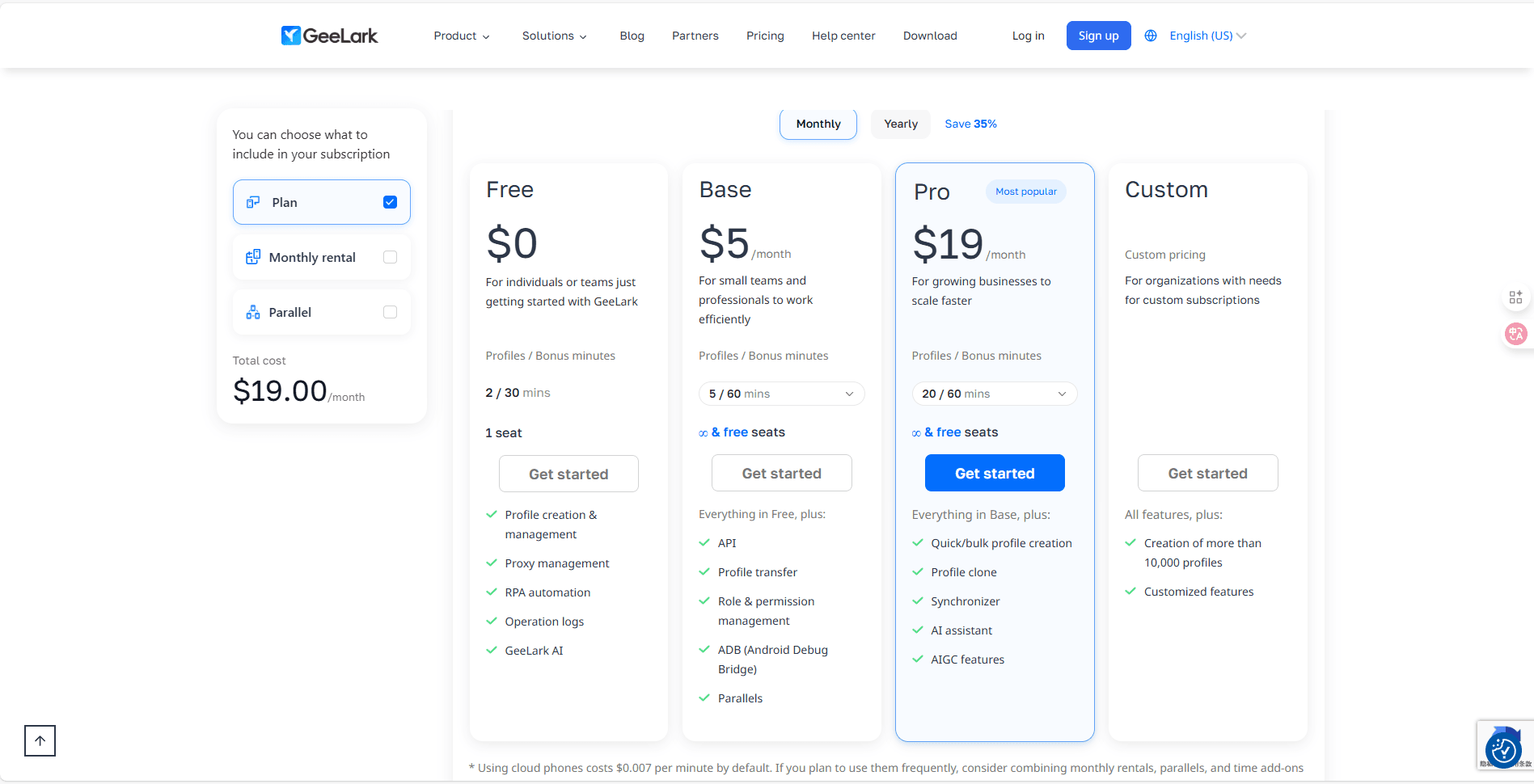
- Free plan
- Basic/Standard Edition: $19/month
- Team Edition: $29/month
Summary:
GeeLark's advantage lies in its real-device cloud phones, which offer higher authenticity than emulators. It is suitable for businesses that need a large number of mobile accounts, and a free plan is available for trial use.
5. Multilogin:
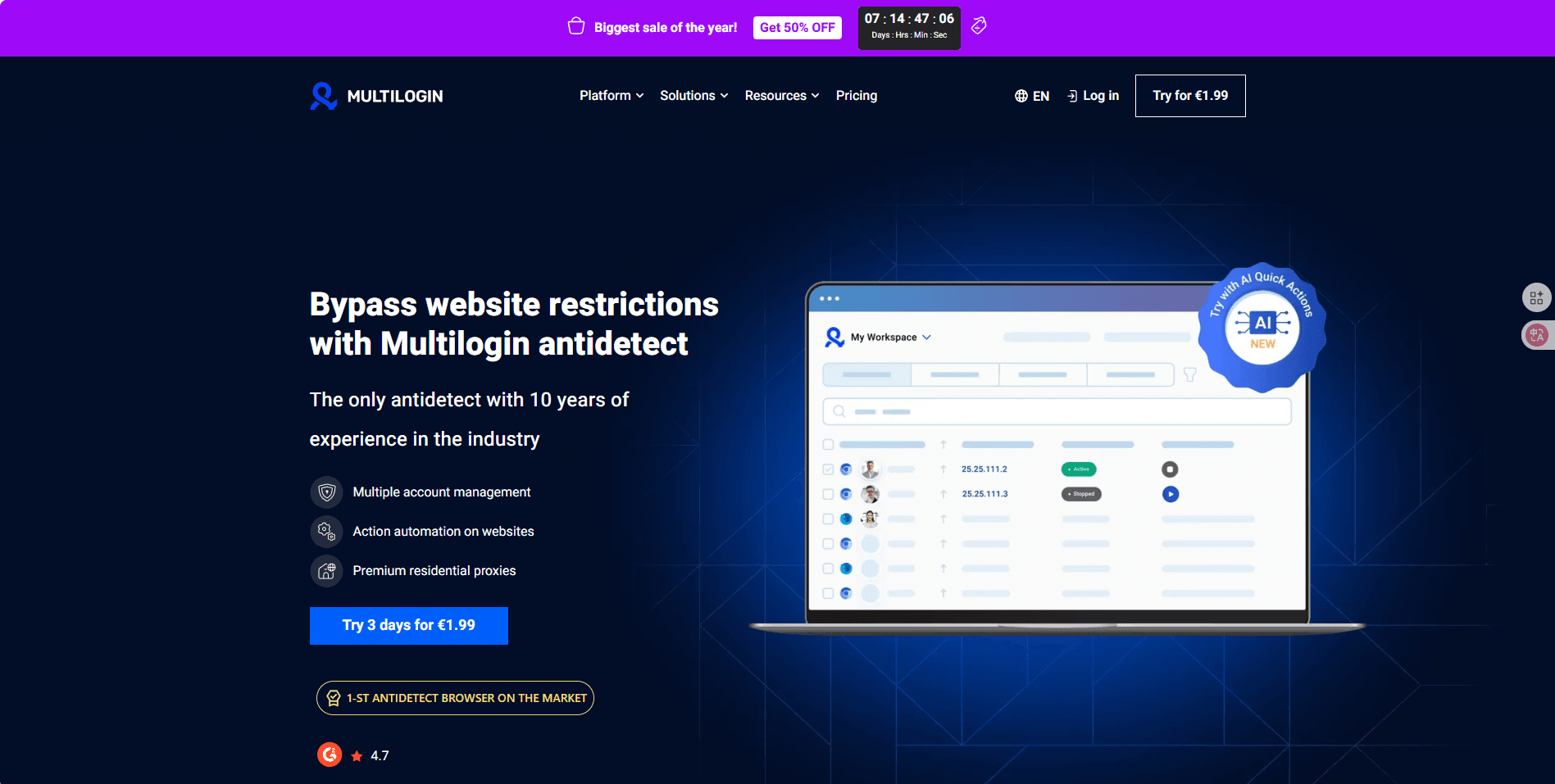
Multilogin has long been a highly praised anti-detection browser online, mainly suitable for users who need stability, multiple accounts, and large-scale operations. It supports Chromium and Firefox, with comprehensive fingerprint customization features.
Key Features:
- Complete browser fingerprint configuration functionality
- Cookie import and export, supporting local and cloud storage
- Advanced spoofing (WebGL, Canvas, audio, fonts, geolocation)
- Support for various proxies (including Nodemaven)
- Automation APIs (Selenium, Puppeteer)
- Permission management and task allocation among team members
Target User Groups:
- Cross-border e-commerce sellers (Amazon, eBay, Walmart)
- Advertising teams
- Enterprise-level web crawling teams
- Organizations requiring secure access to a large number of accounts
Pricing:
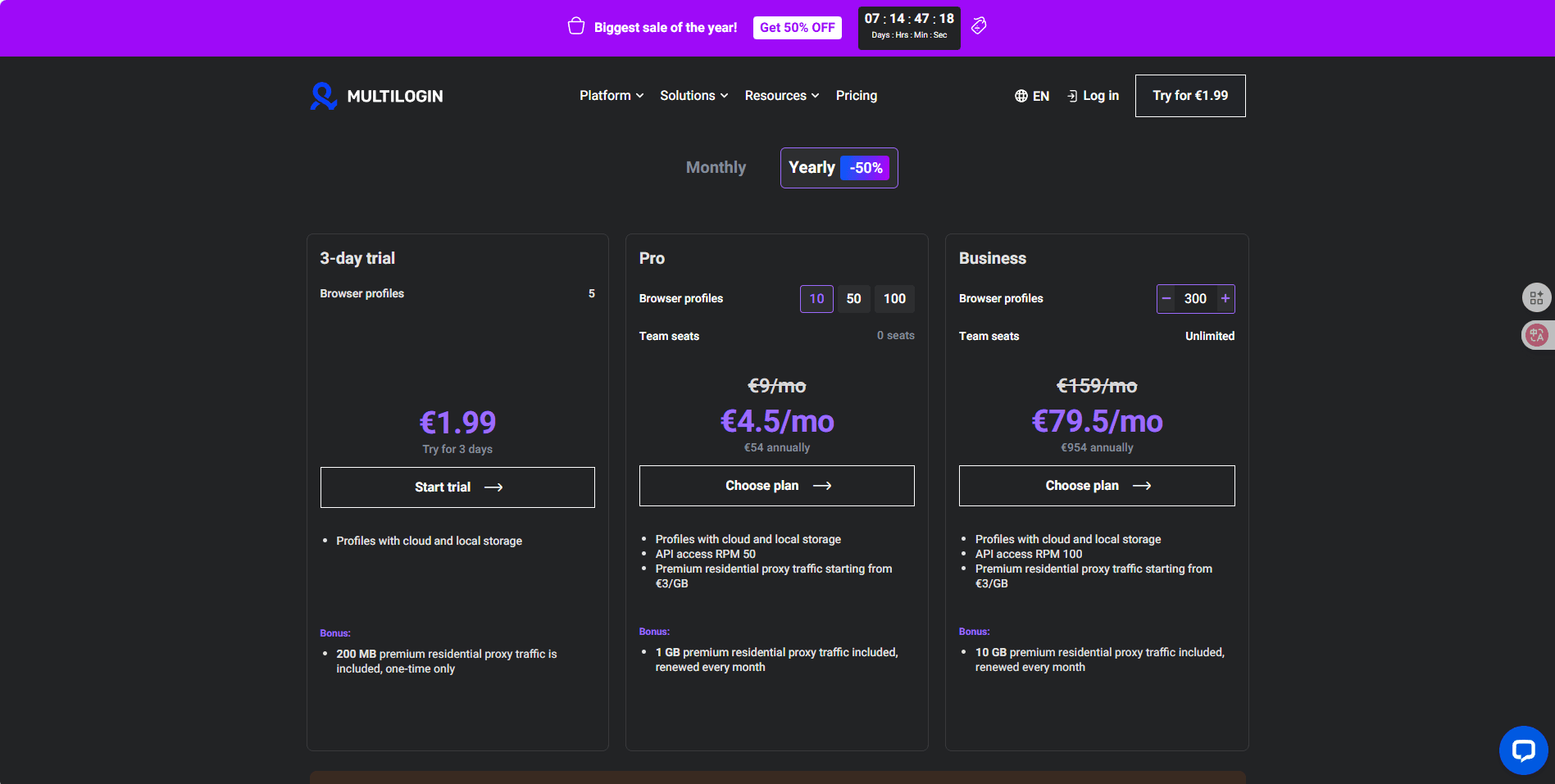
- Trial Price: €1.99 (3 days)
- Starter/Basic Plan: €5.85/month (10 profiles)
- Prices for other advanced plans are subject to change
Summary:
If you pursue professionalism, stability, scalability, and a high success rate, Multilogin is an excellent choice. However, it is a bit expensive, and the 3-day trial is not very useful in practice.
6. Incogniton:
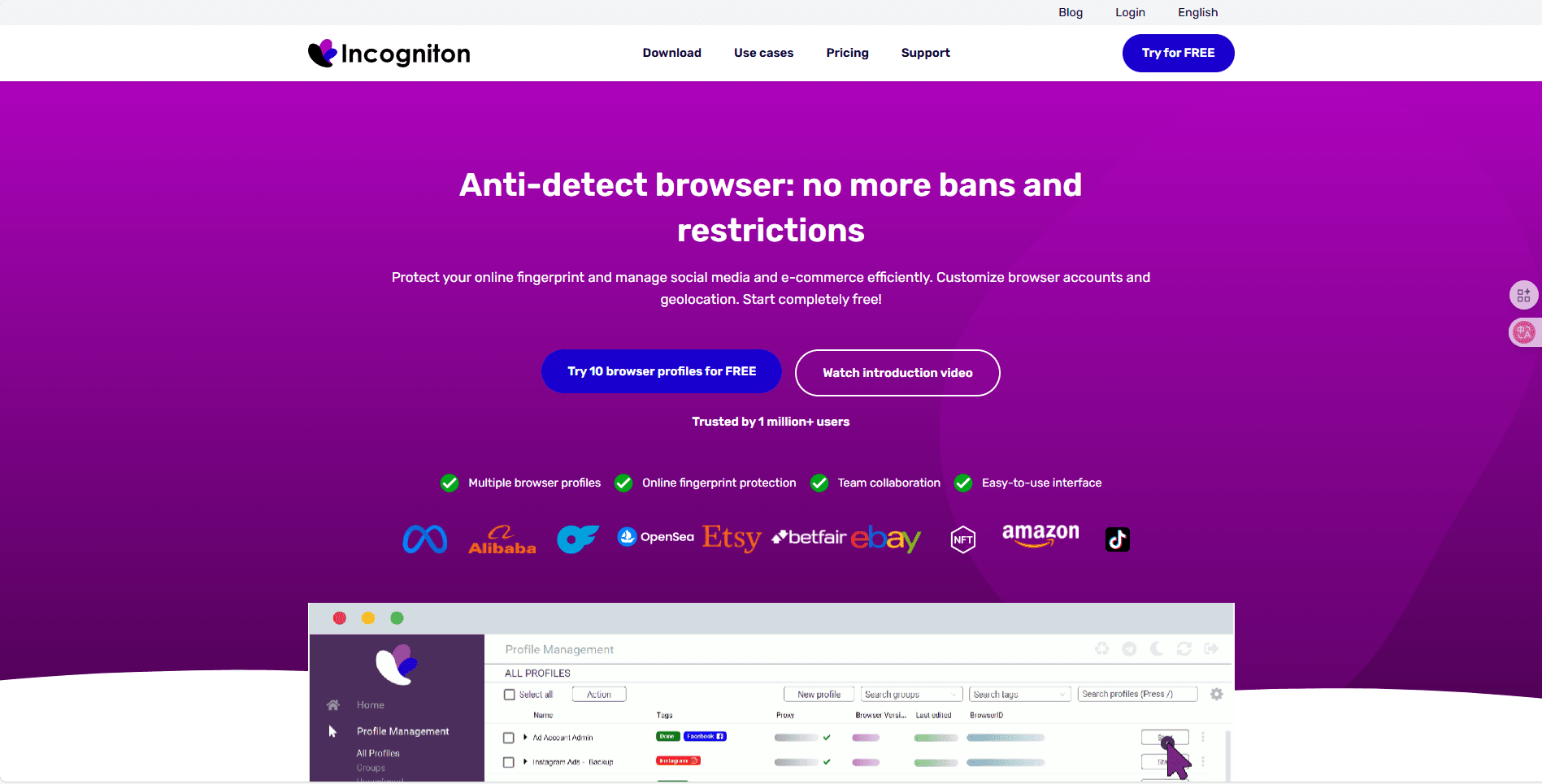
Incogniton is a lightweight anti-detection browser that focuses on simplicity and ease of use, requiring no complex configuration.
Key Features:
- Chromium-based profile configuration
- Fingerprint spoofing and cookie management
- Profiles can be cloned, imported, and exported
- Local/cloud storage
- Basic Selenium automation
Target Users:
- Cross-region Amazon sellers
- Freelancers
- Management of a small number of important marketing accounts
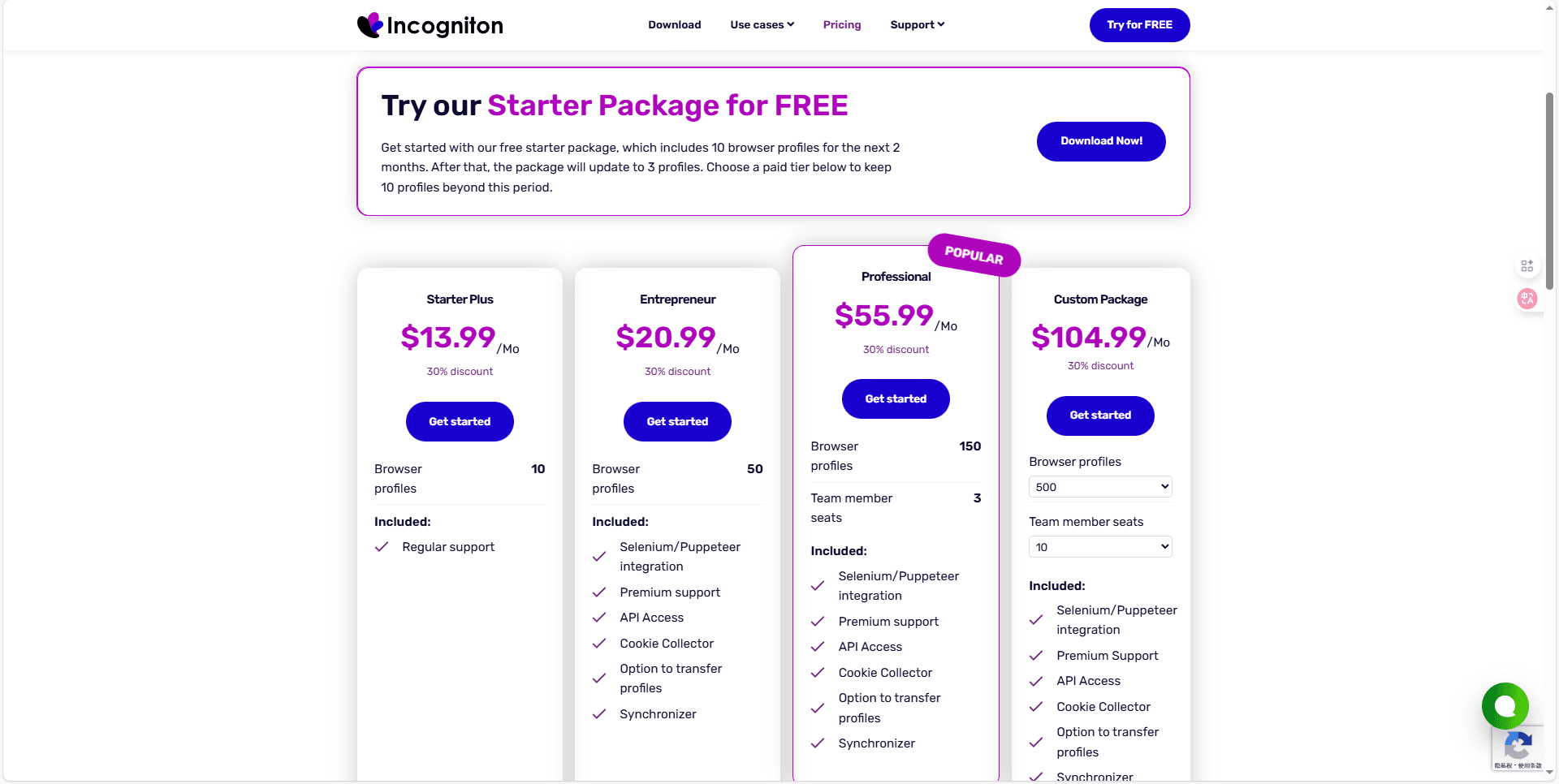
Pricing:
- Free: 10 local profiles (for two months)
- Paid: Starting at $29.99/month
Summary:
It is ideal for entry-level users, being simple and stable, with a free quota available for a two-month trial.
Conclusion
For users who need to manage multiple accounts, a available under current plans anti-detection browser is a must-have. The tools recommended in this article—MostLogin, Multilogin, GeeLark, Incogniton, Dolphin{anty}, and AdsPower—all offer varying degrees of available under current plans features and multi-account support, catering to both entry-level users and professional operators. If you are unsure which one to choose, we highly recommend MostLogin. It has almost no paid restrictions on its anti-detection browser features, so you can try it first to see the results.
FAQs:
Q1: What is an anti-detection browser?
A1: An anti-detection browser (fingerprint browser) is a special browser tool that generates an independent environment and a unique browser fingerprint for each account, including parameters such as cookies, cache, IP address, WebRTC, fonts, and geolocation. This way, even if you operate multiple accounts on the same device or IP address, you can avoid being identified and banned by platforms.
Q2: Why do I need a multi-account anti-detection browser?
A2: Many platforms (such as Amazon, TikTok, eBay) implement strict detection on accounts. If you switch accounts on the same device, same IP address, or from geographically distant locations, even multiple accounts under normal operation may be banned. An anti-detection browser makes each account appear to be operated on a separate device, thereby reducing the risk of account suspension.
Q3: Which platforms do these free anti-detection browsers support?
A3: Most of these browsers support common platforms such as e-commerce (Amazon, eBay, Walmart), social media (Facebook, Instagram, TikTok), and advertising. Different products may have differences in mobile or desktop support; please refer to their official websites for details.
Q4: What is the difference between free and paid versions of anti-detection browsers?
A4: current plans usually offer basic features and a limited number of accounts/profiles. For example, MostLogin provides complete browser fingerprint features for available under current plans, and Incogniton offers 10 available under current plans local profiles. However, advanced automation, cloud expansion, or more accounts may require a paid upgrade, depending on the design of each vendor.
Best Anti-Detection Browser - MostLogin
MostLogin anti-detection browser tool helps users solve high-frequency issues such as multi-account operation, environment isolation, and account risk control.
For operational questions, please refer to the Official Help Documentation