Virtual browsers are a type of browser used by professionals in many business fields, especially gaining immense popularity in recent years. You can often see discussions about virtual browsers on forums like Quora and Reddit. After analyzing the user base of this tool, we found that it is mostly used by business professionals and marketers.
Many people may not know what virtual browsers are, what features they offer, or how to obtain one. Today, we will clarify all these aspects in detail. We have also created related content; if you're interested, you can check out our other article "Top 6 Best Virtual Browsers to Use in 2026". Thank you for reading!
What is a Virtual Browser?
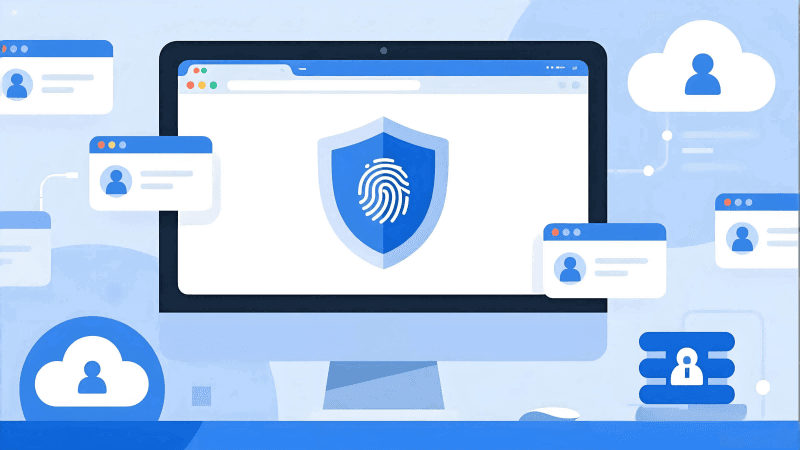
A virtual browser is essentially a browser that helps users isolate their real information. When browsing certain websites, some may request permission to collect information such as cookies. Many websites use this collected information to create a unique "browser fingerprint" for you.
If a platform prohibits users from having multiple accounts but you happen to manage several, the platform can quickly identify and ban all your associated accounts through your browser fingerprint. This is why many marketers with multiple accounts choose to use virtual browsers – they can create unique browser fingerprints for each account, preventing detection by the platform.
What are the Key Differences Between Virtual Browsers and Regular Browsers?
Regular browsers directly expose most of your information to websites. Nowadays, many websites collect extensive browser fingerprint data, including browser window size, computer monitor resolution, RAM capacity, and various other details. Even if you use the browser's private browsing mode, it only modifies some basic browser values and does not prevent the leakage of other data.
The primary function of a virtual browser is to prevent information leakage. Almost all such browsers on the market allow customization of browser fingerprints – including Cookies, local storage, cache isolation, screen resolution, Canvas and WebGL fingerprints. By randomly or manually setting these parameters, websites find it difficult to identify and link your accounts for banning based on browser fingerprints.
What are the Use Cases?
1.Affiliate Marketers and Advertisers
If you manage multiple affiliate networks and advertising accounts and want to safely conduct ad testing and promotions, this tool provides independent and stable environments for each account, preventing association and account bans.
2.Social Media Account Management
For influencers, brand managers, or content creators, managing multiple accounts and conducting ad content testing is common. Using a virtual browser's isolated and stable environment enhances account security.
3.SEO Applications
SEO work often involves keyword testing, ranking monitoring, and localized SEO across different clients or projects. This tool allows you to fix your IP location, enabling you to view results and data stably in specific regions without installing virtual machines.
4.E-commerce Sellers and Operations Teams
Many cross-platform sellers and enterprises regularly manage multiple stores, monitor numerous competitors, and gather pricing data from various regions. Independent environments keep these accounts and operations separate, avoiding detection by platforms.
5.Digital Marketing Teams
When running ad campaigns across multiple advertising platforms or collaborating as a team, a reliable virtual browser enables better environment allocation and division of labor, improving overall efficiency.
6.Automation Operations
Whether for data collection, crawler monitoring, or social media automation, specialized virtual browsers excel at these tasks, significantly reducing time and labor costs.
How to Obtain a Virtual Browser?
Generally, such tools are available for download on their official websites. Let's take MostLogin Browser as an example:
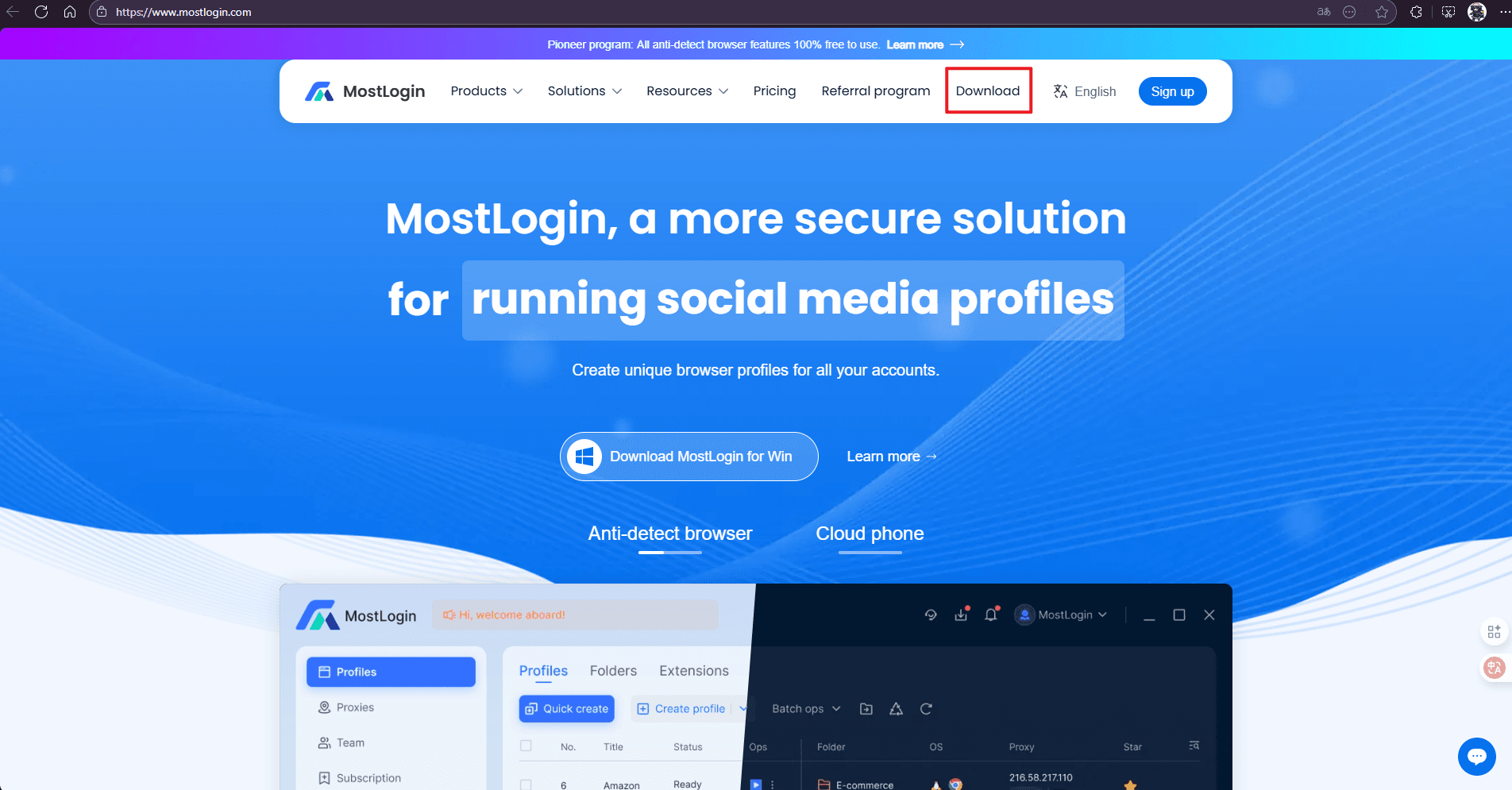
You can click [https://www.mostlogin.com/] to access the website, or search for "MostLogin" on Google/Bing or other search engines – you will typically get the following results.

Click the download button circled in the image to be redirected to the download page.
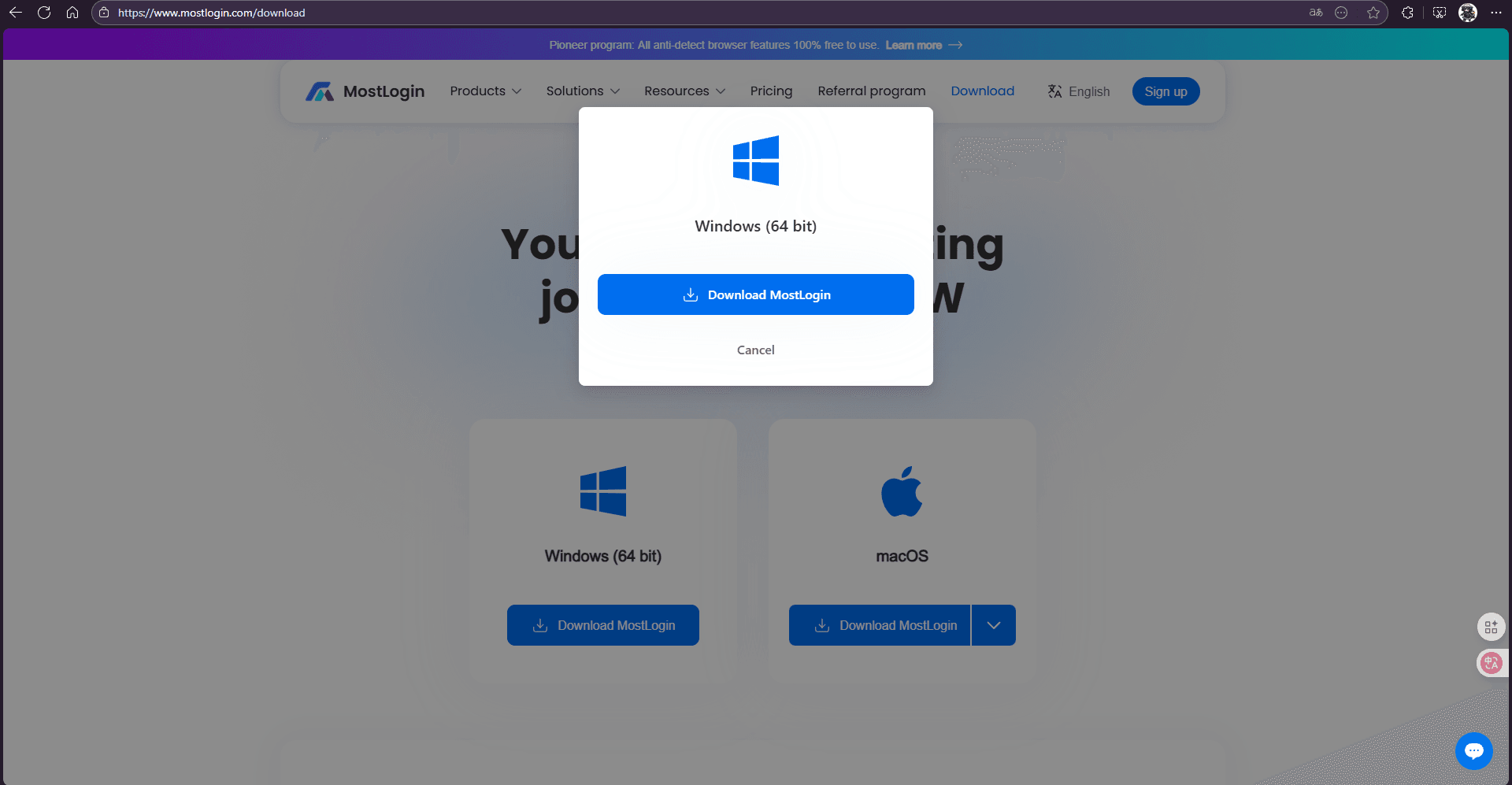
Select your operating system version to start the download.
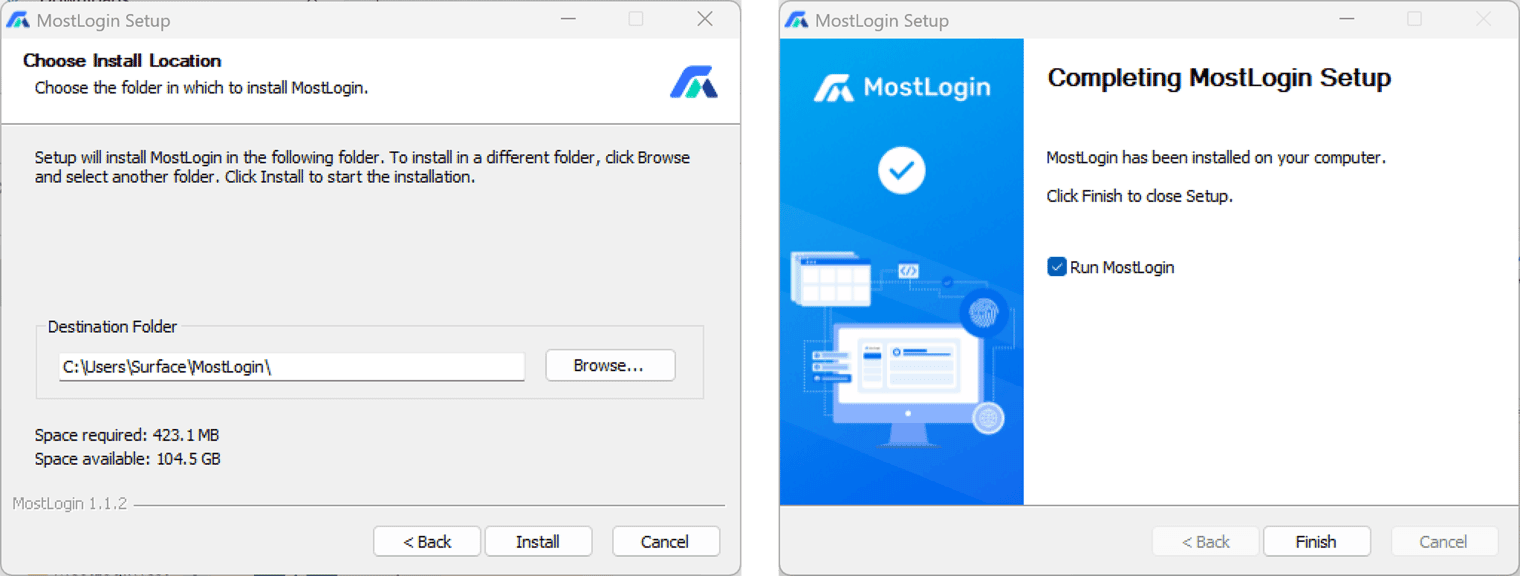
After downloading, install and register to start using!
If you have other questions, refer to this detailed installation guide: "Complete Installation Guide for Anti-Detect Browser Beginners".
FAQ:
What is a virtual browser?
A virtual browser is an independently isolated browser environment that allows setting unique browser fingerprints, IP addresses, and cache configurations for each account, thereby preventing association and banning by platforms.
What is the difference between a virtual browser and a regular browser?
Even when using incognito mode, regular browsers only avoid saving browsing history and partial data. Virtual browsers can customize and randomize various information such as fingerprints and Cookies, providing more thorough privacy protection.
What problems can virtual browsers solve?
They can prevent account association and banning, isolate data environments for different accounts, support multi-region or multi-device testing, and improve team collaboration and operational efficiency, etc.
Are virtual browsers compatible with automation tools?
Many professional virtual browsers (such as MostLogin) are directly compatible with automation tools like Selenium, Playwright, and Puppeteer, facilitating batch operations and task execution.
The Best Anti-Detect Browser - MostLogin
MostLogin anti-detect browser helps users solve high-frequency issues such as multi-account management, environment isolation, and account risk control.
For operational questions, please refer to the Official Help Center