As the collection of users' privacy, information, and various data online continues to grow, many regular internet users have started using special types of browsers (such as virtual browsers or anti-detection browsers) to publish content or communicate on various platforms. Platforms like Facebook, X, and Instagram collect an enormous amount of data on a wide scale. Officially, they state that these measures are used to identify and ban accounts, preventing users from being harassed or scammed on the platforms.
However, recently many legitimate users have reported that their accounts were inexplicably banned. By comparing user behaviors with official explanations, we infer that these account bans result from the official information collection and detection mechanisms. If you log into multiple accounts on the same device, and the platform collects and verifies identical browser fingerprints, your accounts may be directly banned. Even filing an appeal cannot restore them, and the only solution to this issue is using a virtual browser!
What is a Virtual Browser?
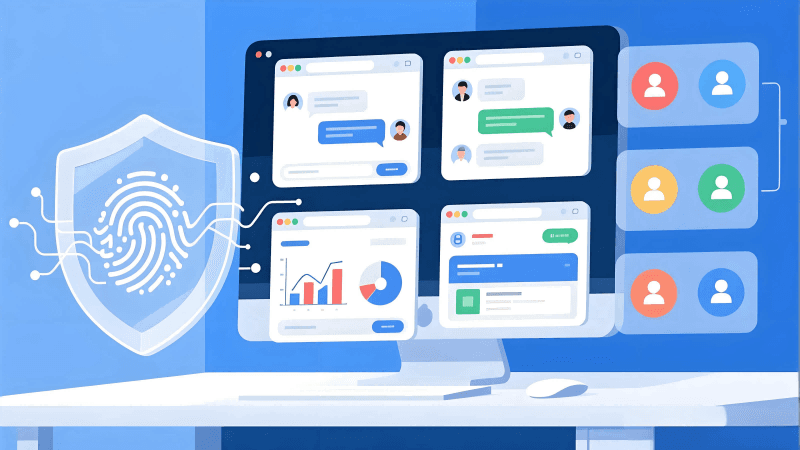
Simply put, a virtual browser is a browser that runs in an isolated mini-environment on your computer. When you open websites or log into accounts, all these operations are performed within a separately isolated virtual space, and the information in this virtual space can be manually configured by us. Each virtual browser can be adjusted to mimic a brand-new device, with independent IP, fingerprint, configuration, and other information, making it difficult for platforms to detect identical browser fingerprints and prevent account bans.
How Does a Virtual Browser Work?
Essentially, a virtual browser runs your internet activities in an isolated virtual environment instead of directly accessing websites using your computer's native environment.
Specifically, it does three things:
1. Create an Independent Virtual Browsing Environment
In this environment, we can set independent system configurations, browser parameters, and fingerprint information, just like on a different computer.
2. Access Websites Using This Virtual Environment
The website only sees the information from the virtual environment, not your real computer's information, thus preventing privacy leakage and detection of duplicate browser information.
3. Display Results Back to You
Finally, the virtual browser displays the website access results to you through the browser window.
To put it simply, after using a virtual browser, even though you are still accessing those websites from your original computer, the websites or platforms cannot directly collect your real device information—only the virtual browser information you have configured.
What Can a Virtual Browser Do & What Features Does It Have?
1. Secure Isolation
Virtual browsers run in an independent environment, completely separate from your real computer's browser. Even if the browser is hijacked or your privacy is tracked, only the virtual browser will be affected.
2.Browser Fingerprint Protection & Privacy
Virtual browsers can generate independent online identities for each environment, such as unique device fingerprints, hidden real IPs, independent Cookies, and non-shared browsing history. These features are ideal for users who need to avoid tracking and isolate multiple accounts.
3. Anonymous Browsing
By combining proxies and VPNs with the browser, we can enhance overall camouflage capabilities, achieve better and more anonymous website browsing, and improve privacy and security.
4. Development & Compatibility Testing
Developers can create environments with different systems and browser parameters in virtual browsers for compatibility testing, without needing to prepare multiple physical devices.
Who Should Use a Virtual Browser?
Advertisers (Meta / Google / TikTok)
Development & Testing Teams
Users Needing Anonymous Access to Certain Websites
Enterprises & Individual Users Seeking Enhanced Online Security
Virtual Browser vs Traditional Browser
| Comparison Item | Virtual Browser | Traditional Browser |
|---|---|---|
| Isolation | Strong | Weak |
| Privacy Protection | High | Low |
| Multi-account Management | Convenient & Auto-isolated | Manual Handling Required, Prone to Confusion |
| Risk Control | More Secure | Higher Risk of Attacks |
| Performance | Affected by Virtualization | Better Local Performance |
The 6 Best Virtual Browsers of 2026
1. MostLogin
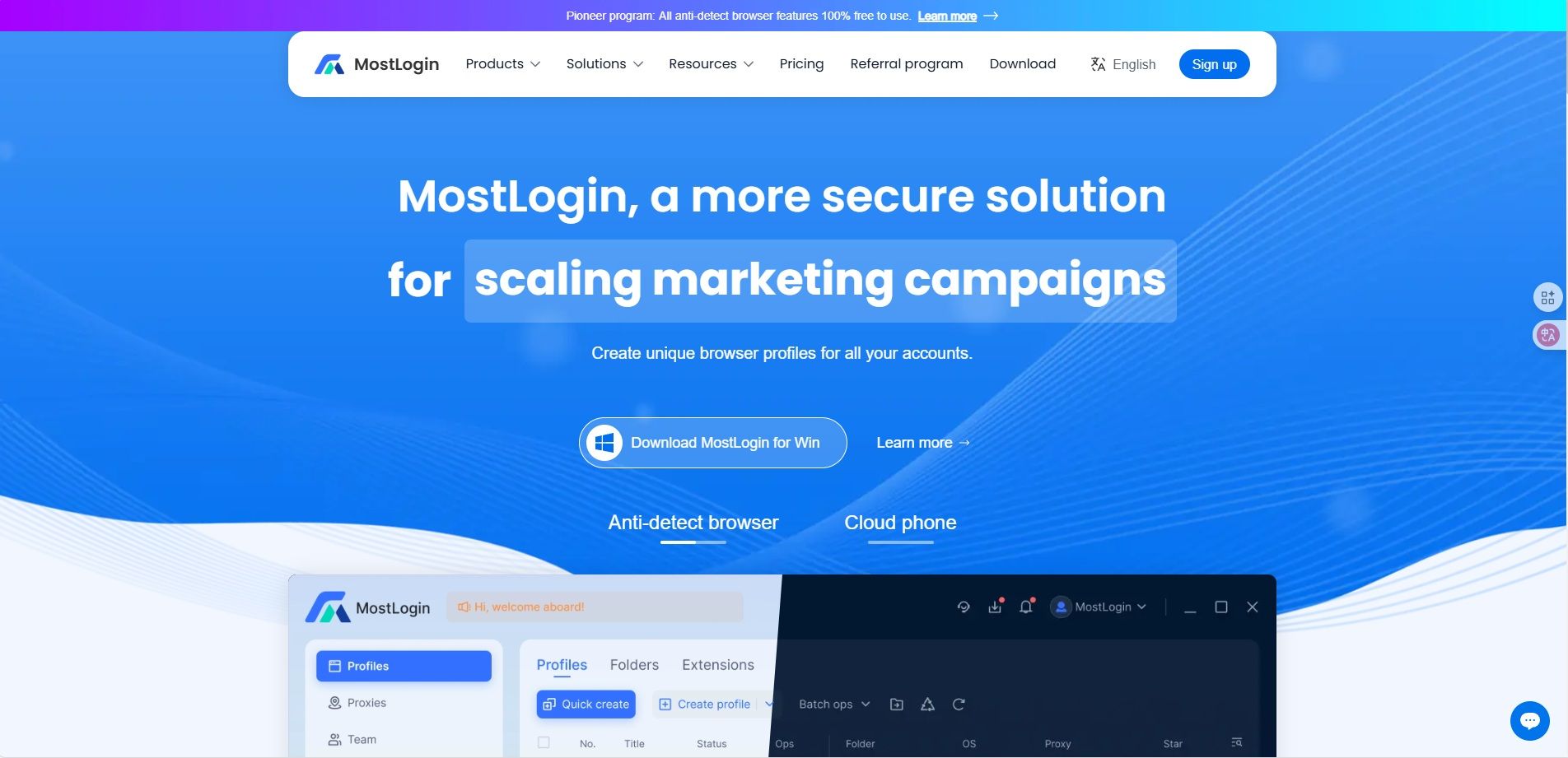
MostLogin is the fastest-evolving and most outstanding fingerprint browser tool this year. Its key advantages include "highly controllable device fingerprints", "enterprise-grade isolated environments", "advanced team collaboration capabilities", and "nearly fully available under current plans features", making it the favorite virtual browser for numerous marketing teams, e-commerce merchants, SEO specialists, and development teams.
Core Advantages:
Ultra-high-strength fingerprint spoofing engine: Generates device-level Canvas/WebGL/Audio fingerprints, hardware parameters, system characteristics, font sets, etc., that are virtually indistinguishable from real devices, making it nearly impossible for risk control systems to detect abnormal devices.
100% independent browser environments: Each window has separate cookies, cache, localStorage, and sessionStorage, identical to real devices.
Automatic multi-region proxy matching: Supports binding residential proxies, mobile proxies, and data center proxies, with automatic matching of time zones, languages, and other system parameters based on IP.
Team permission sharing & information management: Users can quickly share browser environments with team members, preventing asset leakage and enabling better management.
Automation-friendly: Compatible with Selenium, Playwright, and Puppeteer for batch automation tasks and distributed web crawling.
Unlimited window count: Manage hundreds to thousands of windows on a single device, depending on your computer's specifications.
MostLogin is a professional virtual browser designed for affiliate marketing, e-commerce matrix management, SEO testing, social media marketing, and automation tasks, ideal for users with diverse needs.
2. AdsPower

AdsPower is one of the well-known established virtual browsers in the industry, focusing on batch account creation + automation + team management. It is also suitable for e-commerce sellers, advertising teams, and agencies managing large numbers of accounts.
Core Advantages:
Extensive fingerprint templates: AdsPower offers numerous fingerprint templates for one-click generation, including operating systems, screen sizes, audio parameters, font fingerprints, etc., to simulate real device behavior.
Comprehensive automation system: Its built-in RPA can execute clicks, inputs, scrolling, and other operations, allowing users to implement automated workflows without coding—ideal for advertising campaigns, product listing, and content republishing scenarios.
Suitable for long-term team use: Supports cross-device synchronization, member permission division, configuration sharing, and other team features.
Strong proxy integration: Supports binding different types of proxies (HTTP/SOCKS/SSH), with independent settings for each configuration.
Powerful batch capabilities: Batch import accounts, batch configure browser parameters, and batch launch environments with high efficiency.
AdsPower is more suitable for teams engaged in long-term large-scale account operations but comes with a relatively high price tag.
3. Browser.lol
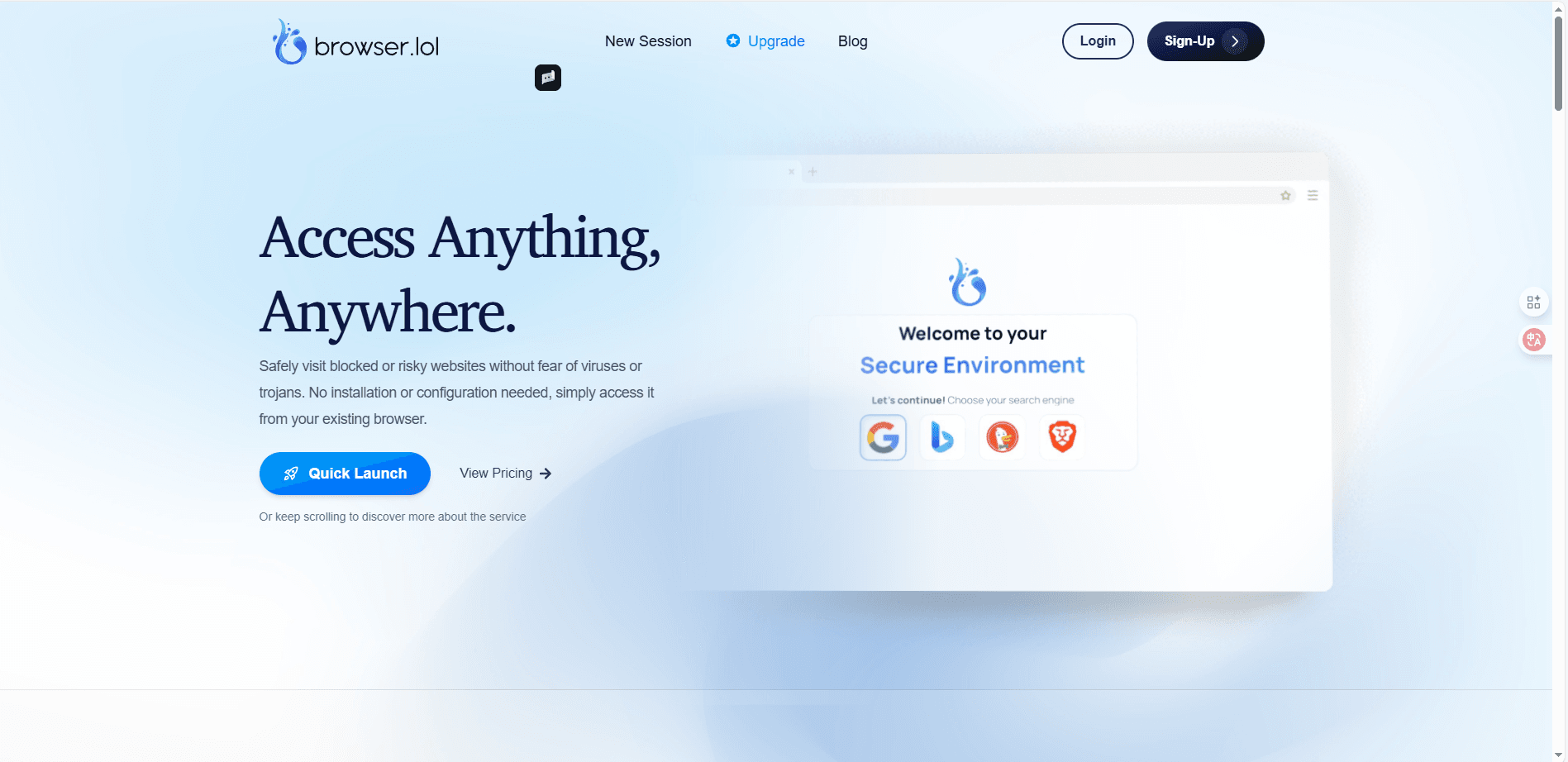
Browser.lol is a lightweight virtual browser that runs entirely in the cloud. It requires no installation and has no complex configuration interface, functioning more like a checkpoint for temporary secure browsing.
Core Advantages:
Cloud-deployed virtual browser: All webpage rendering and scripting occur on remote servers, with almost no data stored on local devices.
Minimal resource consumption: Runs smoothly even on older computers or mobile browsers with low specifications.
Ideal for one-time or temporary operations: Such as opening unsecure links, browsing restricted websites, or accessing web pages with risk warnings.
No login or installation required: Instant access and use for maximum convenience.
High anonymity but unsuitable for large-scale operations: Does not offer fingerprint customization, proxy binding, or multi-account management features.
Browser.lol is more suitable for personal users needing temporary secure browsing rather than as a primary tool for professional marketing scenarios.
4. BrowserStack
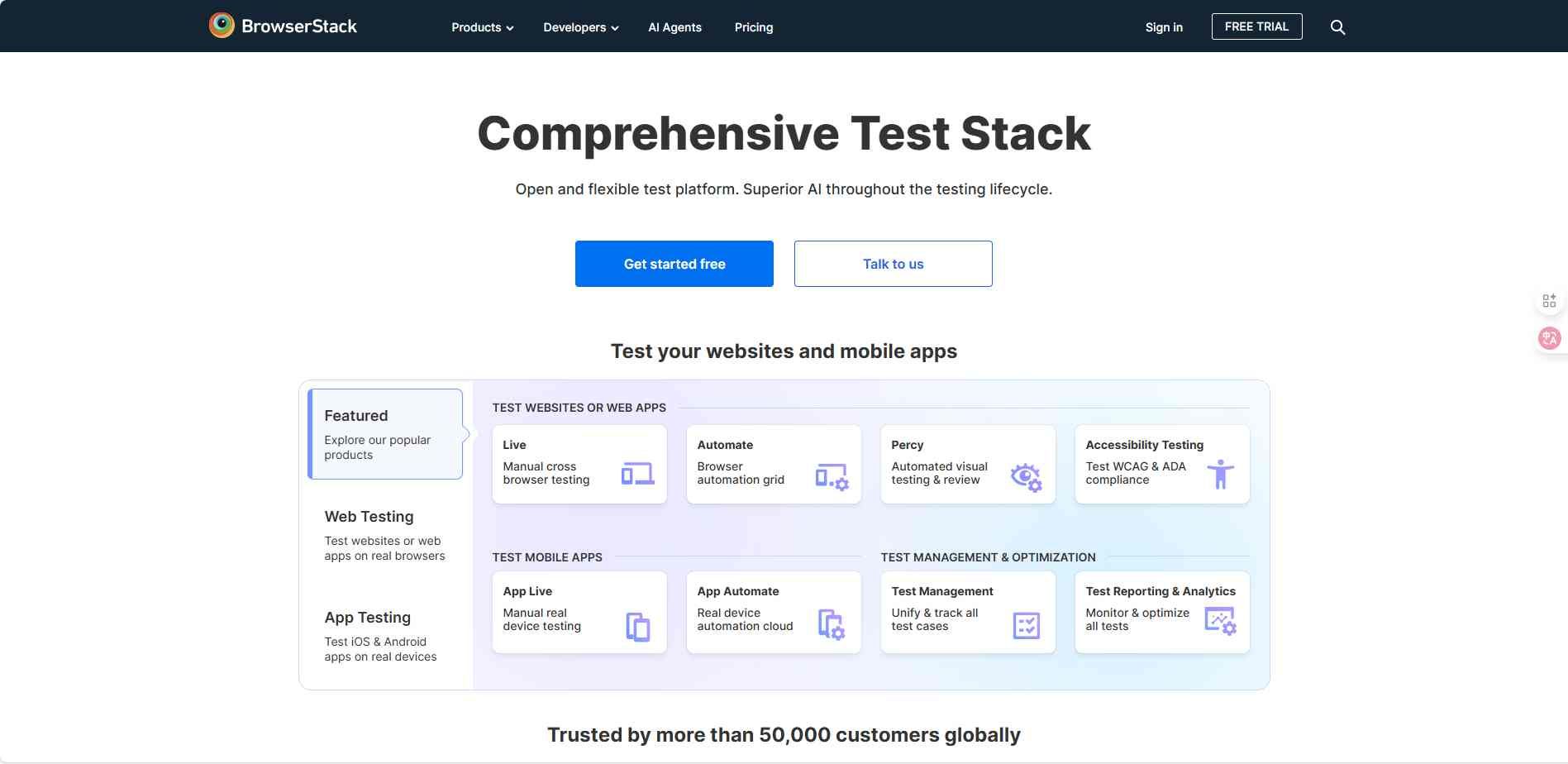
BrowserStack is one of the top virtual browser testing platforms, used by many large corporations.
Core Advantages:
Extensive real device combinations: Includes Android phones, iPhones, tablets, with different operating systems running on real hardware (not emulated).
Enterprise-grade secure isolation: All sessions run on isolated machines to prevent cross-session leakage.
Suitable for global development teams: Supports team permissions, test reviews, automation scripts, and various integrations.
Powerful real-time debugging capabilities: Includes DevTools debugging, network packet capture, performance analysis tools, etc.
Strong parallel testing capabilities: Can launch a large number of devices simultaneously for stress testing.
BrowserStack is more focused on development and enterprise testing rather than account management.
5. Silo Authentic8

Silo Authentic8 is a virtual browser designed specifically for government agencies, financial institutions, and research departments.
Core Advantages:
All data and scripts executed in the cloud: Local devices have zero contact with webpage data, defending against malicious scripts, phishing, and data theft attacks.
Strict access and audit systems: Each session generates access logs and security reports to meet compliance requirements.
Built-in Data Loss Prevention (DLP) tools: Identifies and blocks sensitive data from being exported or screenshot.
Suitable for regulated industries: Such as financial risk control, government security departments, and enterprise privacy teams.
Not optimized for marketing or multi-account use: However, its security level is among the highest available.
Silo Authentic8 is better suited for high-security tasks rather than marketing or operations.
6. Browserling
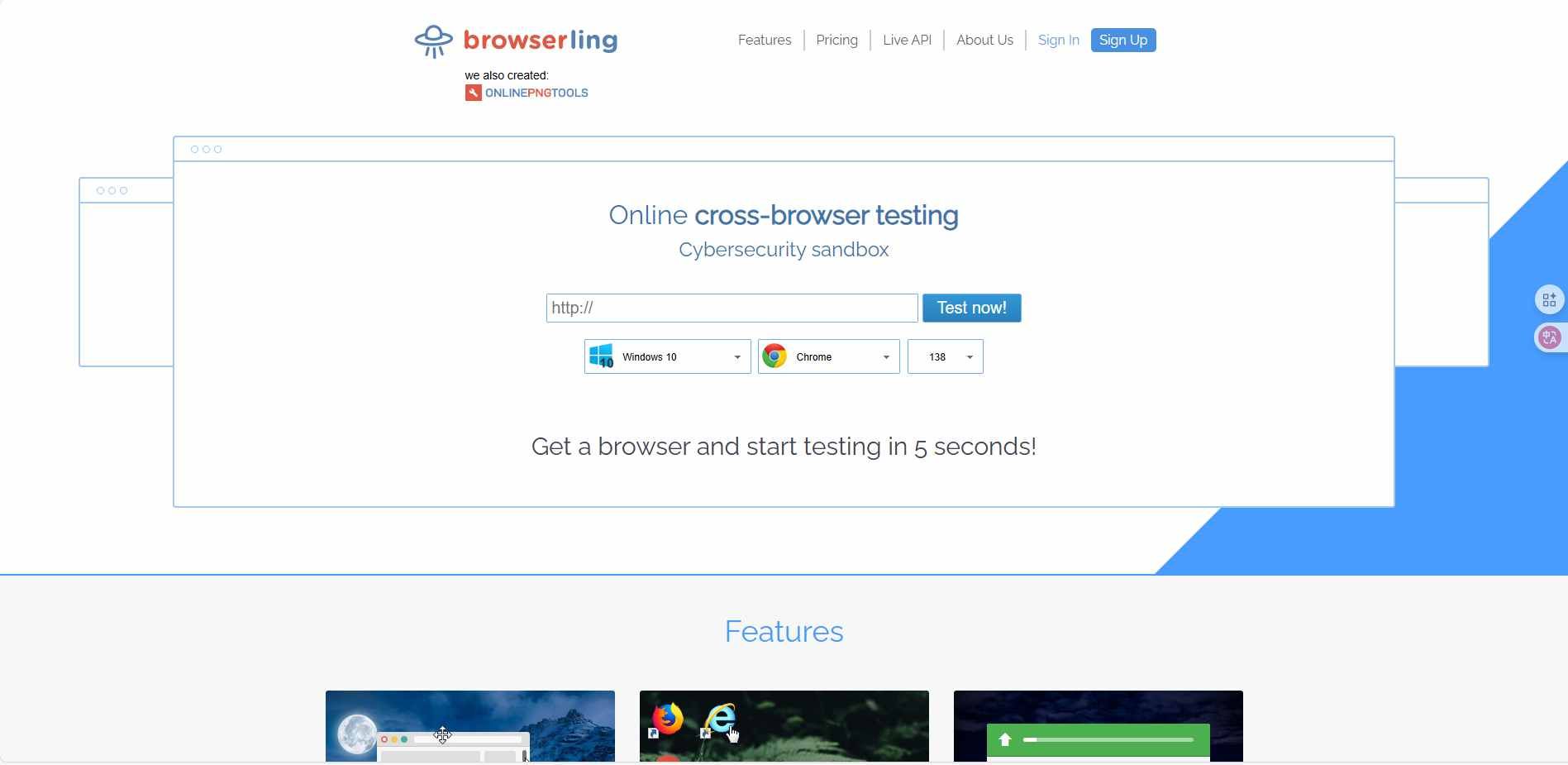
Browserling is primarily positioned as a real-time cross-browser testing platform, providing direct remote access to real browsers—ideal for developers and QA teams.
Core Advantages:
VM-based real browser environments: Unlike other virtual browser configurations, Browserling provides direct access to real browsers on physical Windows/Linux devices.
Ideal for software testing and debugging: Developers can quickly check CSS rendering, browser behavior, script compatibility, etc.
Comprehensive batch screenshot, screen recording, and debugging tools: Quickly verify webpage rendering across different browsers and versions.
No local browser installation required: Access various versions of Chrome, Firefox, Edge, and Safari via the cloud.
Automated testing API: Enterprises can integrate it into CI/CD pipelines.
While not suitable for multi-account operations, it excels in development and testing scenarios.
Feature Comparison Table
| No. | Name | Primary Use Case | Fingerprint Spoofing Capability | Team Collaboration Capability | Automation Compatibility | Proxy Support | Key Features Summary |
|---|---|---|---|---|---|---|---|
| 1 | MostLogin | Matrix operations, e-commerce, SEO testing, social media teams, multi-account & automation tasks | High-strength spoofing; generates device-level Canvas/WebGL/Audio fingerprints, hardware parameters, and system characteristics | Supports permission management, environment sharing, team collaboration, and asset isolation | Natively compatible with Selenium, Playwright, Puppeteer | Supports residential, mobile, and data center proxies with automatic time zone & language matching | Highly controllable fingerprints, independent environments, abundant free features, suitable for operation teams of all sizes |
| 2 | AdsPower | E-commerce operations, advertising campaigns, bulk account management teams | Extensive fingerprint templates for quick generation of various system & hardware fingerprints | Comprehensive team management with synchronization, permission division, and configuration sharing | Built-in RPA for code-free automation | Supports HTTP/SOCKS/SSH proxies | Strong batch capabilities, suitable for long-term large-scale account operations |
| 3 | Browser.lol | Temporary access, unsecure website isolation, lightweight secure browsing | Basic fingerprint spoofing, primarily relying on cloud isolation | No team features available | No automation support | No proxy support | No installation required, minimal resource usage, suitable for one-time access |
| 4 | BrowserStack | Development testing, enterprise webpage compatibility testing | Provides real device environments with no fingerprint spoofing | Supports team testing workflows & permission management | Comprehensive automation API for CI/CD integration | No proxy binding support | Strong real device testing capabilities, suitable for developers & enterprises |
| 5 | Silo | Government agencies, financial sectors, high-security industries | Cloud-based isolation focused on security protection rather than fingerprint simulation | Supports strict access auditing & session monitoring | Basic support available | No multi-proxy binding support | Focused on secure isolation & DLP data leakage prevention |
| 6 | Browserling | Frontend debugging, cross-browser compatibility testing, QA teams | Real browser environments with no fingerprint spoofing | Team usage supported | Provides automated testing API | No proxy binding support | Ideal for development testing with a simple, straightforward interface |
How to Choose the Right Virtual Browser?
There are numerous virtual browser products on the market today. While they differ in design, most share similar core objectives. How should you select a virtual browser that suits your needs? Today, we outline the key features and considerations to keep in mind when choosing a virtual browser!
1. Session Isolation
A high-quality virtual browser should provide an independent runtime environment for each browser profile, including separate Cookies, cache, fingerprint parameters, storage space, and local settings. Excellent isolation mechanisms effectively prevent account cross-contamination, data leakage, and cross-session pollution, making multi-account operations safer and more convenient.
2. Browser Fingerprint Management
Fingerprint customization capabilities are among the most important features of a virtual browser. The ability to freely adjust or spoof operating systems, screen resolutions, time zones, languages, fonts, and other details is crucial for reducing detection or tracking by platforms. The more granular the fingerprint control, the more each session will appear as an independent real user.
3. Proxy Integration Capabilities
A virtual browser must support proxies from multiple platforms and of various types, enabling each browser session to have a unique network identity and geographic location—enhancing account security and login success rates.
4. Automation & Scripting Capabilities
For large-scale task execution scenarios such as bulk data collection, advertising testing, automatic login, and account maintenance, virtual browsers must support automation to improve efficiency and reduce manual operational costs.
5. Team Collaboration & Permission Management
If you require multi-person collaboration, features like cross-device synchronization, role-based permission control, data sharing, and log tracking become critical. Some advanced virtual browsers also offer real-time collaboration, configuration version management, and cross-team environment sharing capabilities.
Summary
Choosing a virtual browser is not just about evaluating its features but ensuring the tool truly aligns with your usage goals. The six virtual browsers mentioned above are the most recommended options for 2026. If you are unsure how to choose, refer to their respective strengths to make your selection. We hope this article is helpful to you!
FAQs:
What is the biggest difference between a virtual browser and a regular browser?
Regular browsers expose your real device information, with all accounts sharing the same browser fingerprint—making them easy to detect. Virtual browsers generate independent fingerprints, IPs, Cookies, and configurations for each window, equivalent to different devices, making it difficult for platforms to collect identical browser fingerprints and impose bans.
Do I need a virtual browser for multiple social media accounts?
If you frequently switch between multiple accounts on the same device, platforms may mistakenly flag them as associated accounts. A virtual browser provides an independent environment for each account, allowing you to use multiple accounts more securely without inexplicable bans.
Do virtual browsers consume a lot of computer resources?
Most virtual browsers have resource usage similar to regular browsers. Tools like MostLogin and AdsPower use lightweight local engines, with increased resource consumption only when opening multiple windows.
Which users benefit most from using a virtual browser?
Cross-border e-commerce sellers, multi-store operators, social media teams, advertisers, developers needing cross-device testing, privacy-conscious users, and studios managing bulk accounts all stand to benefit significantly from virtual browsers.
What are the biggest differences between different virtual browsers?
The key differences lie in four areas: fingerprint spoofing capabilities (authenticity and stability), team collaboration capabilities, automation support (crawlers/scripts), and proxy integration capabilities (residential/mobile proxies, etc.).
Can virtual browsers completely hide real information? Are they secure?
Virtual browsers are not VPNs but provide virtual device fingerprints and sandbox isolation. Advanced products (such as MostLogin) ensure websites only see virtual environment information, significantly enhancing security and reducing risks in multi-account operations.
Best Anti-Detection Browser - MostLogin
MostLogin anti-detection browser tool helps users solve high-frequency issues such as multi-account operations, environment isolation, and account risk control.
For operational questions, please refer to the Official Help Documentation