Many people use the browser's Incognito Mode (Private Mode) when managing social media accounts, cross-border e-commerce accounts, or browsing the web daily. Based on the past experience of many marketers, enabling incognito mode means websites won't be able to identify them.
However, in the current landscape, incognito mode can hardly evade these risk control mechanisms anymore. Today, we'll clearly explain what incognito mode can actually protect against, what it can't, and whether it affects account identification, association, and risk control.

I. What Exactly Does Incognito Mode Do?
To start with the conclusion, incognito mode only prevents local record-keeping and does not make you invisible to websites. It mainly performs three functions:
No browsing history saved: No access records will be left locally after closing the window.
No long-term Cookie storage: Cookies written by websites will be deleted after the session ends.
No form and cache data retention: For example, accounts you've logged into and forms you've filled out will not be saved automatically.
However, all these only hide your activity from other users of the same computer, not from the websites themselves. Website servers still record certain data, which is the main reason for being identified.
II. How Do Websites Identify and Track Your Account?
Many people think that with incognito mode enabled and Cookies disabled, websites can't track them. But the identification methods used by mainstream platforms today no longer rely on a single Cookie; instead, they use multi-dimensional combined identification.
1. Your IP Address Remains Exposed
Incognito mode does not change your IP address. Websites can still see information such as which country/city you're from, whether it's a data center IP/residential IP or mobile IP, and if multiple accounts frequently share the same IP segment.
In the eyes of risk control systems, IP is the most basic layer of identity characteristics. Incognito mode is basically completely ineffective for most modern websites.
2. Browser Fingerprint Does Not Disappear in Incognito Mode
This is the key point many people overlook—modern websites can identify devices through browser fingerprinting. It doesn't collect who you are, but rather what your device information looks like.
A typical browser fingerprint includes:
Browser version
Operating system
Screen resolution
Font list
Time zone and language settings
Number of hardware concurrent processes and graphics card information
The combination of this information can often form a highly unique device characteristic value, which is very distinctive for identity verification. In incognito mode, this information remains almost unchanged, so accounts can still be linked together easily.
3. Login Behavior Itself Is a Strong Identification Signal
Once you log into an account, the platform can connect a variety of your behaviors:
Login time patterns
Operation paths (click, stay, scroll habits)
Frequency of network environment changes
Whether the device environment switches identities frequently
If you repeatedly log into multiple accounts in incognito mode on the same device environment, the system is more likely to judge it as a high-risk behavior of deliberately clearing Cookies and logging into multiple accounts. This is a common trigger for risk control on social media, e-commerce, and advertising platforms.
III. Why Are Accounts Still Linked Even with Incognito Mode Enabled?
To sum it up in one sentence: incognito mode only clears superficial traces, but deep environmental fingerprints and network characteristics still remain. Platform risk control logic usually makes judgments from multiple aspects. When information from multiple aspects overlaps at the same time, the system can still determine with high confidence that it is the same operator or the same device environment, even without Cookies.
IV. What Is Incognito Mode Suitable For?
Having said all this, it's not that incognito mode is useless, but it needs to be used in the right scenarios.
It is suitable for:
Temporarily logging into someone else's account without leaving records on the local device
Testing the display effect of web pages in an "unlogged state"
Avoiding long-term local storage of login information
And it is not suitable for:
Being used as a multi-account isolation tool
Evading platform risk control identification
Serving as a complete privacy anti-tracking solution
V. How Can We Prevent Account Tracking?
If we need to manage multiple accounts on multiple platforms or stably operate accounts in a specific region, we'd better use some professional anti-detection browsers for operations. MostLogin Anti-Detection Browser is an excellent tool that can help us prevent account tracking, allowing us to individually set various information for browser windows.
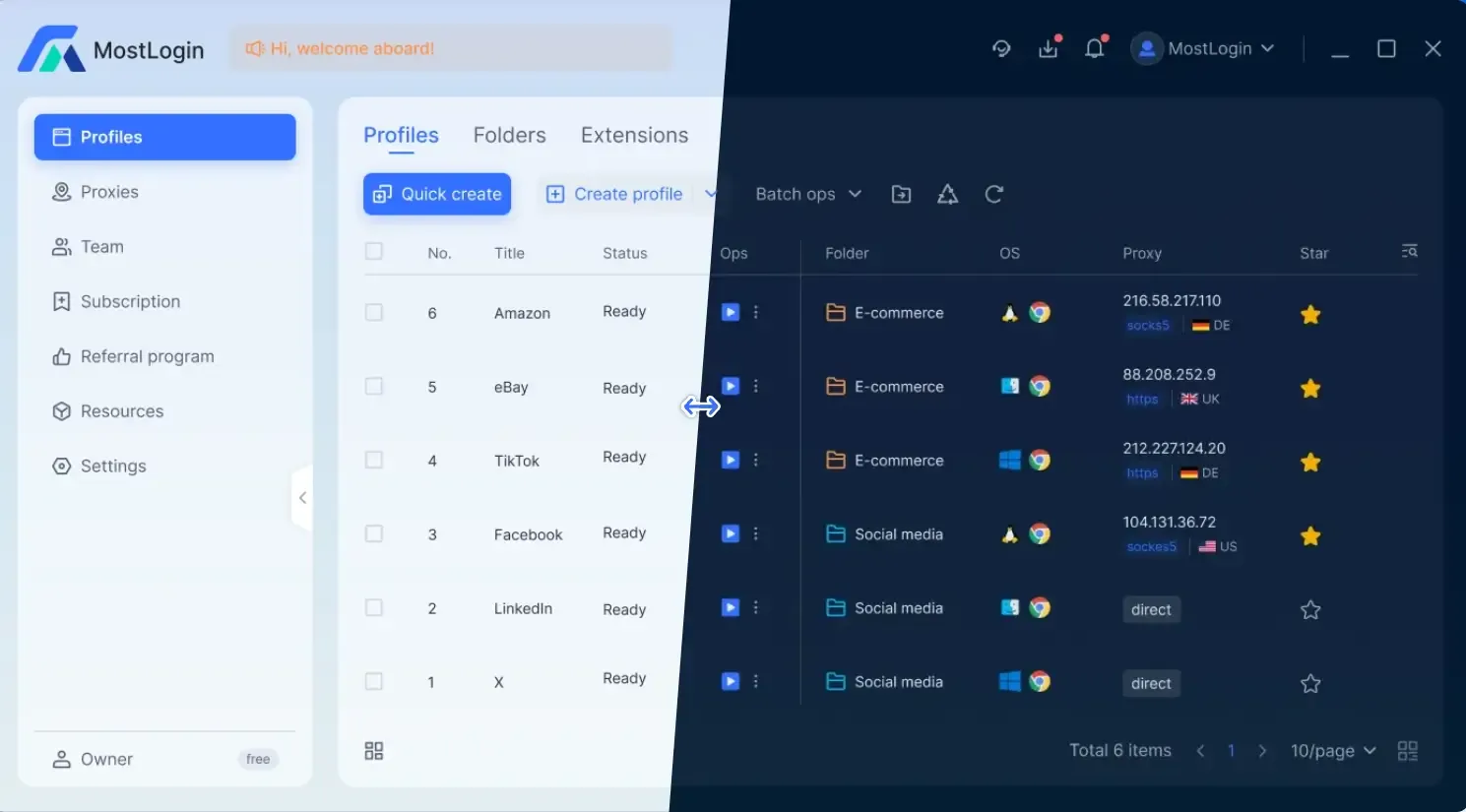
It is designed to prevent browser fingerprint detection. We can easily isolate multiple accounts or set relevant window information to avoid being tracked by the risk control systems of various platforms. This is also a way to protect our multiple accounts.
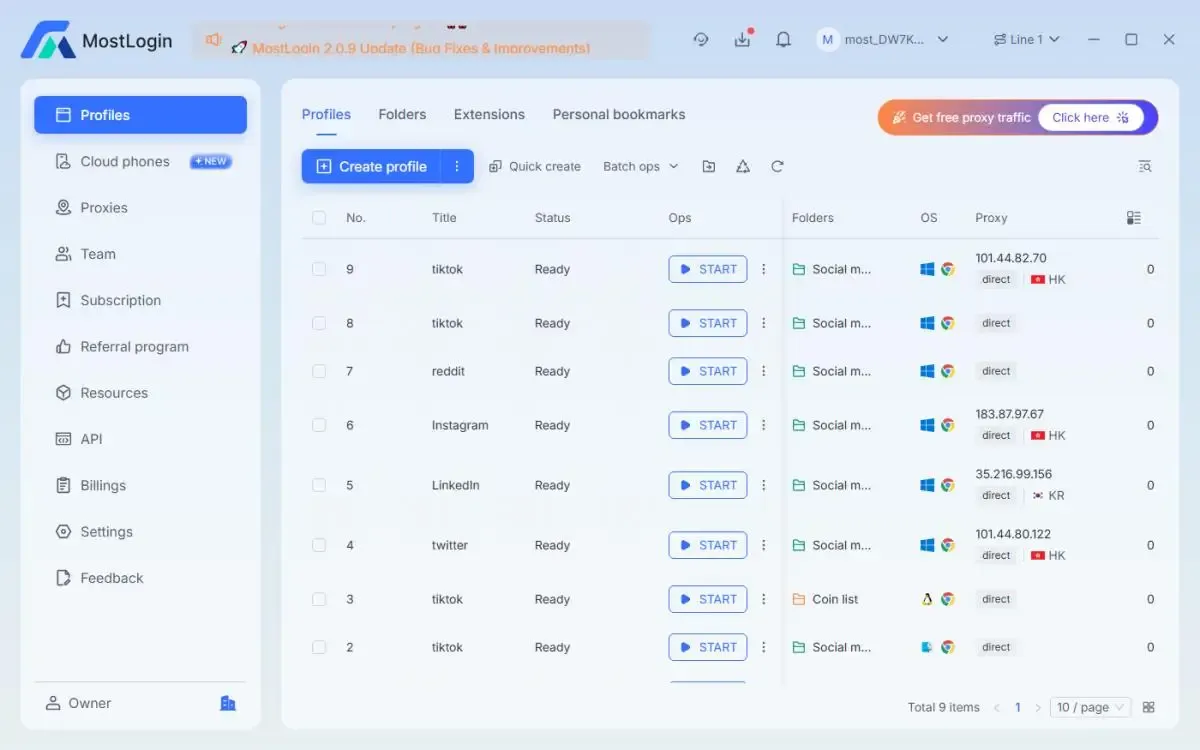
Whether we are managing social media accounts, cross-border e-commerce accounts, or browsing the web daily, using a professional anti-detection browser for operations can not only improve overall efficiency but also optimize our operational experience. Currently, the MostLogin Anti-Detection Browser has a Pioneer Program, with anti-detection browser features available according to the current plan. Welcome to try it out~
Summary
Overall, incognito mode is not a tool designed for anti-tracking, anti-association, or anti-risk control; it mostly only solves the problem of local privacy record-keeping. Under the current platform risk control system, IP addresses, browser fingerprints, device environments, and login behaviors are the key factors that truly determine whether an account will be identified and associated. We highly recommend using a professional and complete environment isolation solution—the MostLogin Anti-Detection Browser—to protect our accounts more safely and sustainably.
FAQs
Can incognito mode prevent platforms from tracking me?
No, incognito mode only clears local records, and platforms can still identify you through various methods.
Will my IP address change after enabling incognito mode?
No, incognito mode will not hide or change your real IP address.
Does browser fingerprint still exist in incognito mode?
Yes, device and browser fingerprints remain almost unchanged in incognito mode.
Is it safe to log into multiple accounts in incognito mode?
No, repeatedly clearing traces and logging into multiple accounts is more likely to trigger risk control.
What scenarios is incognito mode suitable for?
It is suitable for temporary logins, testing unlogged pages, or avoiding local information storage.
How to reduce the risk of being tracked when operating multiple accounts?
Professional isolation from both network environment and browser fingerprint aspects is required, rather than relying solely on incognito mode.
The MostLogin Anti-Detection Browser tool helps users solve high-frequency problems such as multi-account operation, environment isolation, and account risk control.
For operational questions, please refer to the Official Help Documentation